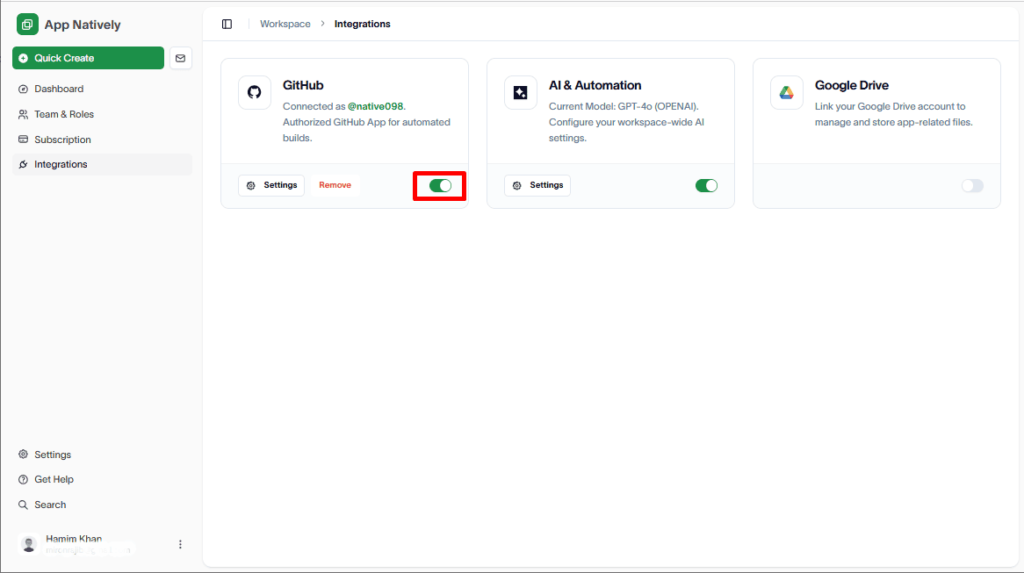
To connect your GitHub account with AppNatively, visit:
https://appnatively.com/studio
Note: GitHub integration is required only to create a production-ready app.
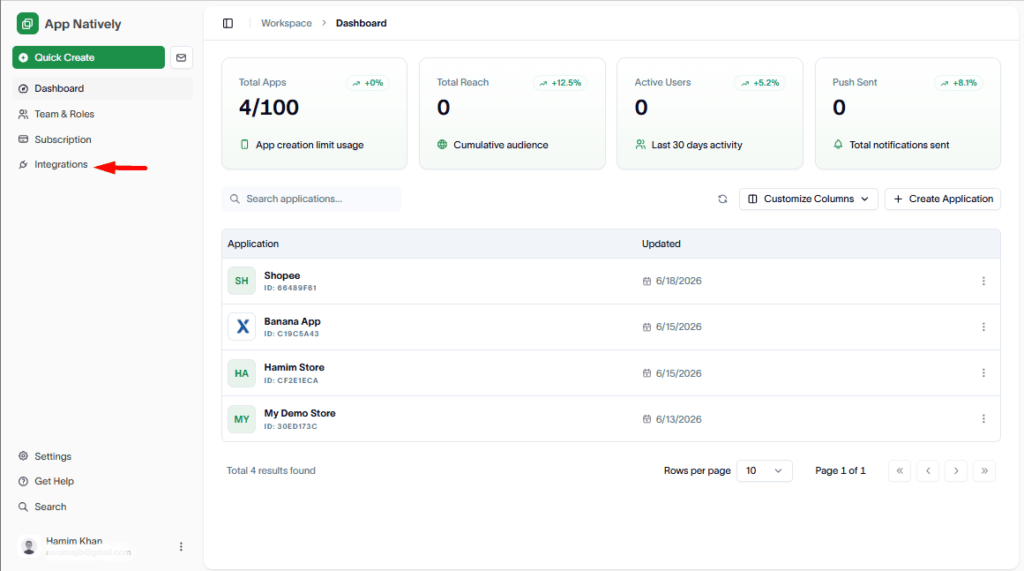
Then, click on Integrations
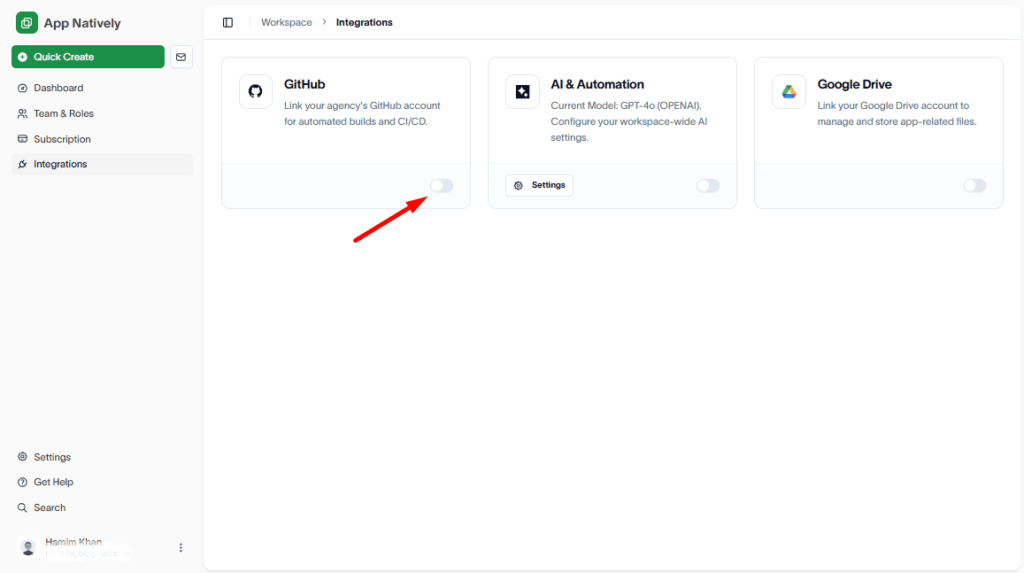
Next, turn the GitHub integration toggle on.
Then select the GitHub organization under your personal GitHub account.
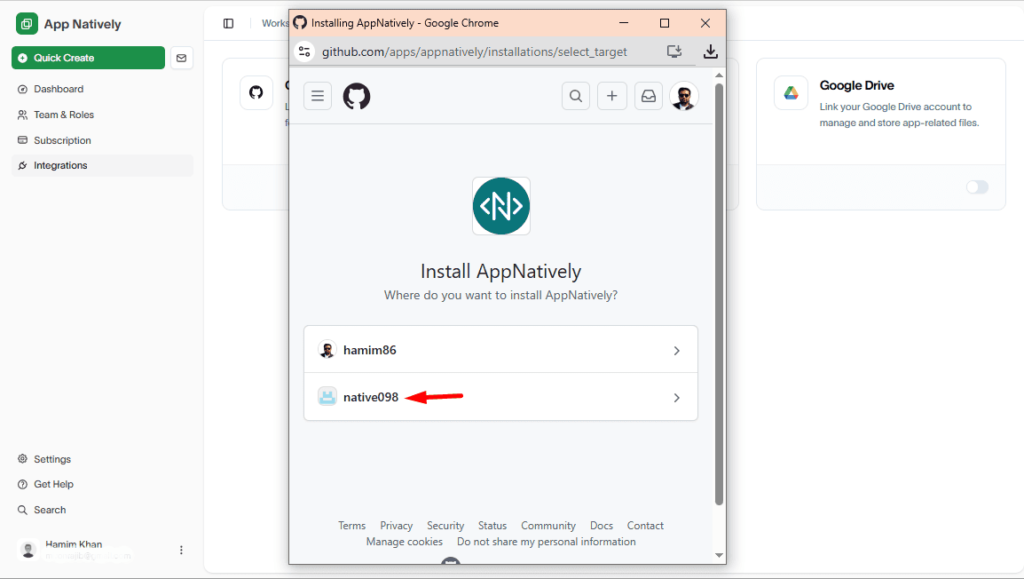
If no organization exists under your GitHub account, go to the following link to create one:
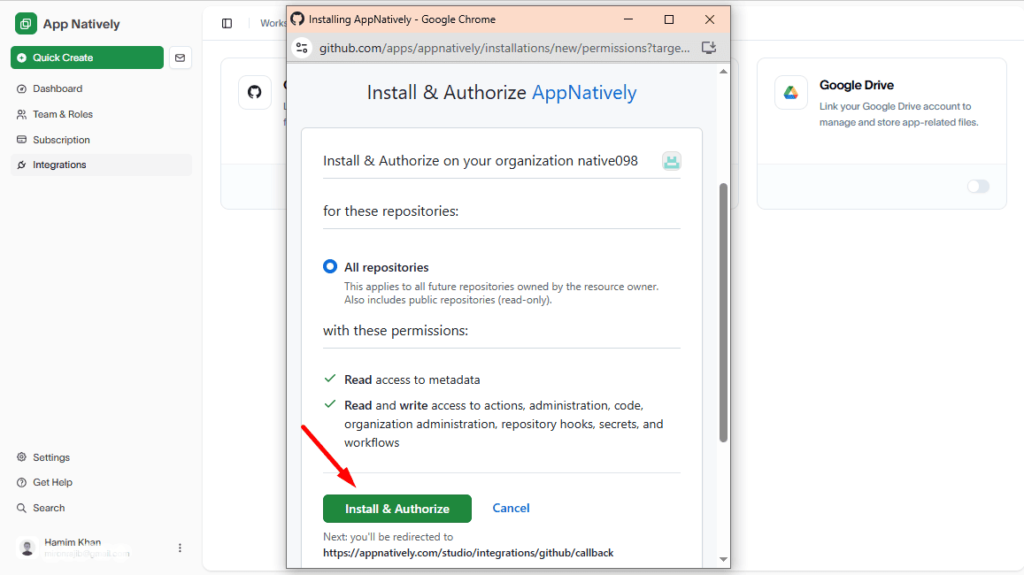
Finally, hit the Install & Authorize button.
Congratulations! You have successfully connected GitHub with AppNatively.