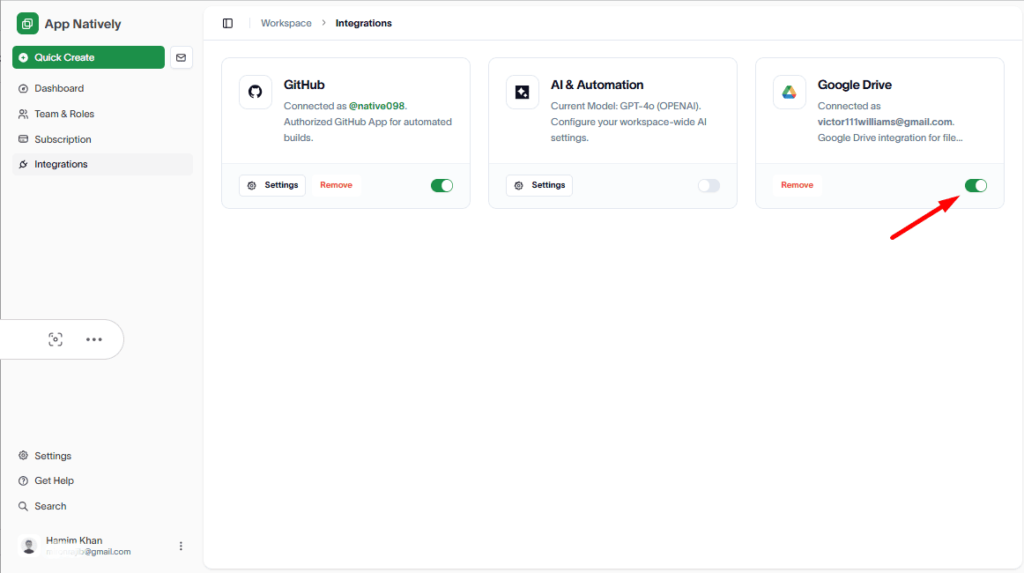
Connecting Google Drive with AppNatively allows you to store app related files like Splash & App icon.
To connect Google Drive, visit: https://appnatively.com/studio
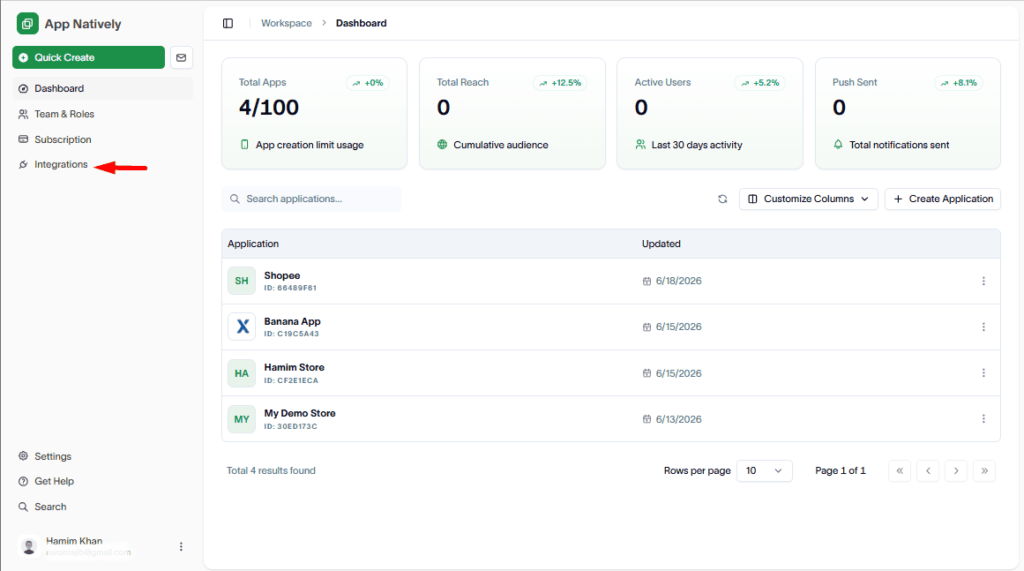
Then, navigate to Integrations.
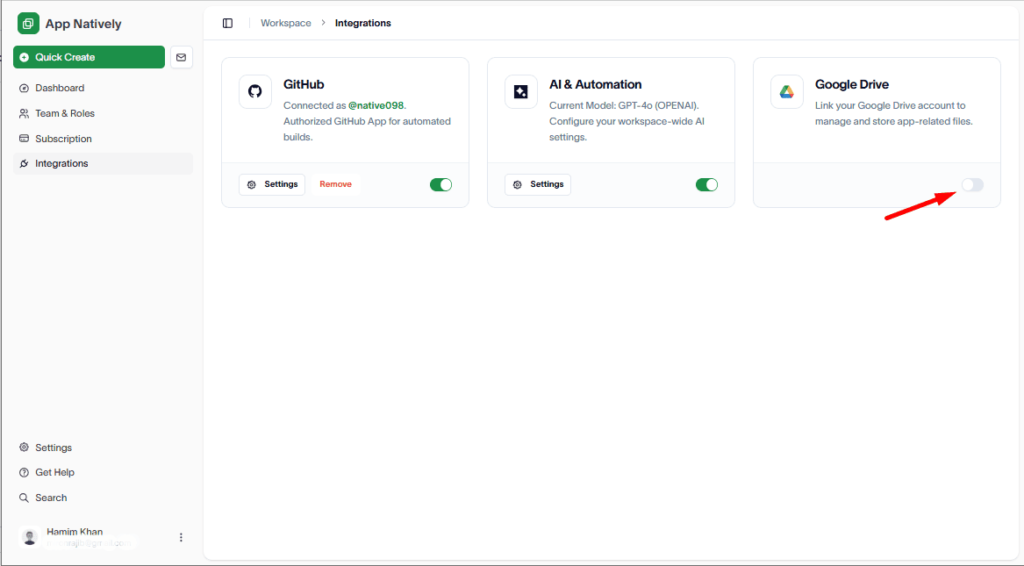
Up next, turn the Google Drive Toggle on.
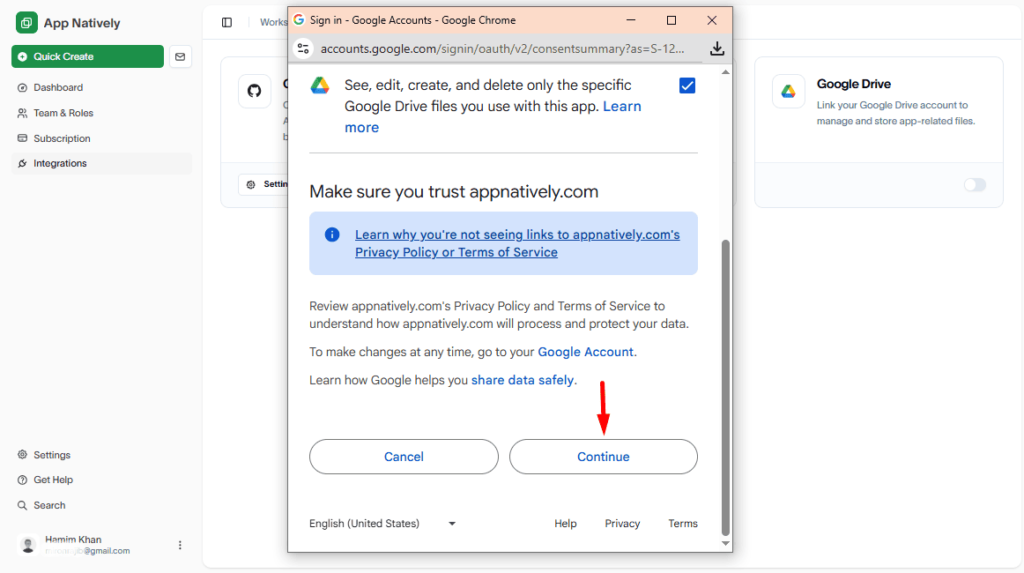
Next, check the Box to allow this app to view, edit, create, and delete only the Google Drive files that you use with it.
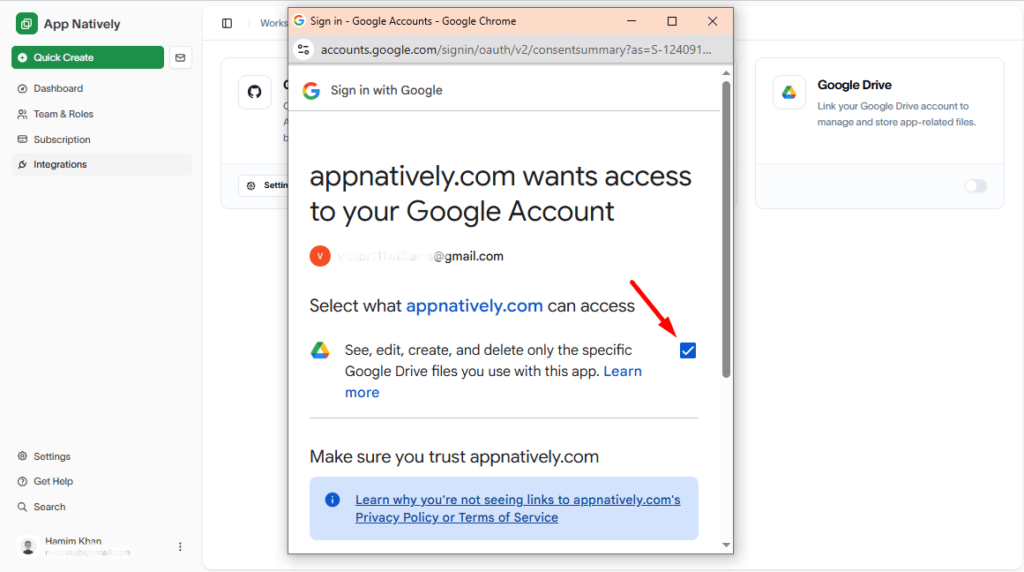
Hit the Continue button.
Congrats, you have successfully connected Google Drive.