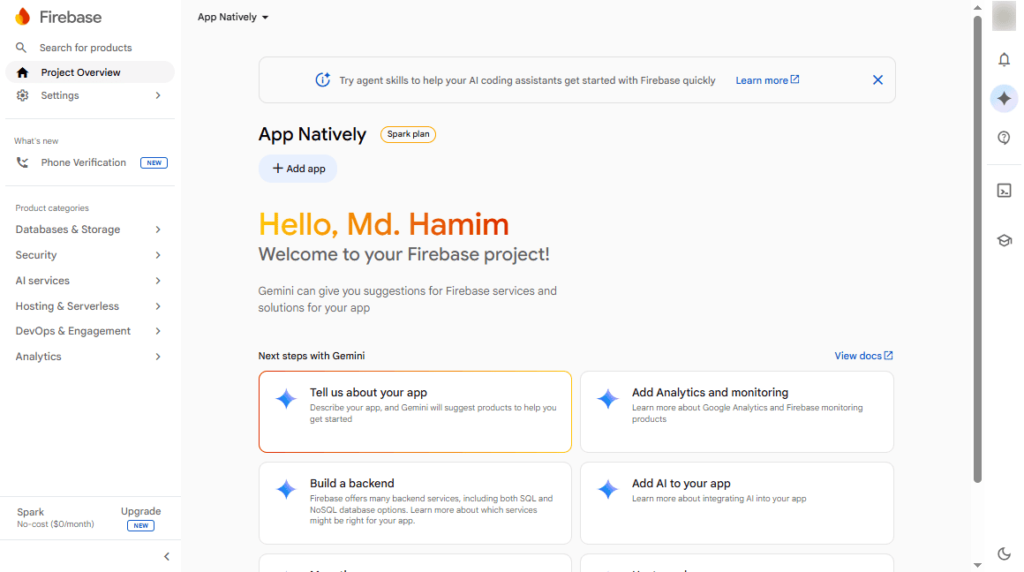
A Firebase project is required to integrate Firebase Cloud Messaging (FCM) with your mobile application.
FCM enables you to send push notifications to users on Android and iOS devices, helping you deliver real-time updates, promotions, and important alerts.
Prerequisites
- A Google account.
- Access to the Firebase Console.
Steps
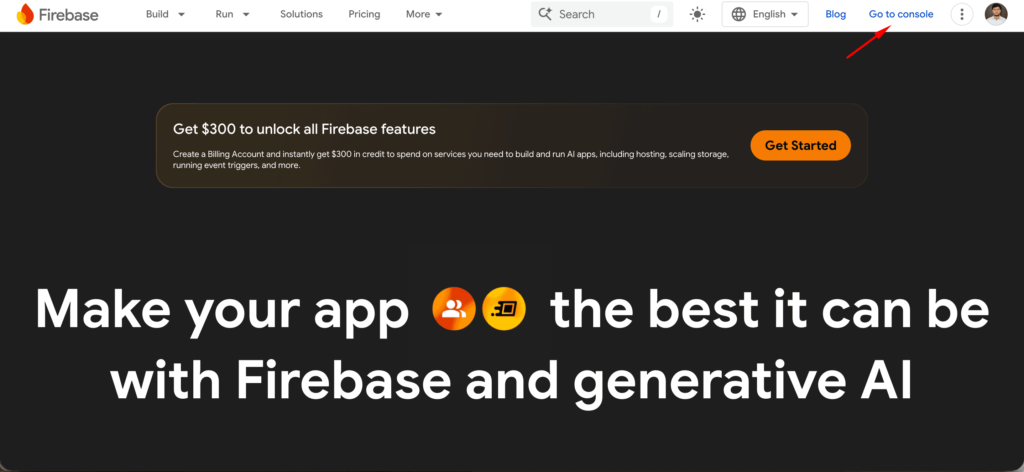
First, navigate to the Firebase Console from the Firebase homepage.
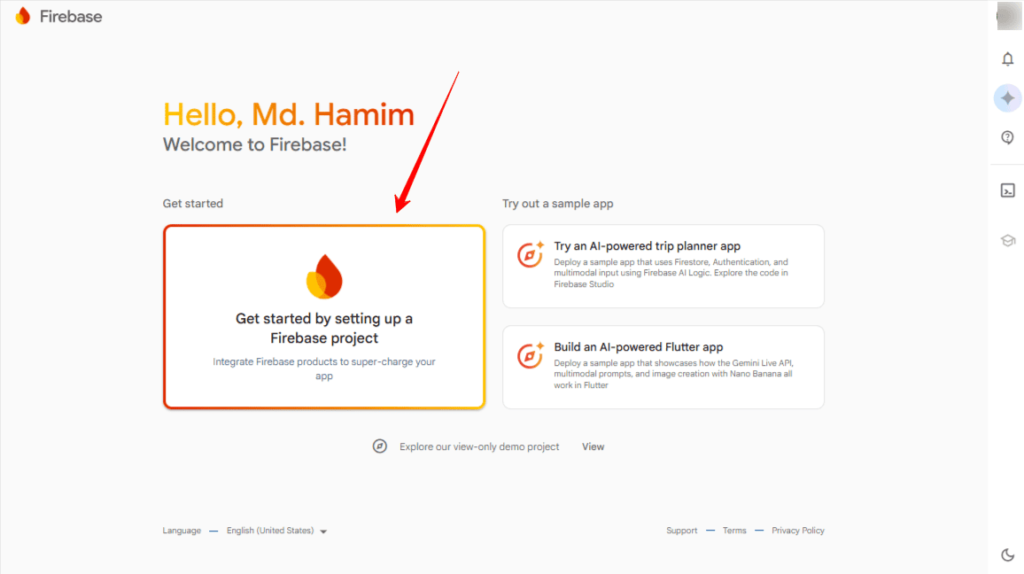
Then, click “Get started by setting up a Firebase project“
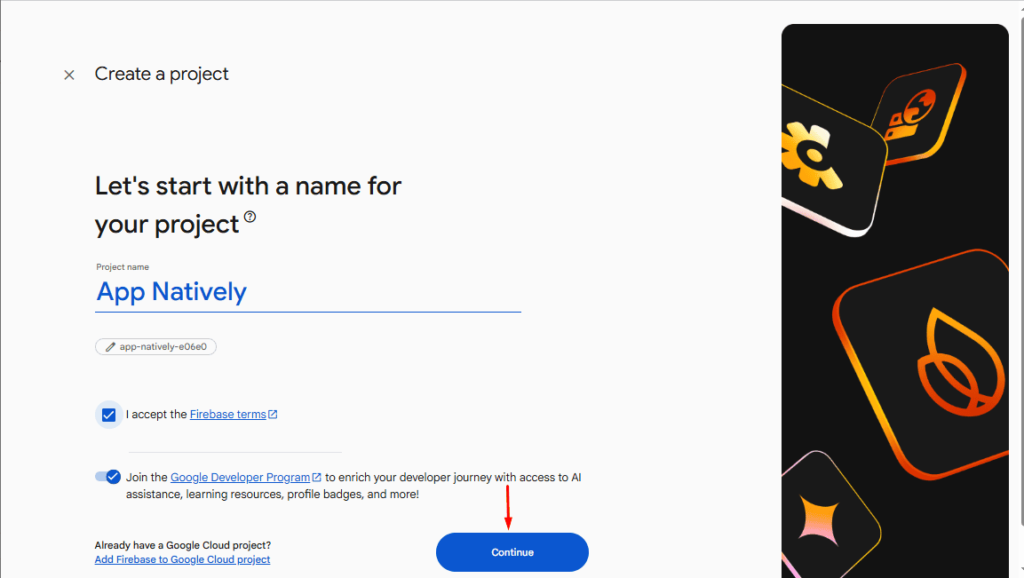
Next, enter a name for your Firebase project and accept the Firebase terms.
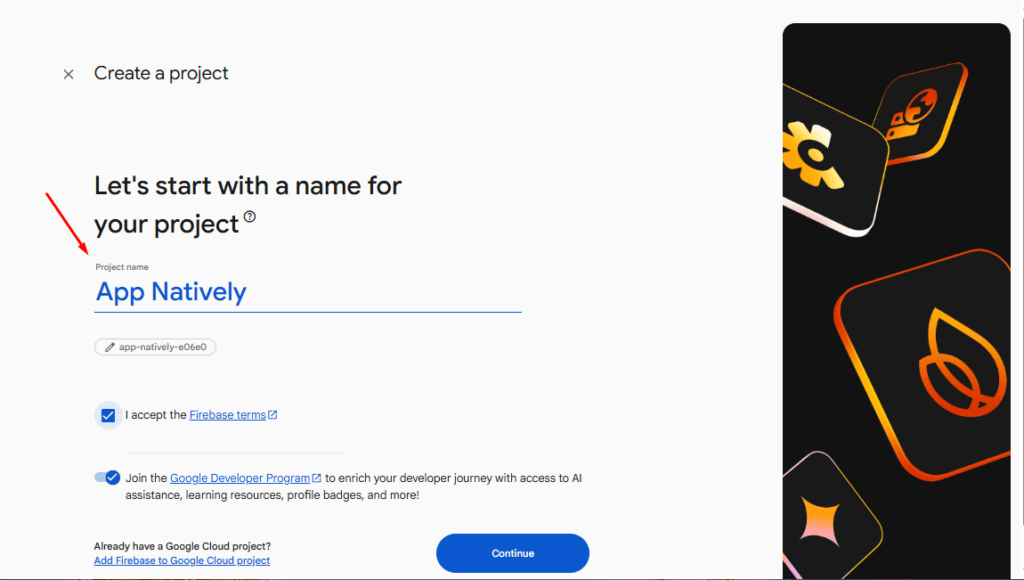
Hit the Continue button with other steps completed.
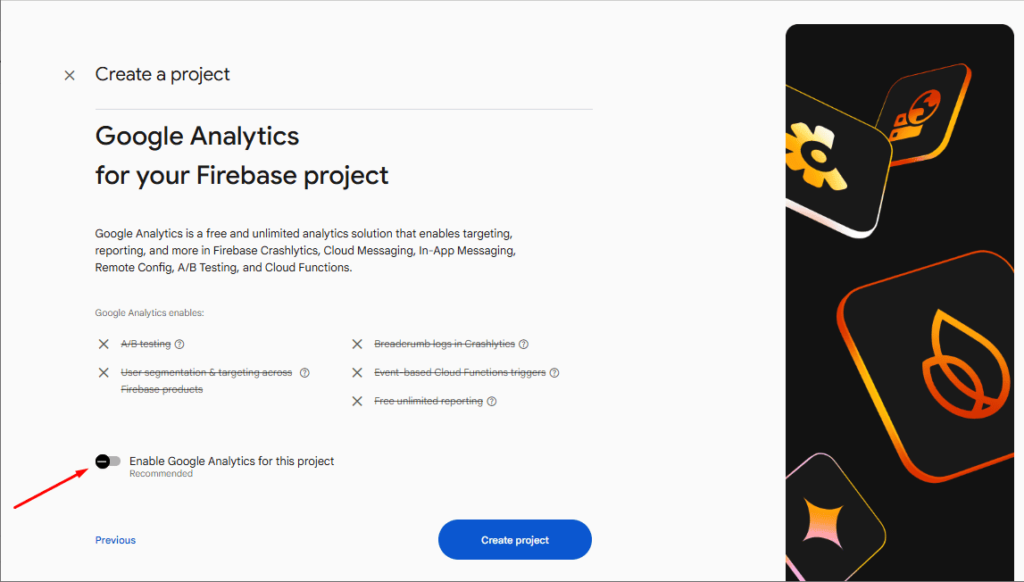
(Optional) Enable Google Analytics if required. However, for AppNatively, you don’t need to enable Google Analytics.
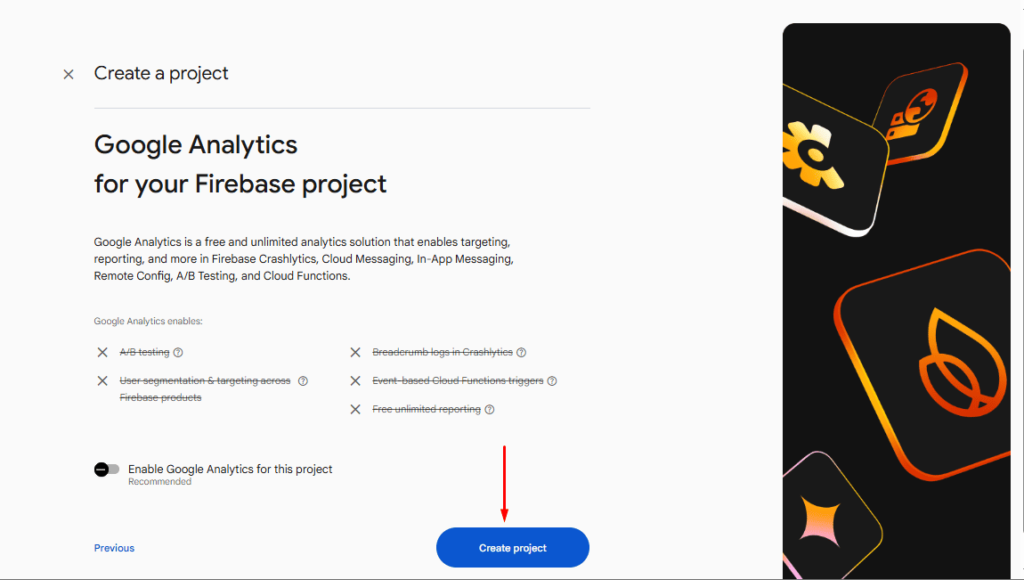
Finally, click the Create Project button.
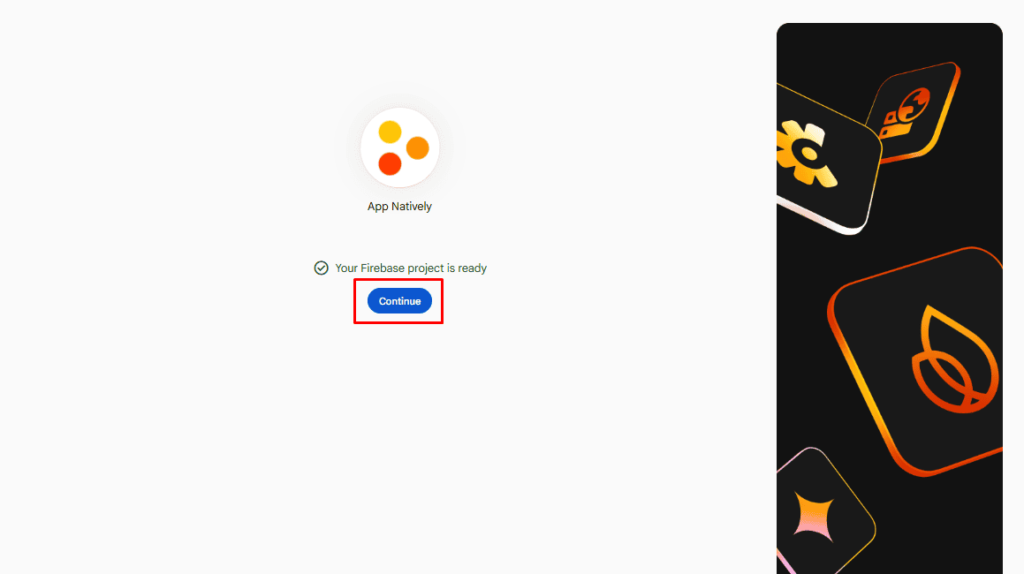
Your Firebase project is ready to be connected to your mobile application.
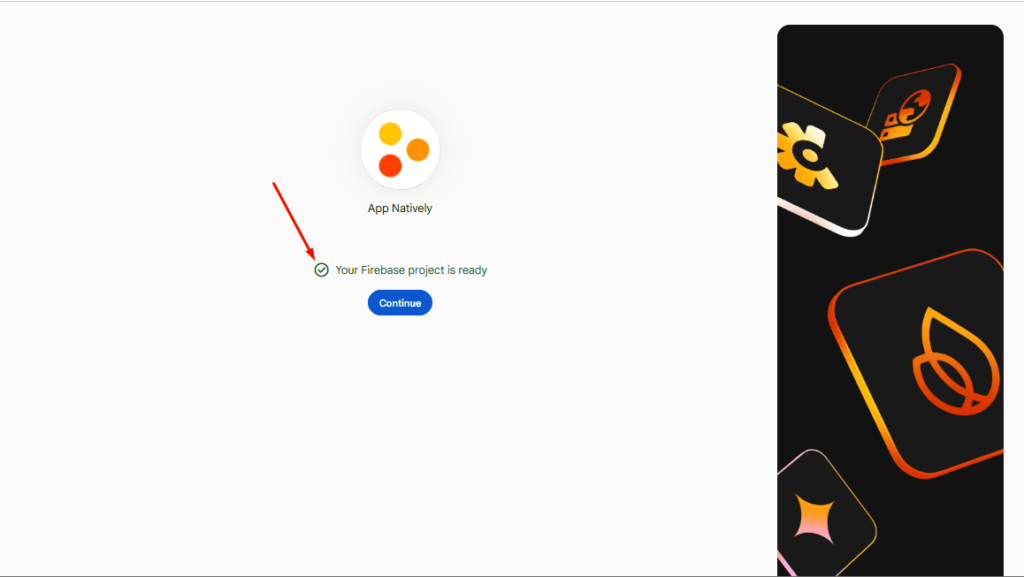
Next, click Continue to open the Firebase project dashboard.
And now, you are in your Firebase project dashboard.