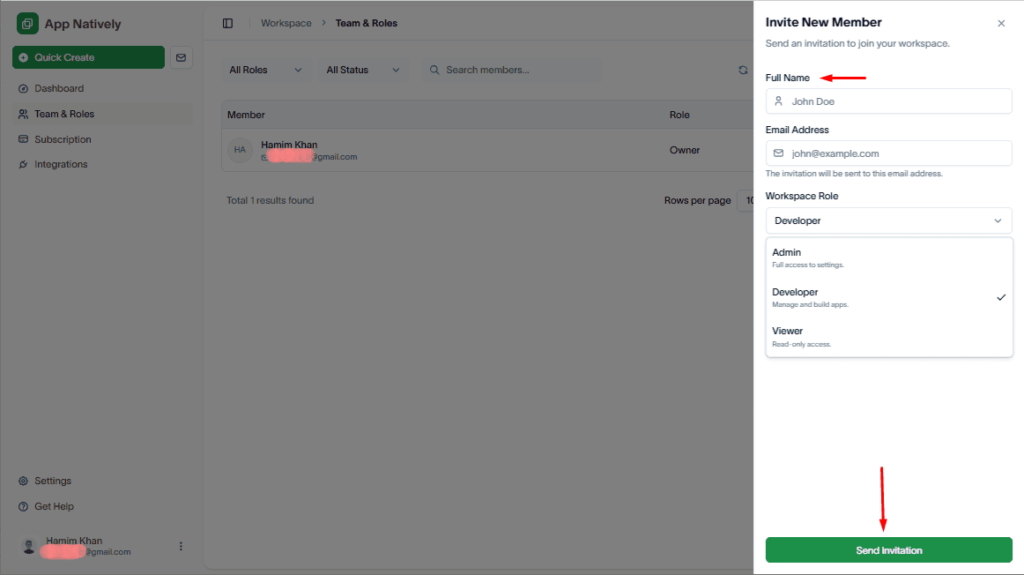
Invite team members to your workspace so they can access, edit, and manage your native app builder and collaborate based on their assigned roles and permissions.
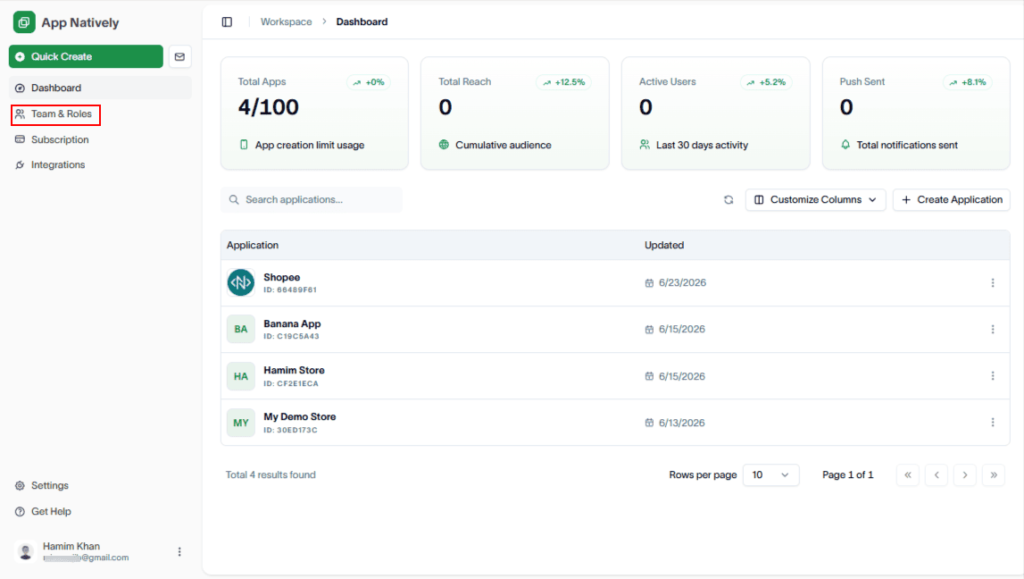
To do this, navigate to Workspace > Team & Roles.
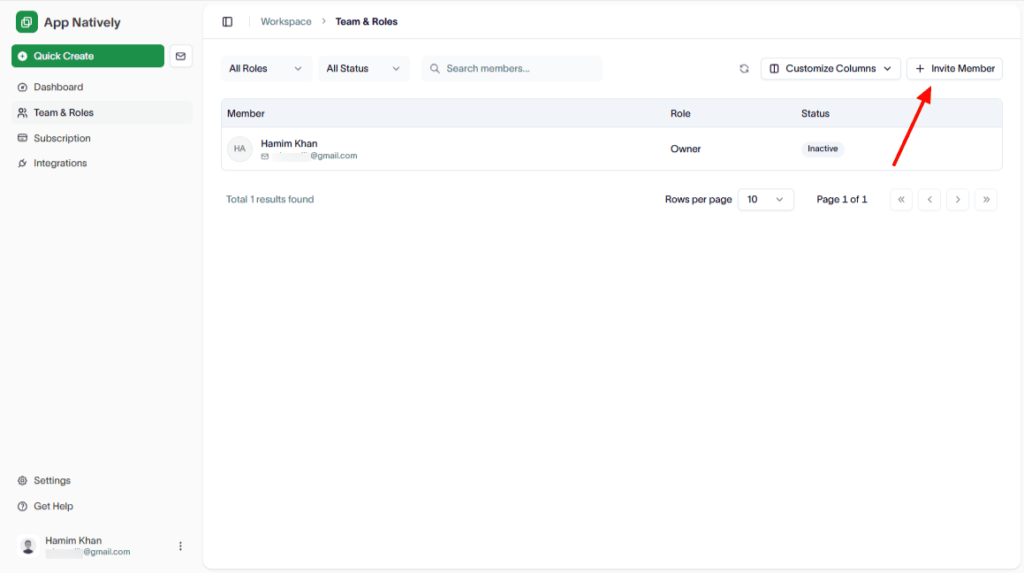
Then, click Invite Member.
In the Invite New Member drawer, enter the member’s details, role, and send the invitation.