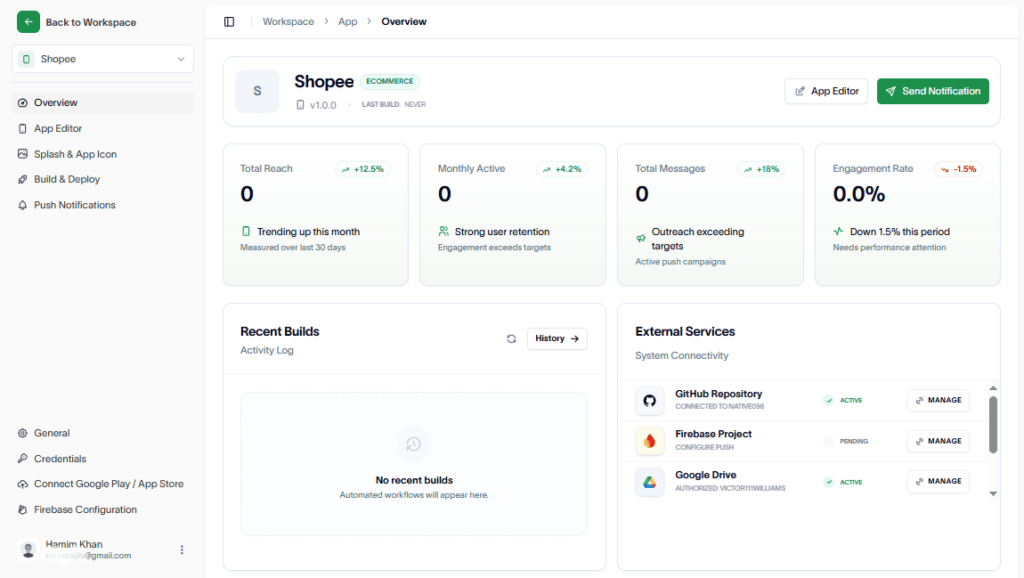
To customize the app icon and splash screen icon, go to the app you’ve created.
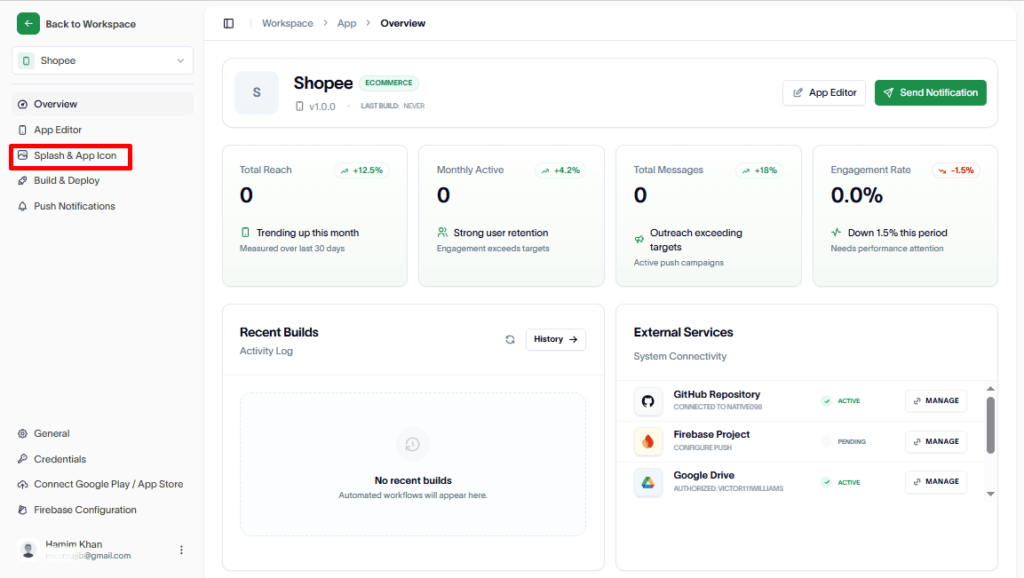
Hit the Splash & App Icon
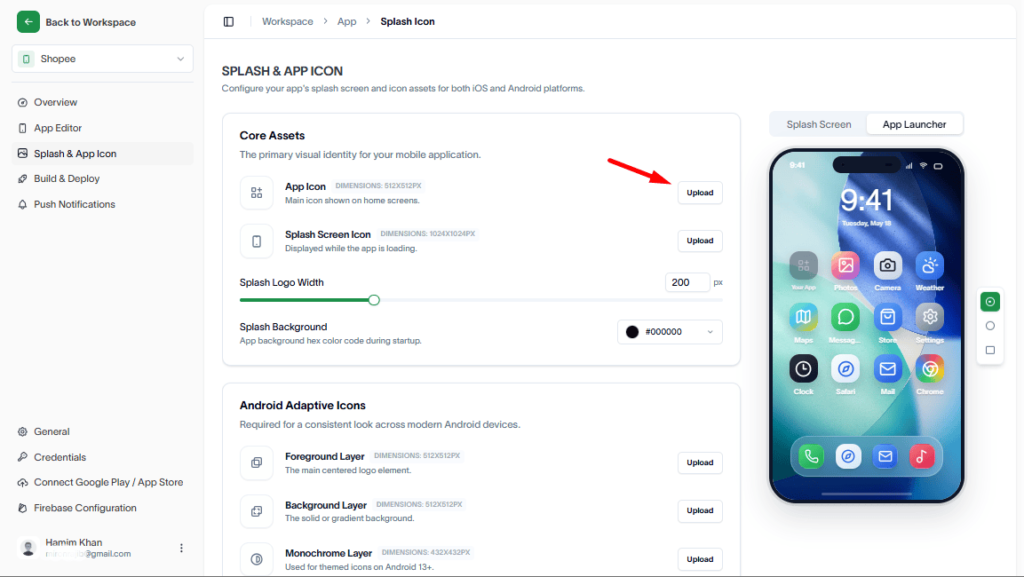
Next, upload the app icon.
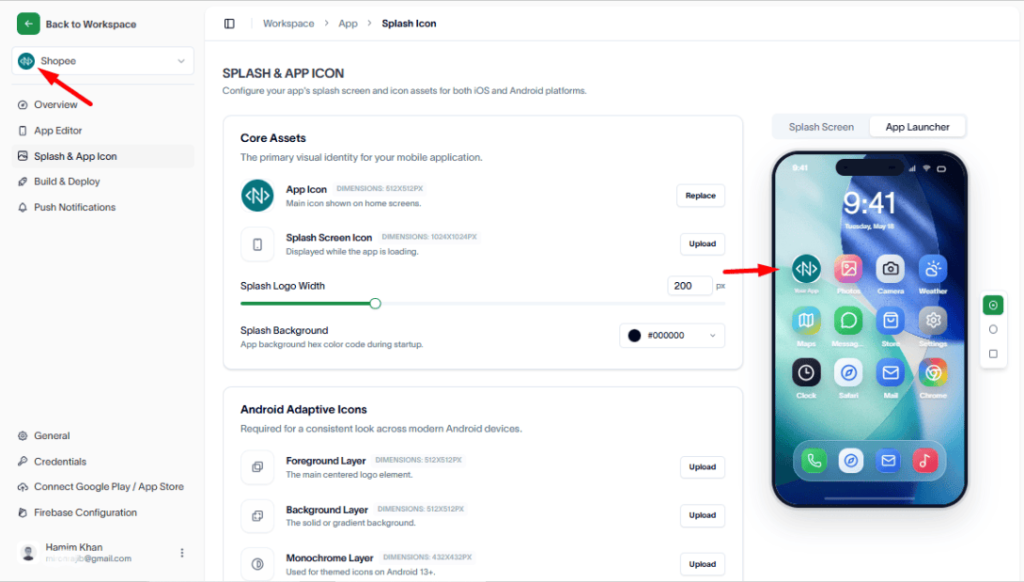
Finally, you have set the App Icon.
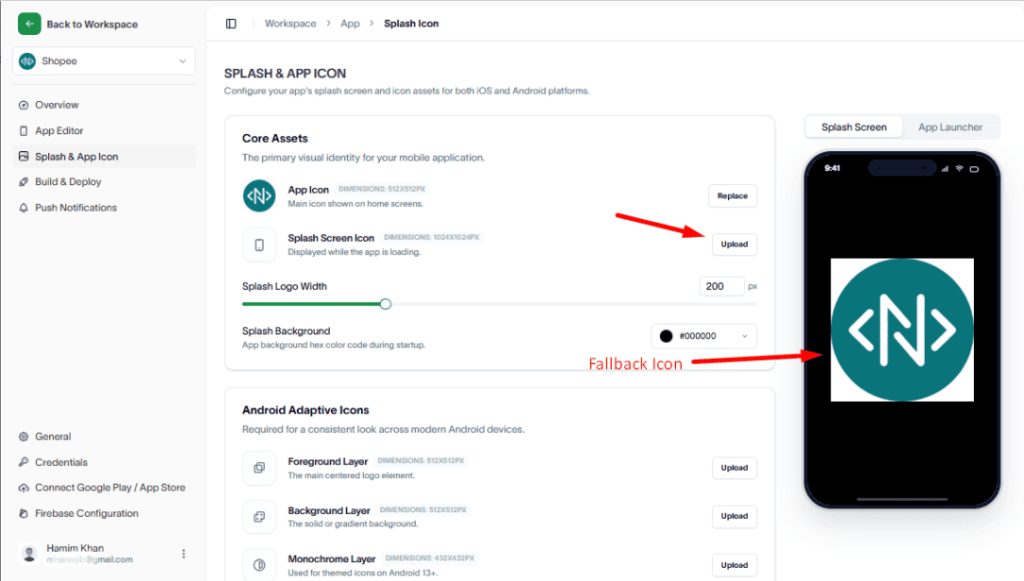
Next, upload your Splash Screen Icon. Until you upload one, a Fallback image will be displayed as the splash screen icon because no custom icon has been set yet.
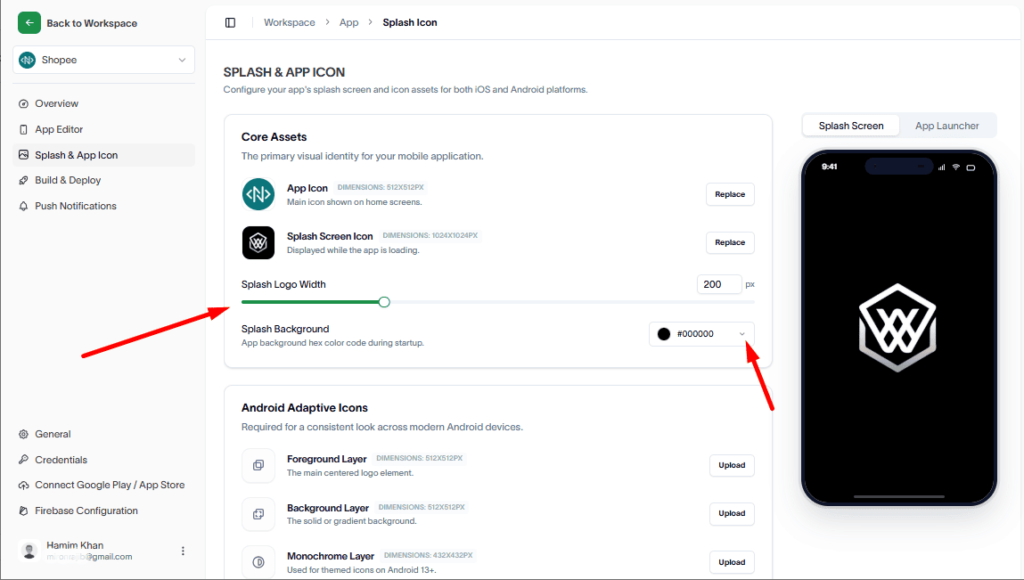
Now, you can change the background of your splash icon if you want.
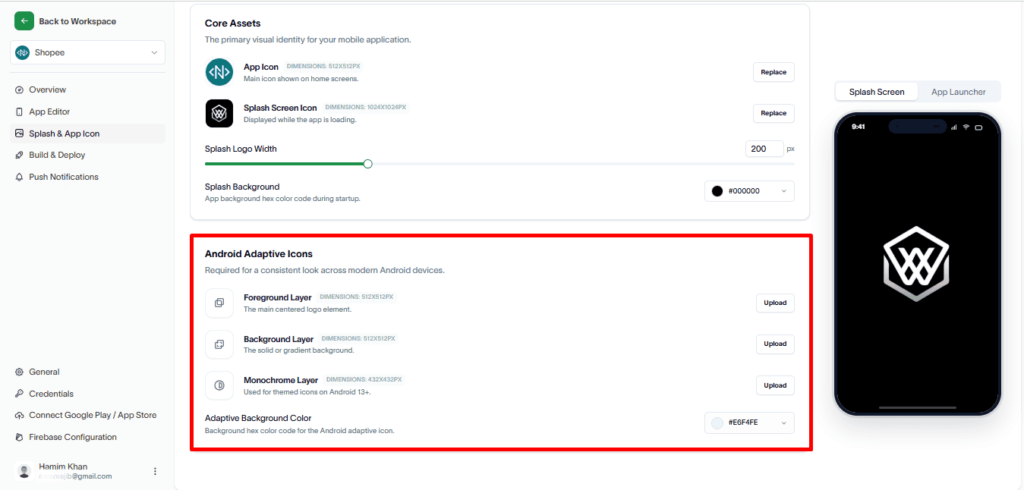
Android Adaptive Icons
Android Adaptive Icons are launcher icons that automatically adapt to different device shapes by using separate foreground and background layers, ensuring a consistent appearance across Android devices.
In Android 13 and above, they can also include a monochrome layer, which is a single-color version of the icon that the system dynamically tints to match the user’s theme when “themed icons” are enabled, improving visual integration with Material You design.
To learn more, visit: https://www.one4studio.com/glossary/adaptive-icons
How to design Android adaptive icons
You can follow this link to learn how to design Android adaptive icons.