The Search page enables users to quickly find products, categories, and other content within your mobile app.
Adding a dedicated search page improves navigation and helps customers discover products more efficiently.
Prerequisites
- An application has already been created.
- You have access to the App Editor.
Steps
Navigate to the App Editor for your application.
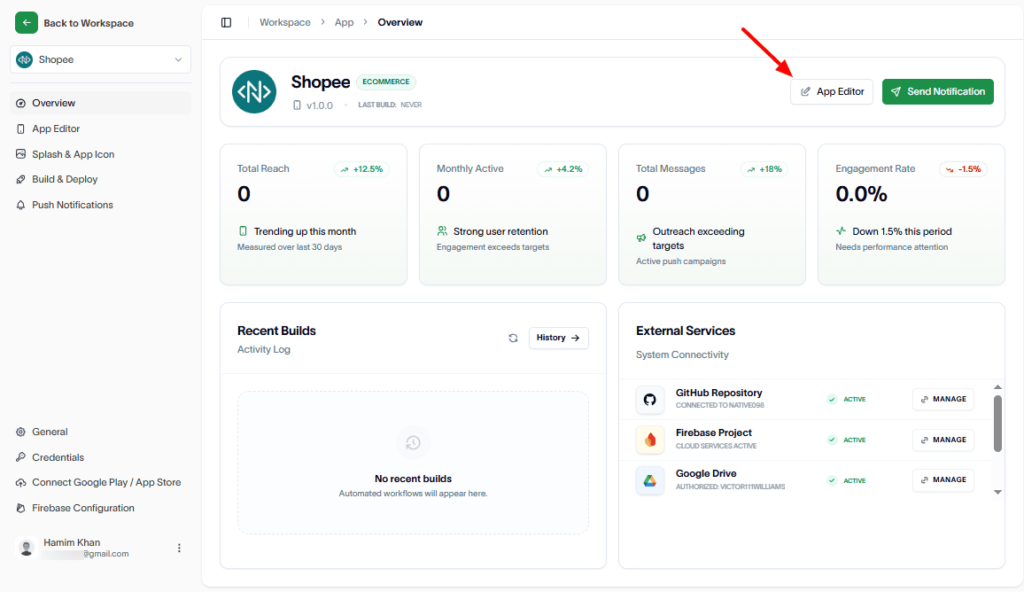
In the Pages section, click the Add (+) button to create a new page.
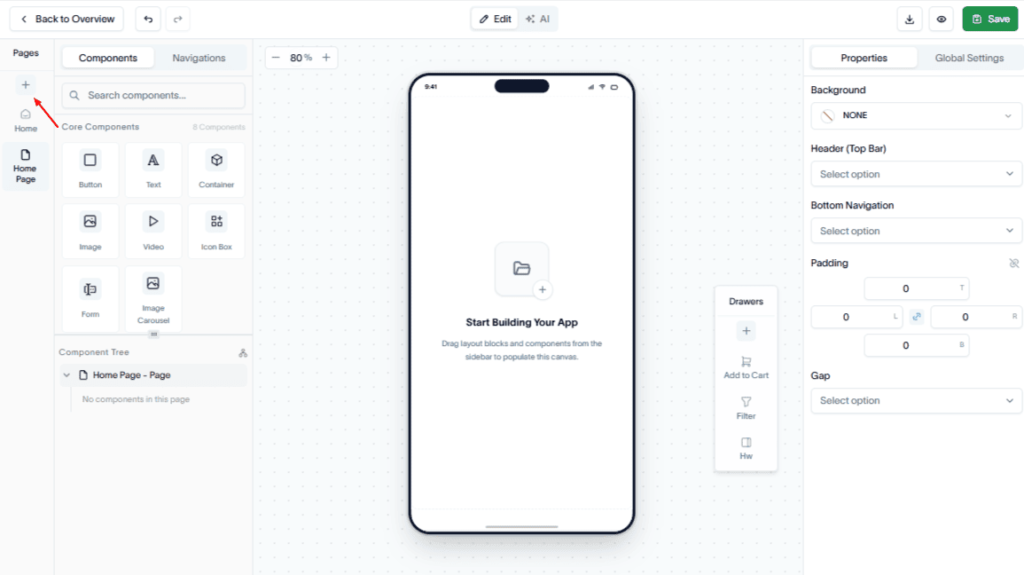
From the Page Type dropdown, select Search.
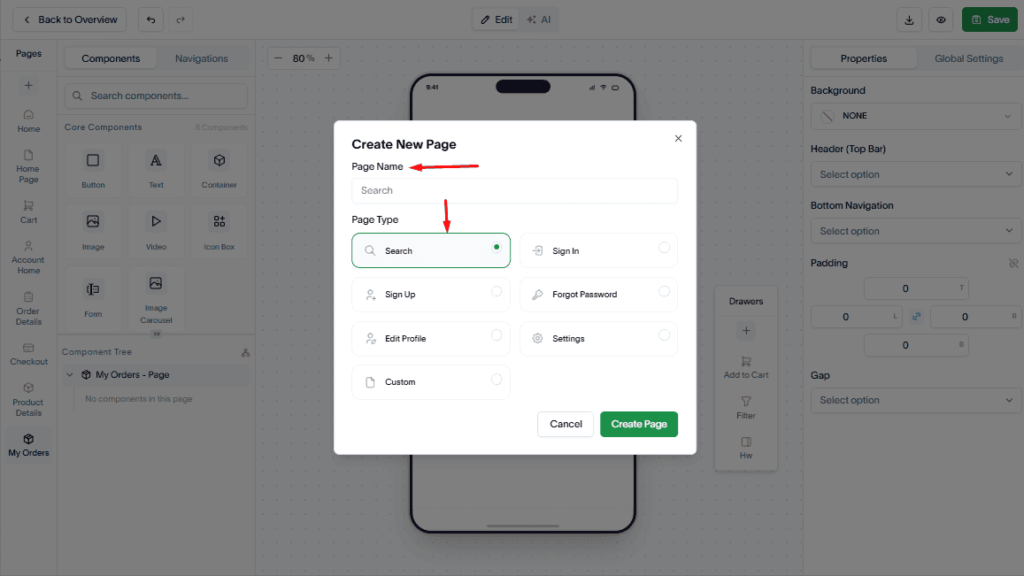
Then, click Create Page to add the page to your application.
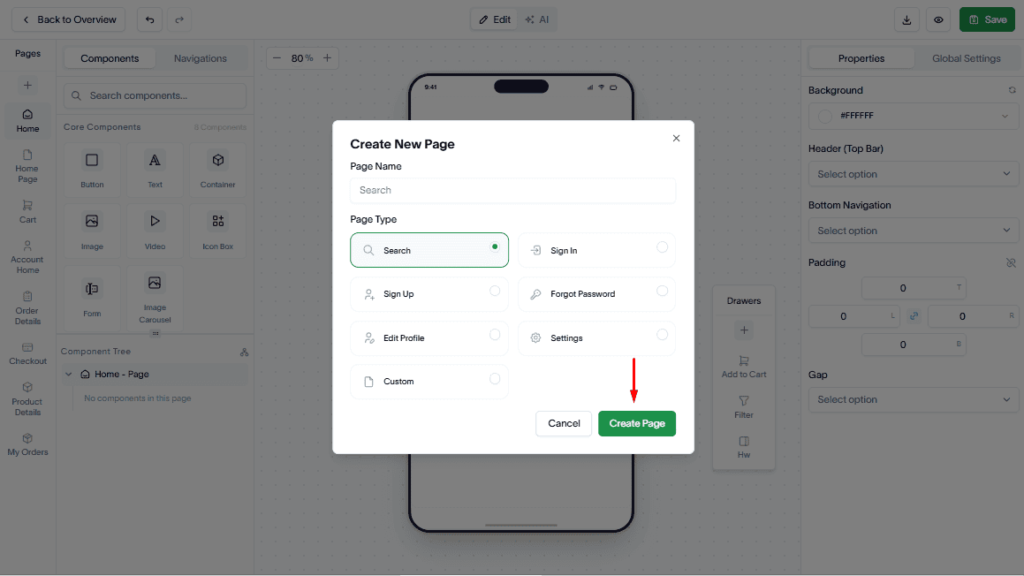
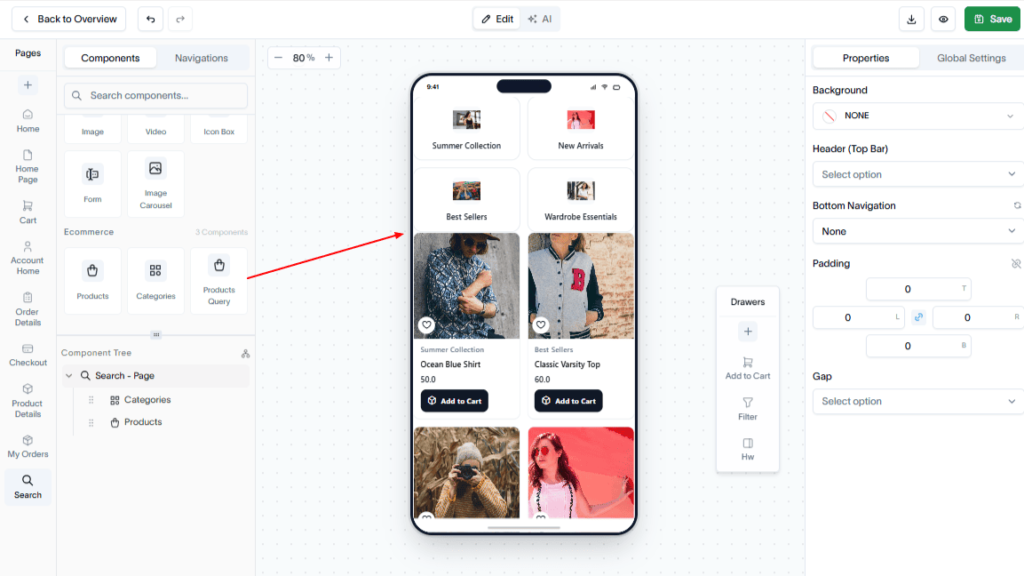
Use the drag-and-drop editor to add the required Core and Ecommerce components to the page.
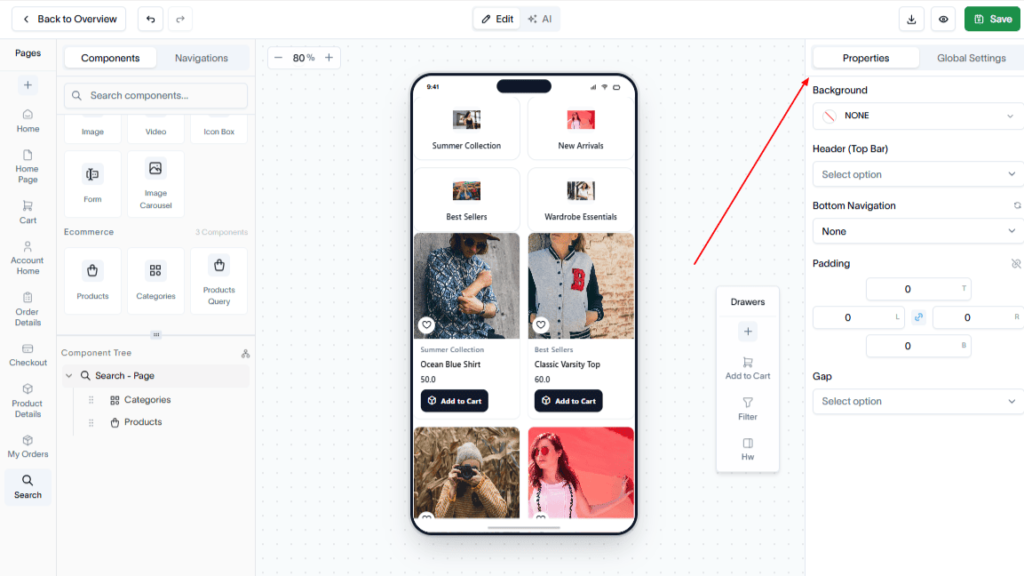
Configure the components as needed to match your app’s design and functionality.
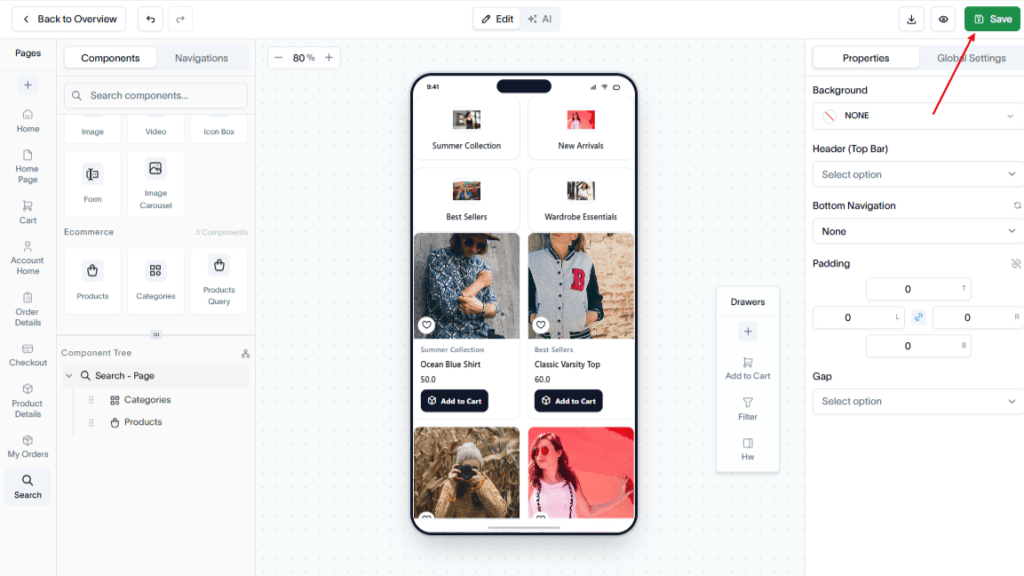
Click Save to apply your changes.
Result
A Search page is created and added to your application, allowing users to search for products and content directly from the app.