To create a GitHub organization:
Sign in to your GitHub account.

Next, navigate to the GitHub Organizations page:
https://github.com/organizations/plan
then, create a free Organization

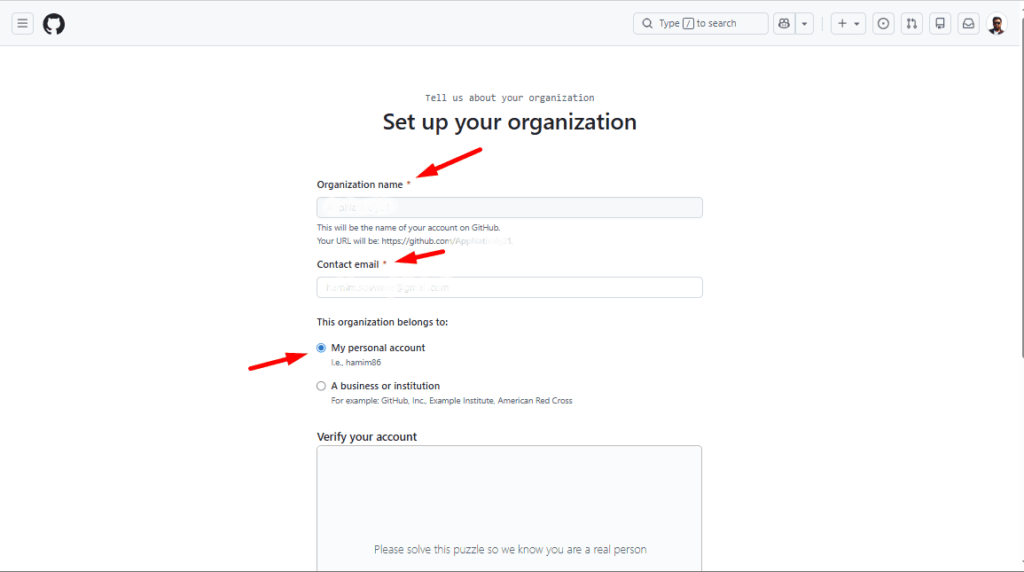
Up next, enter:
- Organization name (must be unique)
- Contact email
- Then, click on my personal account
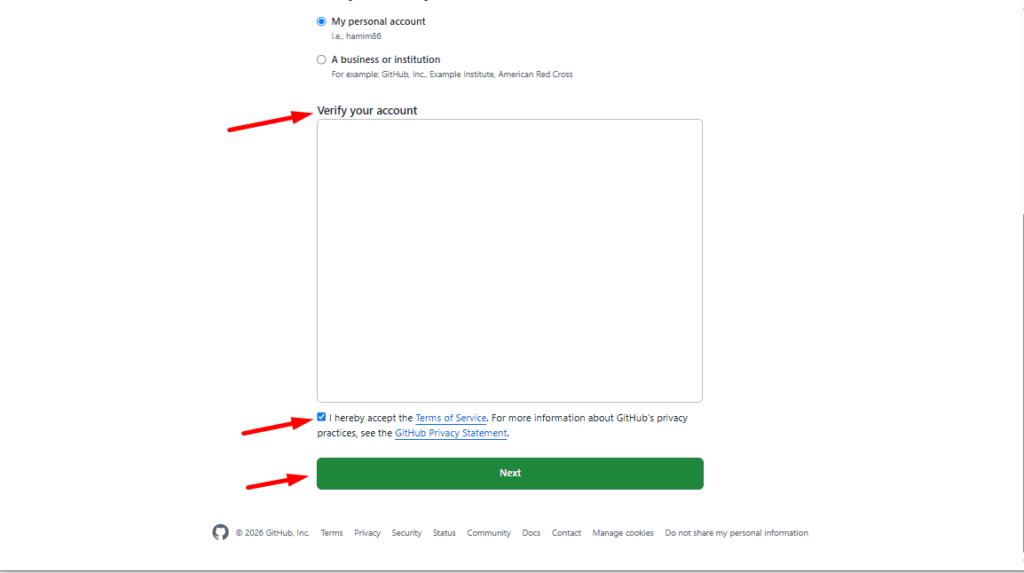
Verify your account; check mark the Terms of Service, then hit the Next button to complete the setup process for the organization.
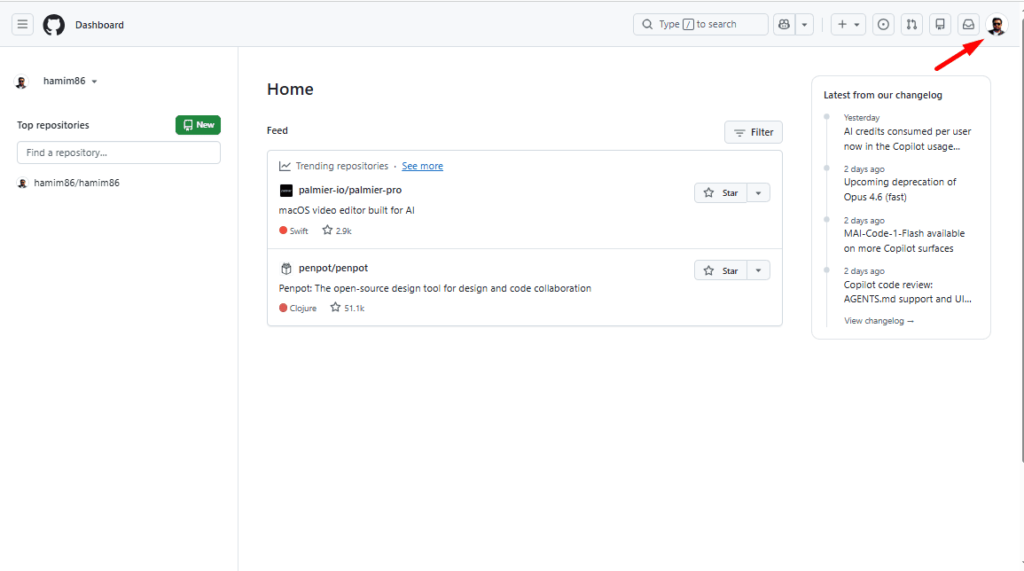
Alternative from GitHub UI
Click your profile picture in the top-right corner.
Hit the Organizations icon.
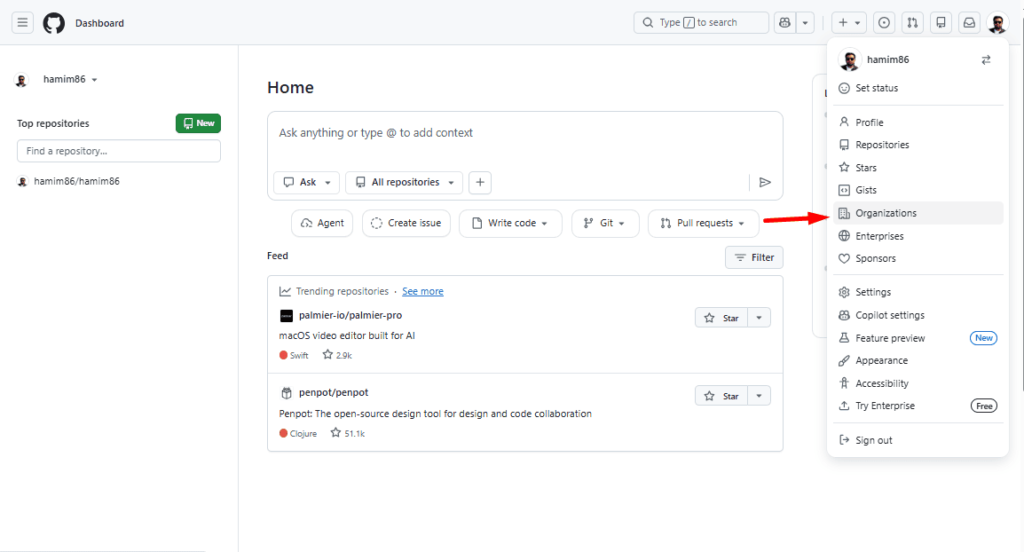
Click the New organization button.
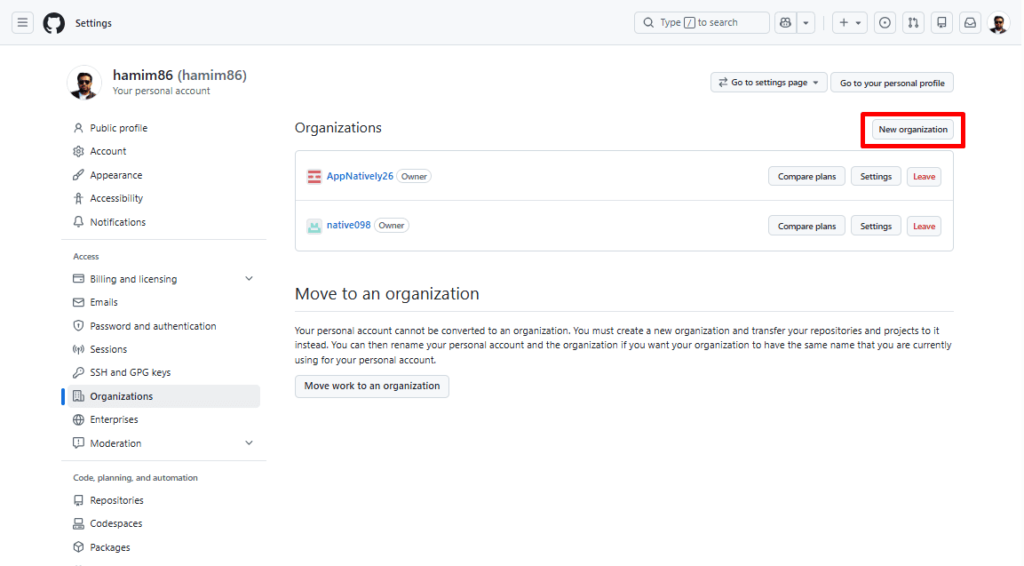
Then, follow the setup wizard just as you did for the previous one.