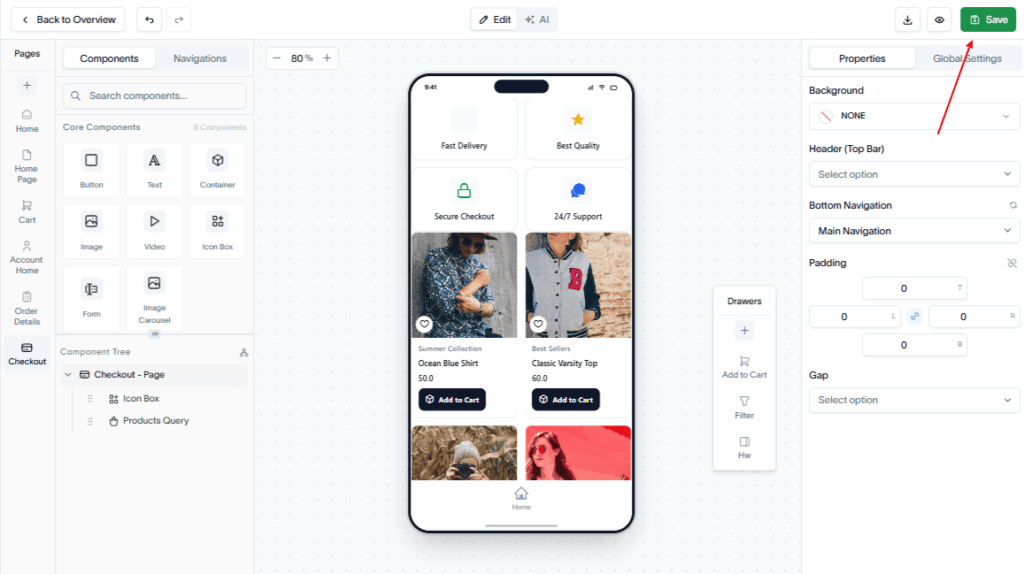
Create a Checkout page in your app to allow customers to review their order details, enter shipping information, and complete their purchase.
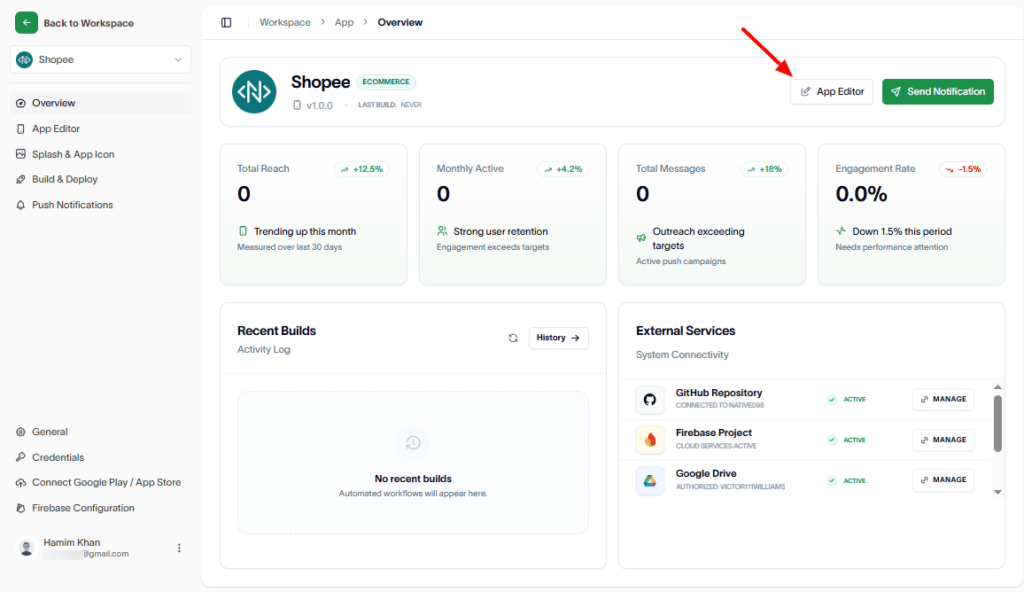
To create the Checkout page, go to the App Editor.
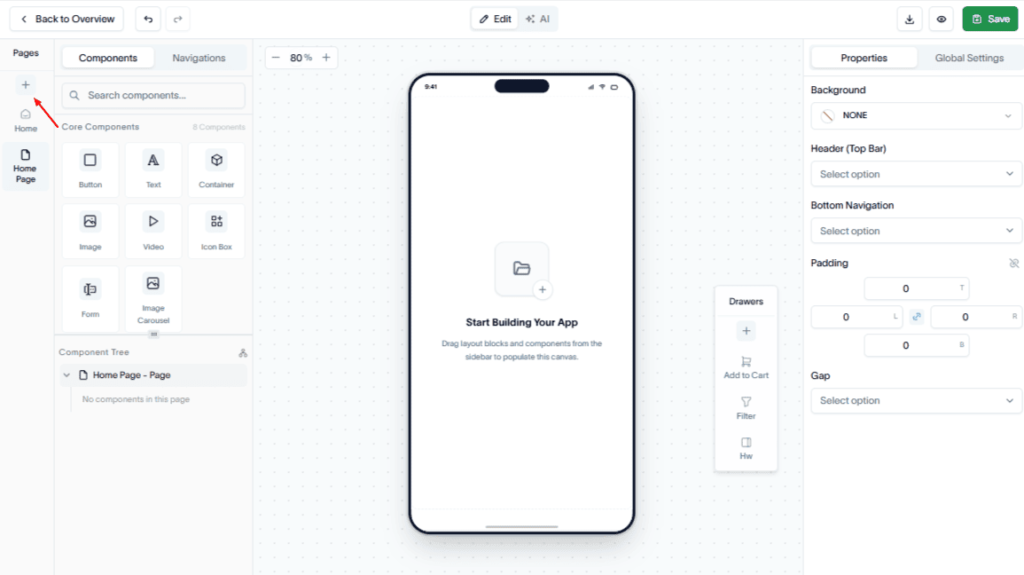
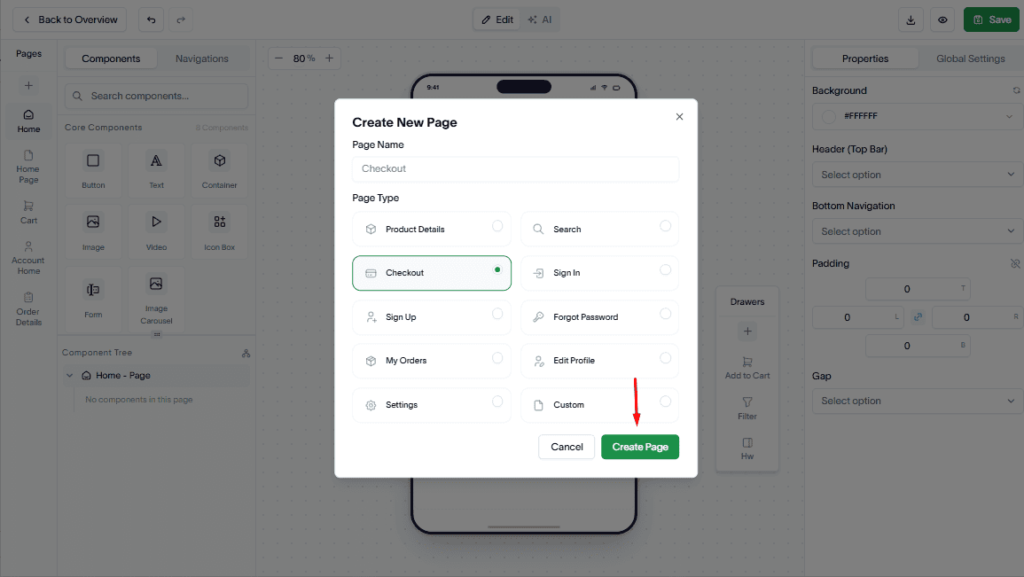
In the Pages section, click the Add (+) button.
Enter a page name and select Checkout as the page type.
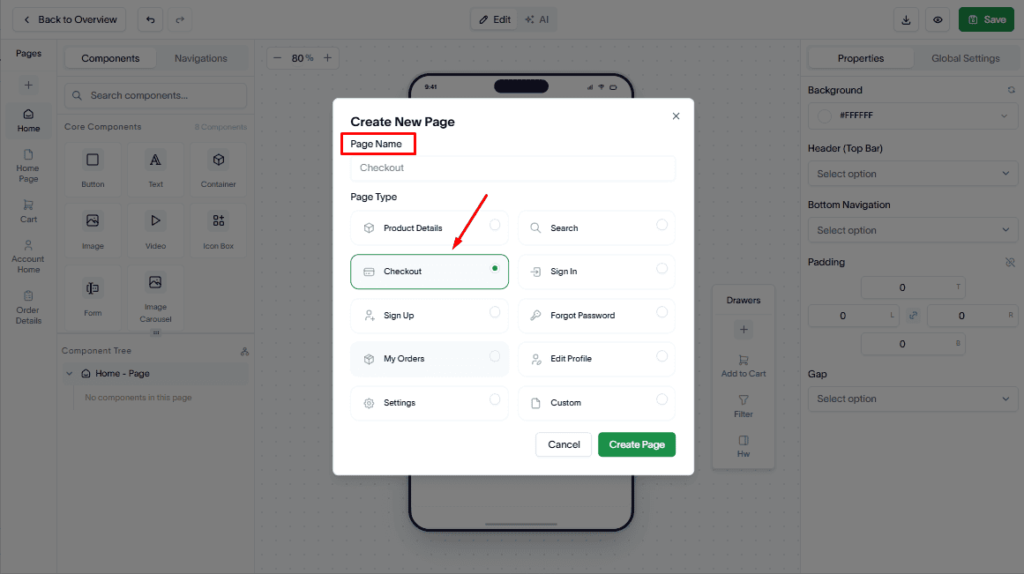
Click Create Page.
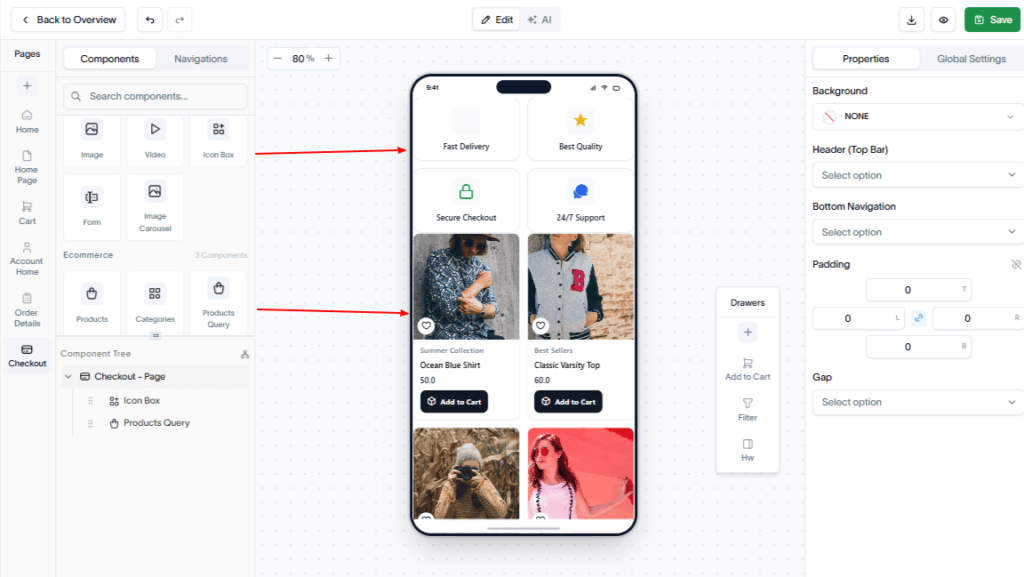
Drag and drop the required Core and Ecommerce components to the checkout page.
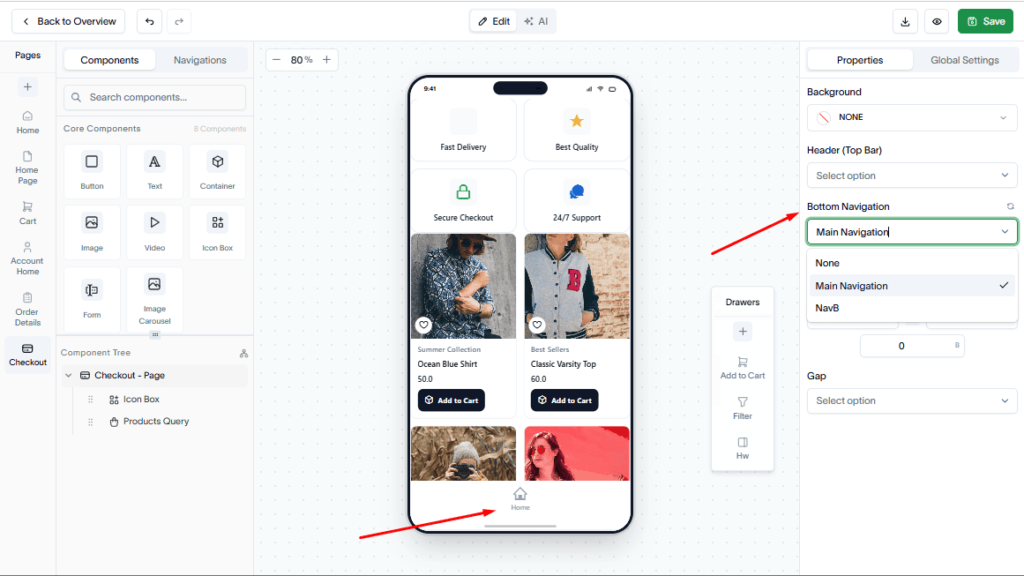
You can select the navigation menu to display at the bottom of the page.
Click Save to save your checkout page.