Open the AppNatively preview app on your mobile.
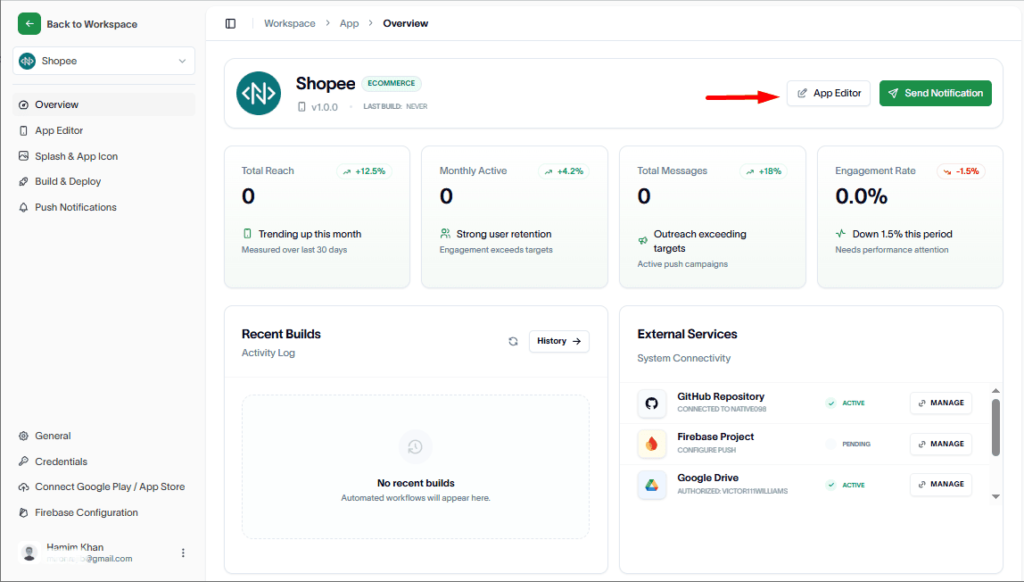
Then, go to the App Editor.
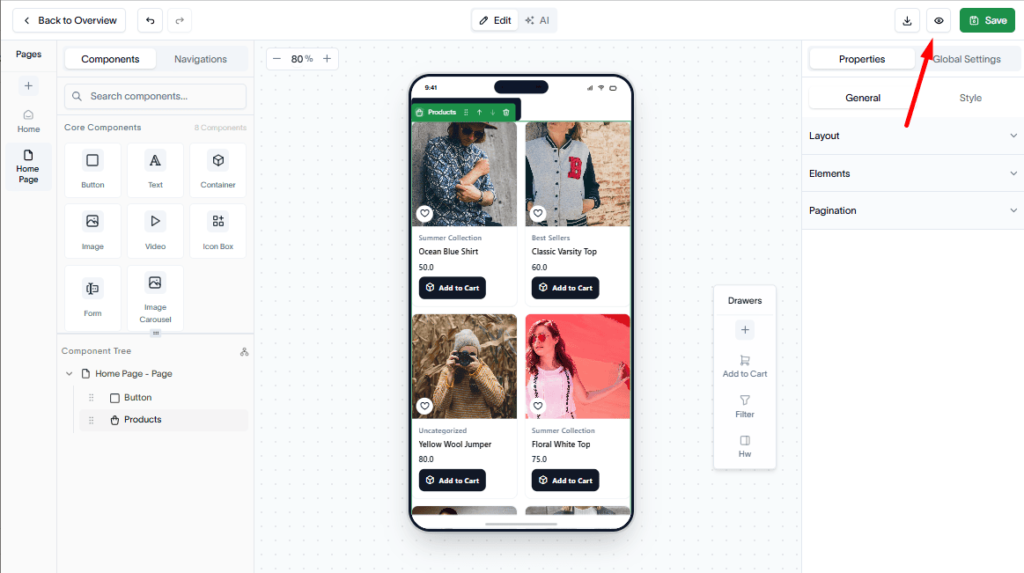
Click the eye icon in the top-right corner of the header to open the “Start Session” dropdown.
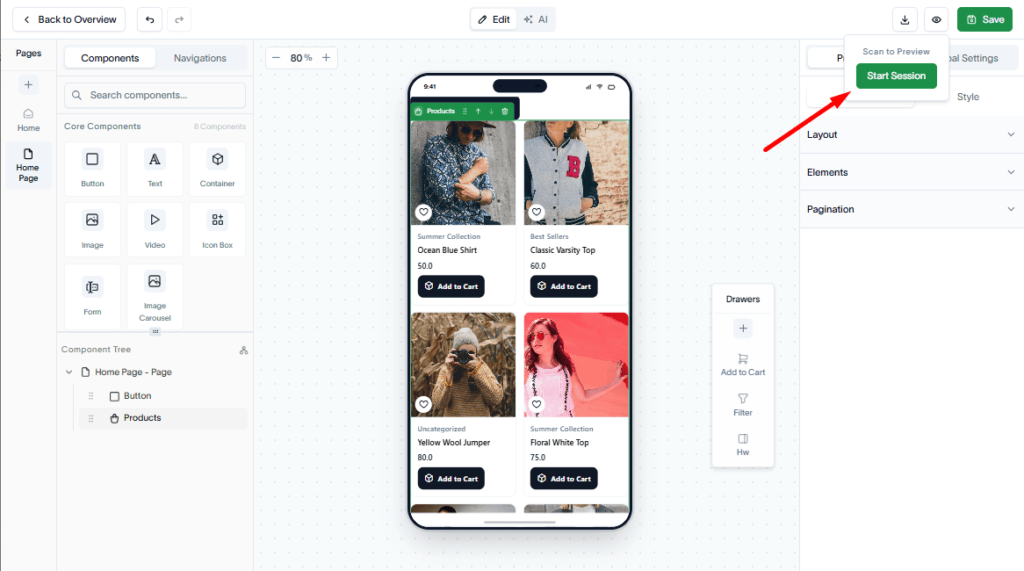
Hit the “Start Session” option from the dropdown menu to begin the session.
After the session starts, you will receive a QR code and an app ID
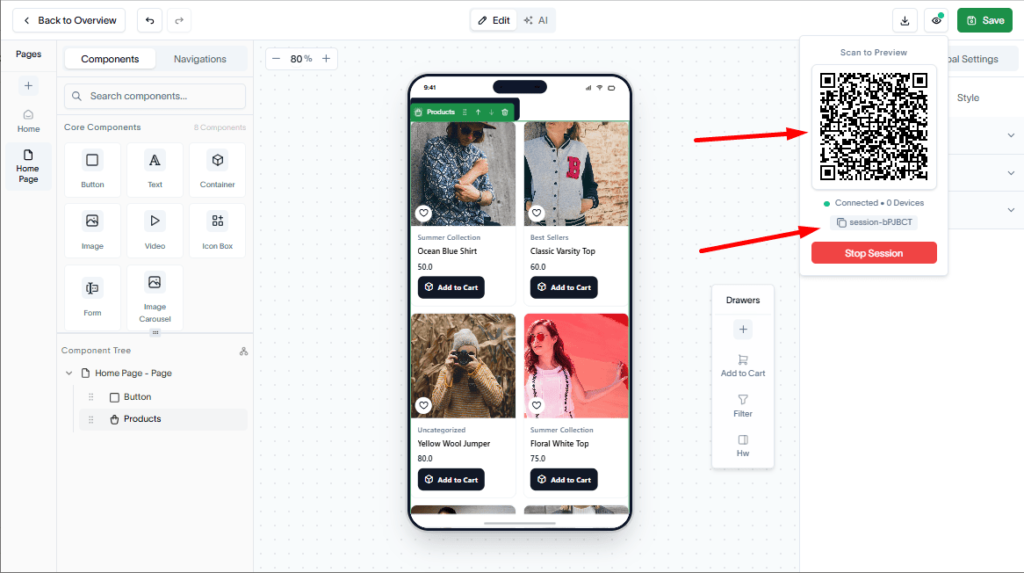
Open the Appnatively Preview app and scan the QR code or enter the app ID. The app preview will open automatically on your mobile.