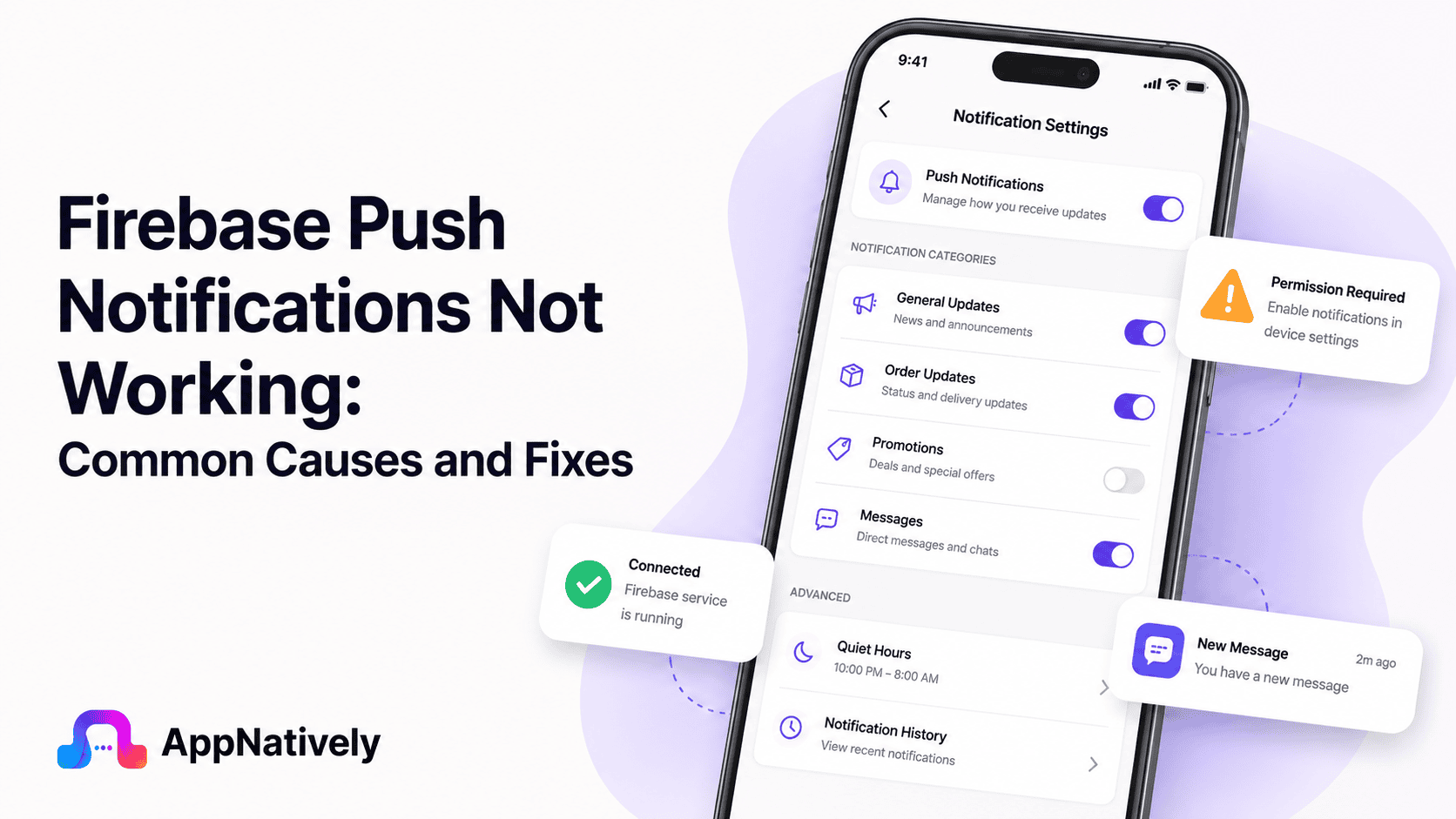
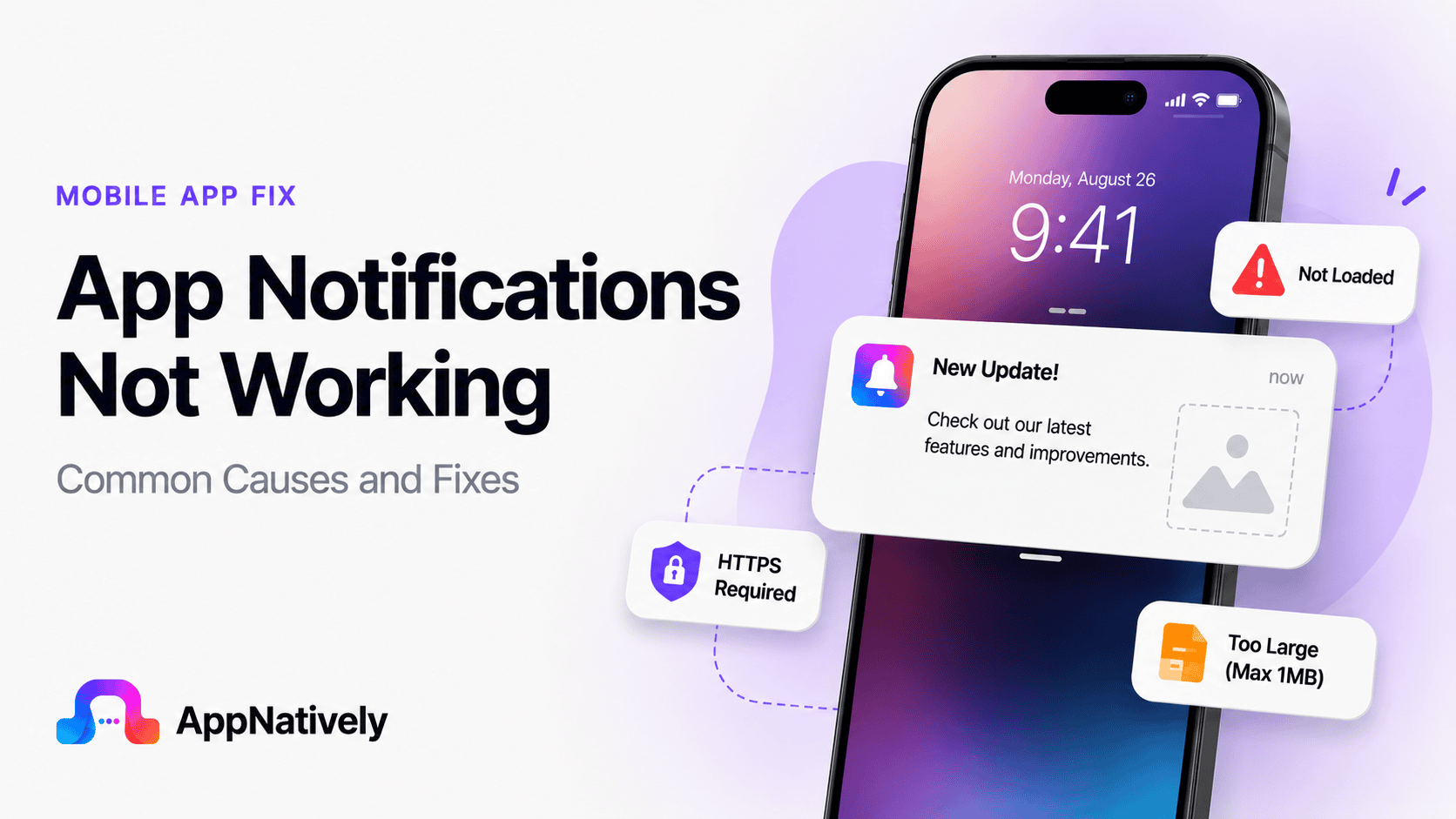
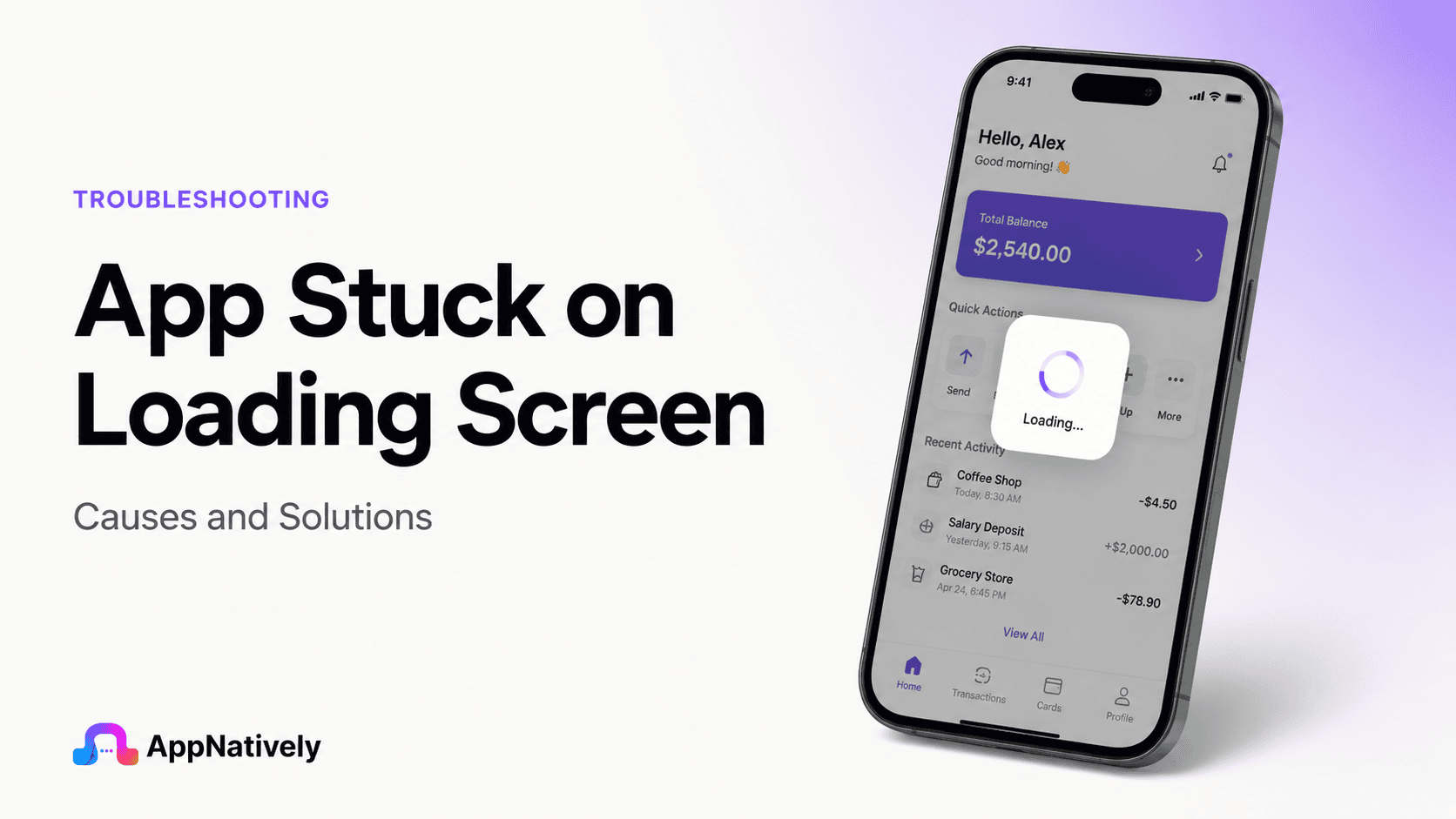
Push notifications are one of the most powerful tools for user engagement. They help businesses reconnect with users, deliver important updates, promote offers, and encourage app retention.
For many mobile applications, Firebase Cloud Messaging (FCM) serves as the backbone of push notification delivery. It is widely used because it’s free, scalable, and supports both Android and iOS platforms.
However, there are times when Firebase push notifications stop working as expected. Notifications may fail to arrive, appear with significant delays, or only work under certain conditions.
These issues can frustrate users and negatively impact engagement, retention, and conversion rates.
In this guide, we’ll explore the most common reasons Firebase push notifications fail, how to diagnose the issue, and the best solutions to restore reliable notification delivery.
What Is Firebase Cloud Messaging?
Firebase Cloud Messaging (FCM) is Google’s cross-platform messaging service that allows developers to send notifications and data messages to mobile devices.
FCM enables applications to:
Deliver push notifications
Send promotional messages
Trigger in-app updates
Synchronize data
Re-engage inactive users
Provide real-time alerts
Because it supports both Android and iOS, Firebase has become one of the most widely adopted notification solutions in mobile app development.
Why Firebase Push Notifications Stop Working
Push notifications rely on multiple systems working together.
The process typically involves:
The application server sending a message
Firebase processing the request
Notification services routing the message
The device receiving the notification
The operating system displaying it
If any part of this chain fails, notifications may not reach users successfully.
Common Firebase Notification Issues
Firebase notification failures can appear in several different ways.
Notifications are not delivered at all
This is one of the most common issues.
Messages appear successful within Firebase, but users never receive them on their devices.
Notifications arrive late
Delayed notifications can significantly reduce effectiveness.
Users may receive alerts minutes or even hours after they were sent.
Notifications work only when the app is open
Some applications receive messages correctly while running but fail to display notifications when closed or in the background.
Android notifications work, but iOS notifications fail
Cross-platform notification systems often experience platform-specific configuration issues.
Users may believe notifications aren’t arriving when they are simply being hidden.
Review:
Do Not Disturb
Work Focus
Personal Focus
Sleep Focus
Verify Background App Refresh
Background App Refresh helps maintain communication between the app and notification services.
Disabling it can impact delivery reliability.
How AppNatively Helps Build Reliable Notification Systems
Push notifications are most effective when they’re built on a stable mobile application architecture.
AppNatively helps businesses create native mobile apps designed for performance, reliability, and seamless user engagement.
A properly structured native application can simplify notification implementation while reducing the risk of platform-specific delivery issues.
Benefits include:
Native Android and iOS performance
Better integration with Firebase services
Improved notification reliability
Faster app deployment and updates
Enhanced user engagement capabilities
Whether you’re launching a new mobile app or improving an existing one, building with a native-first approach helps create a stronger foundation for push notification success.
Frequently Asked Questions
Why are Firebase notifications not arriving on Android?
Common causes include disabled notification permissions, battery optimization restrictions, invalid device tokens, or notification channel issues.
Why do Firebase notifications work on Android but not iPhone?
This usually indicates APNs configuration problems, missing push notification capabilities, or iOS permission-related issues.
How do I know if my Firebase token is valid?
Developers can verify token generation through application logs and Firebase diagnostics tools.
Can battery-saving mode block Firebase notifications?
Yes. Aggressive battery optimization can delay or prevent notification delivery, especially on Android devices.
Does Firebase guarantee notification delivery?
No. Firebase significantly improves delivery reliability, but network conditions, device settings, operating system restrictions, and user permissions can still affect delivery outcomes.
Final Thoughts
Firebase push notifications not working can impact user engagement, retention, and overall app performance. Because notification delivery depends on multiple systems working together, diagnosing the root cause requires a structured troubleshooting approach.
Most issues stem from configuration errors, invalid device tokens, permission settings, APNs integration problems, outdated SDKs, or platform-specific restrictions.
By carefully reviewing your Firebase setup, validating notification payloads, monitoring delivery logs, and following platform best practices, you can significantly improve notification reliability across Android and iOS devices.
For modern mobile apps, reliable push notifications are no longer optional. They’re a critical part of delivering timely communication and maintaining strong user engagement.
Notifications are one of the most important features of any mobile app. Whether it’s a message from a friend, a banking alert, a delivery update, or a work reminder, notifications help users stay informed in real time.
So when app notifications suddenly stop working, it can be frustrating and disruptive. You may miss important updates, delayed messages, security alerts, or time-sensitive information without even realizing it.
The good news is that notification issues are usually caused by a handful of common problems, many of which can be fixed in just a few minutes.
In this guide, we’ll explore why app notifications stop working, how to diagnose the issue, and the most effective solutions for both Android and iPhone users.
Why Are App Notifications Not Working?
When notifications fail to appear, it usually means the communication chain between the app, operating system, and notification server has been interrupted.
Push notifications depend on multiple components working together:
The app must generate the notification
Notification servers must deliver it
The operating system must receive it
Device settings must allow it to display
If any part of this process fails, notifications may arrive late, appear inconsistently, or stop entirely.
Common Causes of App Notifications Not Working
Several factors can prevent notifications from reaching your device.
Notifications are disabled
This is one of the most common causes.
Many users accidentally disable notifications during installation or while adjusting privacy settings. Once disabled, apps cannot send alerts regardless of how important they are.
Common symptoms include:
No banners appearing
No lock screen alerts
No notification sounds
Missing notification badges
Battery optimization restrictions
Modern smartphones aggressively manage battery usage.
To conserve power, Android and iPhone may limit background activity for certain applications. As a result, apps may not stay connected to notification servers.
This often affects:
Messaging apps
Email clients
Social media platforms
Productivity tools
Do Not Disturb mode is enabled
Do Not Disturb mode suppresses alerts, sounds, and visual notifications.
Many users activate it unintentionally or forget to disable scheduled quiet hours.
Even though notifications may still arrive, they remain hidden or silent.
Poor internet connectivity
Push notifications require an active internet connection.
If Wi-Fi or mobile data is unstable, notifications may arrive late or fail entirely.
Network-related issues often cause:
Delayed messages
Missing alerts
Notification synchronization problems
Intermittent delivery failures
Outdated app version
Developers frequently update notification systems to maintain compatibility with Android, iOS, and backend servers.
An outdated app may experience delivery problems or fail to process incoming notifications correctly.
Operating system issues
Older operating system versions may contain bugs that affect notification delivery.
Compatibility issues between apps and outdated system software can lead to inconsistent notification behavior.
Corrupted app data
Apps store settings and temporary files to function properly.
When these files become corrupted, notification services may stop working as expected.
Notification server outages
Sometimes the issue isn’t on your device.
If the app’s notification infrastructure experiences downtime, users may temporarily stop receiving alerts until the service is restored.
This is especially common during:
Major updates
Server maintenance
High traffic events
Unexpected outages
Background data restrictions
Many smartphones allow users to restrict background data usage.
When enabled, apps may lose the ability to maintain notification connections while running in the background.
Permission conflicts
Notifications depend on permissions granted by the operating system.
If permissions are revoked, restricted, or modified during updates, notifications may stop appearing.
How to Fix App Notifications Not Working
The following troubleshooting methods solve most notification-related issues.
1. Verify notification permissions
Start by checking whether notifications are enabled for the affected app.
Look for:
Notification access
Alert permissions
Lock screen visibility
Sound settings
Badge permissions
If notifications are disabled, enabling them often resolves the problem immediately.
2. Check internet connectivity
A stable connection is essential for receiving notifications.
Try these steps:
Switch between Wi-Fi and mobile data
Restart your router
Toggle airplane mode on and off
Test other internet-dependent apps
If other online services are also experiencing issues, the network may be responsible.
3. Restart your device
Restarting refreshes system processes and clears temporary glitches.
This simple solution can restore notification services that may have become stuck or disconnected.
4. Update the app
Keeping apps updated ensures compatibility with the latest notification infrastructure.
Visit the App Store or Google Play Store and install any available updates.
Developers often release fixes specifically targeting notification delivery problems.
5. Update your operating system
Operating system updates include security improvements, bug fixes, and performance enhancements.
Installing the latest version of Android or iOS can eliminate compatibility issues affecting notifications.
6. Disable battery optimization
Battery-saving features frequently interfere with notification delivery.
Allowing important apps to run unrestricted helps maintain reliable background connections.
Applications that benefit from unrestricted access include:
Messaging apps
Email clients
Calendar apps
Banking applications
7. Enable background app activity
Many apps require background access to receive notifications.
Check whether background activity is disabled and enable it if necessary.
Without background access, apps may only receive updates when opened manually.
8. Clear app cache
Corrupted cache files can disrupt notification services.
On Android devices, clearing cache often restores normal behavior without affecting personal data.
This is particularly effective when notifications suddenly stop after an update.
9. Log out and sign back in
Account synchronization issues occasionally interfere with push notifications.
Signing out and signing back into the app refreshes authentication tokens and reconnects notification services.
10. Reinstall the app
If other solutions fail, reinstalling the application can help.
A fresh installation removes corrupted files and restores default notification configurations.
Be sure to back up important information beforehand.
Android Notification Fixes
Android provides several notification controls that may affect delivery.
Check notification channels
Android allows apps to organize alerts into notification channels.
An app may have notifications enabled overall while specific categories remain disabled.
Review settings for:
Messages
Promotions
Updates
Reminders
System alerts
Disable adaptive battery
Adaptive Battery can limit background processes for apps it considers inactive.
If notifications arrive late or inconsistently, excluding important apps may improve reliability.
Verify background data access
Android users should ensure apps have permission to use data in the background.
Without background connectivity, notifications may stop arriving when the app is closed.
Review app-specific restrictions
Some manufacturers add additional battery management tools that override Android defaults.
Brands such as Samsung, Xiaomi, Oppo, Vivo, and Huawei often include aggressive power-saving features that affect notifications.
iPhone Notification Fixes
iPhone users can troubleshoot notification issues using several platform-specific methods.
Check notification settings
Open Settings and review the app’s notification preferences.
Verify that the following are enabled:
Allow Notifications
Lock Screen
Notification Center
Banners
Sounds
Badges
Any disabled option may impact visibility.
Disable Focus modes
Focus modes can silence notifications without users realizing it.
Review settings for:
Do Not Disturb
Sleep Focus
Work Focus
Personal Focus
Temporarily disabling Focus modes can help identify the cause.
Enable Background App Refresh
Background App Refresh allows apps to update content and maintain notification connections.
Turning it on often improves notification reliability.
Reset network settings
Network configuration issues occasionally interfere with Apple’s push notification service.
Resetting network settings can resolve persistent delivery problems.
Keep in mind that saved Wi-Fi passwords will be removed.
How Developers Can Improve Notification Reliability
Reliable notifications are essential for user engagement and retention.
Developers can improve performance by following several best practices.
Optimize push notification infrastructure
Notification servers should be scalable, redundant, and capable of handling peak traffic volumes.
A robust infrastructure reduces delivery failures during high-demand periods.
Monitor notification delivery metrics
Tracking delivery rates helps identify issues before they affect large numbers of users.
Important metrics include:
Delivery success rate
Open rate
Click-through rate
Failed notifications
Delivery latency
Use intelligent notification scheduling
Sending notifications at optimal times improves engagement and reduces the likelihood of users disabling alerts.
Timing can significantly impact notification effectiveness.
Implement fallback systems
Critical notifications should have backup delivery methods.
Examples include:
Email alerts
SMS notifications
In-app messages
Account activity logs
Fallback channels ensure important information reaches users even if push notifications fail.
Regularly test notification systems
Developers should test notifications across:
Android versions
iOS versions
Device manufacturers
Network conditions
Geographic regions
Comprehensive testing helps identify potential delivery issues before release.
Signs Your Notification Problem Is Server-Side
Sometimes the issue isn’t caused by your phone.
Common indicators of server-related problems include:
Multiple users reporting the same issue
Notifications failing across devices
Delayed alerts for all users
Official outage announcements
Notifications resuming without any device changes
In these situations, waiting for the service provider to resolve the issue is often the only option.
Fix Notification Issues Faster With AppNatively
For businesses, app notifications are more than just alerts. They are a direct communication channel that drives engagement, improves retention, and keeps users connected with your brand.
Unfortunately, many apps suffer from notification delivery issues because of poor app architecture, outdated frameworks, or complicated backend integrations. This can result in missed messages, lower engagement rates, and frustrated users.
With AppNatively, businesses can build high-performance native mobile apps that are designed for reliability and seamless user experiences.
The platform helps streamline app development while ensuring that critical features like push notifications work efficiently across Android and iOS devices.
Key benefits include:
Native app performance for faster responsiveness
Better integration with push notification services
Simplified app management and updates
Improved user engagement through real-time communication
Cross-platform deployment without complex coding requirements
Whether you’re building an eCommerce app, business application, membership platform, or customer portal, a reliable notification system plays a major role in user retention and long-term growth.
If you’re planning to launch a mobile app or improve an existing one, AppNatively provides a faster way to create modern native apps that deliver a smooth experience from installation to notification delivery.
Frequently Asked Questions
Why am I not receiving notifications even though they’re enabled?
Battery optimization, background restrictions, internet connectivity issues, or server outages may be preventing notifications from reaching your device.
Why do notifications arrive only when I open the app?
This usually indicates background activity restrictions, battery optimization settings, or disabled background data permissions.
Can low battery mode affect notifications?
Yes. Low Power Mode on iPhone and battery-saving features on Android can limit background processes and delay notifications.
Why do some notifications work while others don’t?
Many apps use notification categories or channels. Certain categories may be disabled while others remain active.
Does reinstalling an app fix notification issues?
In many cases, yes. Reinstalling removes corrupted files and restores notification settings to their default state.
Final Thoughts
When app notifications are not working, the problem is usually related to permissions, battery optimization, network connectivity, outdated software, or background activity restrictions.
Fortunately, most notification issues can be resolved quickly through simple troubleshooting steps such as verifying notification settings, updating apps, enabling background access, and checking internet connectivity.
For developers, reliable notifications are critical for user engagement. Optimizing delivery infrastructure, monitoring performance metrics, and thoroughly testing notification systems can dramatically improve the user experience.
By understanding the most common causes and fixes, both users and developers can ensure important alerts arrive exactly when they’re needed.
Apps are supposed to make life easier. Whether you’re checking messages, ordering food, managing work, or playing a game, you expect them to open instantly.
But sometimes an app gets stuck on the loading screen and refuses to move forward. The spinning icon keeps spinning, the logo remains frozen, and nothing happens no matter how long you wait.
This issue affects both Android and iPhone users and can occur with social media apps, games, banking apps, productivity tools, and virtually any mobile application.
The good news is that most loading screen issues are fixable without advanced technical knowledge.
In this guide, we’ll explain why apps get stuck on loading screens, how to diagnose the problem, and the most effective solutions to get your apps running again.
Turn Your WordPress Website Into a Native App in Minutes– AppNatively
What Does It Mean When an App Is Stuck on a Loading Screen?
An app is considered stuck on a loading screen when it fails to move beyond its startup phase.
Instead of opening normally, the app remains on a splash screen, loading animation, company logo, or blank screen indefinitely. In some cases, the app may eventually crash or close automatically.
This behavior usually indicates that the application cannot complete one of its startup processes, such as:
Connecting to a server
Loading user data
Accessing device storage
Initializing app resources
Downloading updates
Authenticating user credentials
Understanding the root cause is the first step toward fixing the issue.
Common Causes of App Loading Screen Issues
Several factors can prevent an app from loading correctly. Identifying the underlying cause helps you apply the right solution quickly.
i. Poor or unstable internet connection
Many modern apps rely heavily on cloud services.
If your Wi-Fi or mobile data connection is weak, interrupted, or unstable, the app may fail to retrieve essential information during startup.
Common signs include:
Endless loading indicators
Timeout errors
Partial content loading
Frequent app freezing
ii. Outdated app version
Developers regularly release updates to improve compatibility, security, and performance.
Using an outdated version may create conflicts with newer servers or APIs, causing the app to become stuck during launch.
iii. Corrupted app cache
Apps store temporary files to improve speed and performance.
Over time, cache files can become corrupted. When this happens, the app may attempt to load invalid data during startup and become stuck.
iv. Insufficient device storage
Mobile apps need available storage space for temporary files, updates, and background operations.
When storage is nearly full, applications may struggle to load necessary resources.
Warning signs include:
Slow device performance
Failed app updates
Frequent crashes
Loading screen freezes
v. Operating system compatibility issues
An outdated Android or iOS version can create compatibility problems with newer applications.
Apps optimized for recent operating systems may not function properly on older devices.
vi. Server-side outages
Sometimes the problem isn’t on your device.
If the application’s servers are down, overloaded, or undergoing maintenance, users may experience loading issues despite having a stable internet connection.
This is especially common with:
Social media platforms
Online games
Banking apps
Streaming services
Cloud-based productivity tools
vii. Software bugs
Even well-developed apps occasionally contain bugs.
A coding error introduced during an update can cause the application to freeze during startup for specific devices or operating system versions.
viii. Background app conflicts
Certain apps, security tools, VPNs, or battery optimization features may interfere with startup processes.
These conflicts can prevent apps from accessing required resources and lead to loading problems.
How to Fix an App Stuck on a Loading Screen
The following troubleshooting methods solve the majority of loading screen issues.
Check your internet connection
Start with the simplest solution.
Switch between Wi-Fi and mobile data to determine whether the network is causing the issue.
You can also:
Restart your router
Enable and disable airplane mode
Move closer to the Wi-Fi source
Test other apps or websites
If other internet-based services aren’t working, the connection is likely the culprit.
Force close and reopen the app
Temporary glitches often disappear after restarting the application.
To do this:
Open recent apps
Swipe the problematic app away
Wait a few seconds
Reopen the app
This clears temporary memory issues that may be preventing startup.
Restart your device
A simple reboot can resolve many software-related problems.
Restarting clears temporary processes, refreshes system resources, and removes minor conflicts affecting app performance.
Many users skip this step, but it remains one of the most effective troubleshooting methods.
Clear app cache
If corrupted cache files are causing the issue, clearing them can restore normal functionality.
For Android:
Open Settings
Tap Apps
Select the affected app
Choose Storage
Tap Clear Cache
This removes temporary files without deleting personal data.
Update the app
Running the latest version ensures compatibility and bug fixes.
Visit the Google Play Store or Apple App Store and check for available updates.
Developers frequently release patches specifically designed to address startup and loading issues.
Free up storage space
Low storage can significantly impact app performance.
Delete unnecessary files such as:
Old screenshots
Duplicate photos
Unused apps
Downloaded videos
Temporary files
Aim to maintain several gigabytes of free storage whenever possible.
Check for system updates
Keeping your operating system current improves stability and compatibility.
To update:
Open device settings
Navigate to software updates
Install available updates
Restart the device
Many app issues disappear after updating Android or iOS.
Reinstall the app
If none of the previous methods work, reinstalling the application can help.
This process:
Removes corrupted files
Installs fresh resources
Resets configuration settings
Eliminates installation errors
Be sure to back up important data before uninstalling.
Disable VPN services
VPNs can occasionally interfere with app authentication and server communication.
Temporarily disable your VPN and test whether the app loads correctly.
If the issue disappears, the VPN may be blocking required connections.
Check server status
If many users are reporting similar issues, the problem may be server-related.
Look for:
Official company announcements
Social media updates
Community forums
Service status pages
In these situations, waiting for the provider to resolve the issue may be the only solution.
Android-Specific Solutions
Android devices offer additional troubleshooting options that can help resolve persistent loading screen problems.
Disable battery optimization
Aggressive battery-saving features sometimes restrict app processes.
To test this:
Open Settings
Select Battery
Find Battery Optimization
Exclude the affected app
This ensures the app receives the resources it needs during startup.
Reset app preferences
Incorrect permissions or disabled system services can create loading issues.
Resetting app preferences restores default configurations without deleting personal data.
Check app permissions
Apps often require permissions to access storage, network functions, camera features, or notifications.
Missing permissions may prevent successful initialization.
Review and grant necessary permissions through Android settings.
iPhone-Specific Solutions
iPhone users can try several platform-specific fixes.
Offload and reinstall the app
The Offload App feature removes the application while preserving user data.
To do this:
Open Settings
Select General
Tap iPhone Storage
Choose the app
Tap Offload App
Reinstalling afterward often resolves startup issues.
Reset network settings
Network configuration errors occasionally cause apps to stall during launch.
Resetting network settings refreshes Wi-Fi, mobile data, and connectivity configurations.
Keep in mind that saved Wi-Fi passwords will be removed.
Check Screen Time restrictions
Some restrictions can interfere with app functionality.
Review Screen Time settings to ensure the application isn’t being limited by parental controls or usage restrictions.
How Developers Can Prevent Loading Screen Problems
For app developers, loading screen issues can lead to poor reviews, reduced retention, and lost revenue.
Several best practices can minimize startup failures.
Optimize startup performance
Apps should load essential resources first and postpone non-critical tasks until after launch.
This reduces startup time and improves perceived performance.
Implement robust error handling
Network failures, API errors, and missing resources should be handled gracefully.
Users should receive informative messages instead of endless loading animations.
Reduce dependency on startup requests
Loading too much data during launch increases the risk of delays and failures.
Only request critical information initially and load additional content progressively.
Test across devices and networks
Testing should include:
Slow internet connections
Different Android versions
Multiple iPhone models
Low-memory devices
Weak network conditions
Comprehensive testing helps identify issues before release.
Monitor crash and performance analytics
Analytics platforms can reveal startup bottlenecks, crashes, and loading failures in real-world environments.
Early detection enables faster fixes and improved user experiences.
Frequently Asked Questions
Why is my app stuck on the loading screen but other apps work?
The issue is likely specific to that application. Common causes include corrupted cache files, outdated versions, server outages, or app-specific bugs.
Can low storage cause apps to freeze on startup?
Yes. Insufficient storage can prevent apps from creating temporary files and loading required resources during startup.
Will reinstalling an app delete my data?
It depends on the app. Cloud-synced data is usually preserved, while locally stored information may be removed.
Why does my app load forever on Wi-Fi but not mobile data?
Your Wi-Fi network may have connectivity issues, DNS problems, firewall restrictions, or router-related conflicts affecting the app.
How do I know if the problem is the app’s server?
If many users report the same issue simultaneously and other apps work normally, the application’s servers may be experiencing downtime.
Final Thoughts: App Stuck on Loading Screen
An app stuck on a loading screen can be frustrating, especially when you need immediate access to important information or services.
Fortunately, most loading issues stem from common causes such as poor internet connectivity, corrupted cache files, outdated software, storage limitations, or temporary server outages.
By following the troubleshooting steps outlined in this guide, you can quickly identify the source of the problem and restore normal app functionality. In many cases, a simple restart, update, or cache cleanup is all that’s needed.
For developers, preventing loading screen problems should be a priority. Faster startup experiences, better error handling, and thorough testing can dramatically improve user satisfaction and retention.
Ultimately, understanding the causes and solutions behind loading screen issues helps both users and developers create a smoother, more reliable mobile app experience.
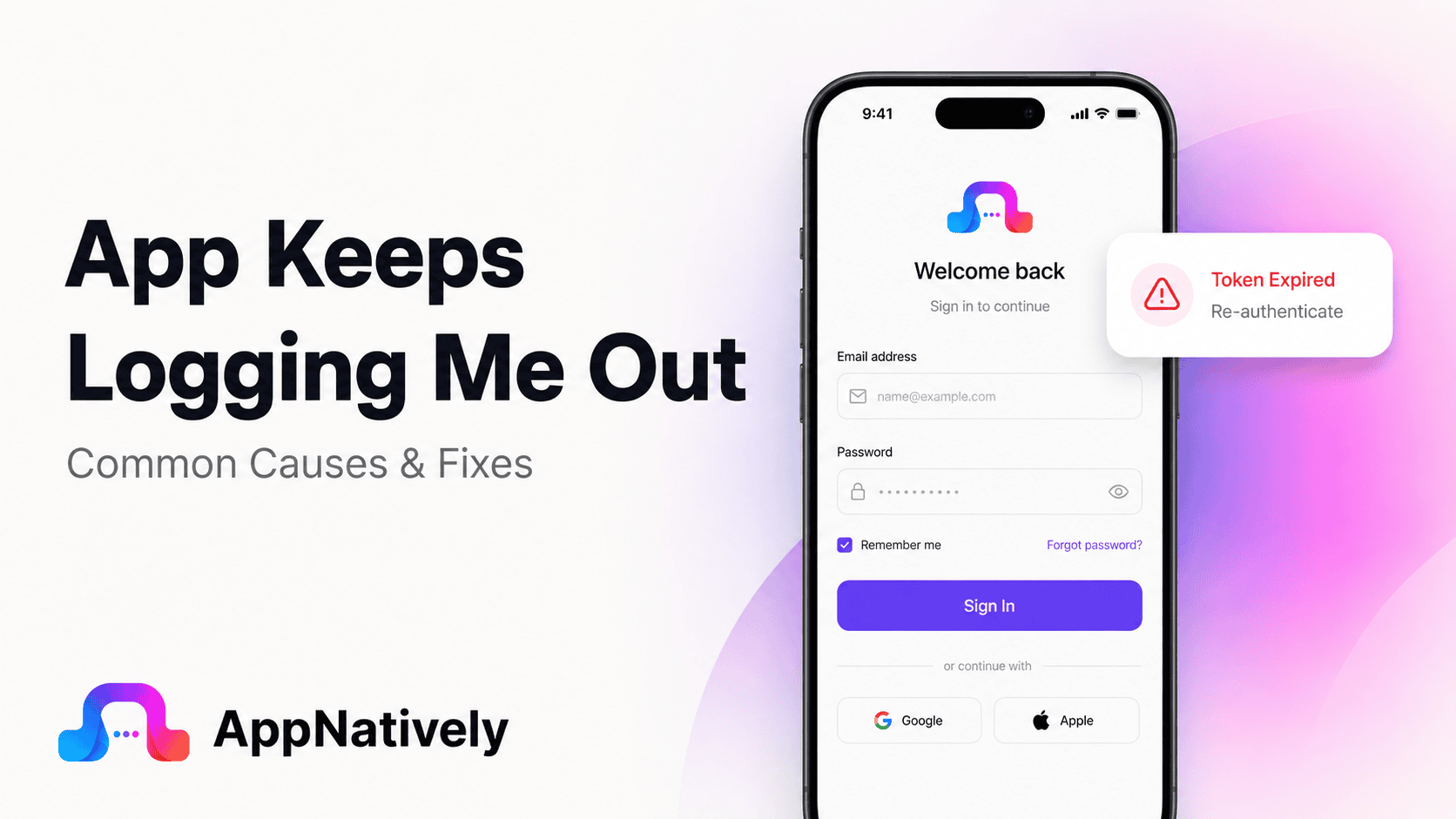
You open an app, sign in, and everything works normally. A few hours later, you return and discover that you have been logged out again. Sometimes it happens every time you close the app. Other times, you stay signed in for days before suddenly being asked for your credentials again.
An app keeps logging you out when its authentication session, access token, refresh token or stored credentials are no longer available or accepted.
The cause can be something simple, such as corrupted app data, or something deeper, such as an expired session, server-side security policy or an authentication bug.
This problem can be especially frustrating in shopping, banking, booking, learning and productivity apps where users expect to remain signed in.
In this blog post, we’ll explain why apps keep logging users out, what you can do to fix the problem, and what developers should check when automatic logouts affect users.
Common Causes of an App That Keeps Logging You Out
Repeated logouts usually happen because the app cannot maintain or validate the user’s authentication session.
The session may have expired, the stored token may have been removed, the server may have rejected the token, or the app may have failed to restore the user’s credentials correctly.
Here are the most common causes.
i. Your login session has expired
The most straightforward explanation is session expiration.
When you sign in, the app usually receives some form of authentication state that allows it to recognize you on subsequent requests. That state may expire after a specific amount of time or after a period of inactivity.
Session expiration is not necessarily a bug.
It is an important security control because long-lived authentication sessions increase the potential impact of a stolen or compromised session.
OWASP recommends using session timeouts and enforcing expiration on the server side rather than relying only on information controlled by the client.
ii. Your access token has expired
Many modern apps use tokens instead of repeatedly sending your password.
A common design uses a short-lived access token and a longer-lived refresh token. The access token authorizes normal API requests, while the refresh token can be used to obtain a new access token when necessary.
OWASP’s mobile security guidance specifically describes this access-token and refresh-token model and recommends handling token expiration correctly.
If the app cannot refresh an expired access token, it may send you back to the login screen.
iii. The refresh token is no longer valid
A refresh token can also expire, become revoked or otherwise become unusable.
For example, this can happen after a password change, account security event, administrator action or session revocation.
From the user’s perspective, the result can look like a random logout because the application suddenly requires authentication again.
The logout itself may actually be the application’s response to a legitimate authentication failure.
iv. The app cannot access your stored credentials
Mobile applications need a secure way to store authentication information between sessions.
On iOS, applications can use Keychain to securely store credentials and retrieve them when reauthentication is required. Apple specifically documents using the Keychain so users do not have to repeatedly provide credentials when the app needs to authenticate again.
If stored authentication information becomes unavailable or corrupted, the application may behave as though you have never signed in.
OWASP recommends platform-specific secure storage mechanisms such as Keychain on iOS and Keystore on Android for sensitive authentication information.
v. The app’s data was cleared
If app data has been cleared, stored login information may disappear.
This can happen intentionally when a user clears application data or unintentionally after certain device maintenance, storage-management or application-management actions.
Clearing an app’s data is different from simply clearing its cache.
The cache generally contains temporary files. Application data may include settings, local databases and authentication information.
vi. You cleared the app cache
Clearing cache can sometimes affect an app’s temporary authentication state, depending on how the application is designed.
This is less common than a complete data reset, but some applications may need to rebuild local session information after cached data is removed.
If the problem started immediately after clearing the cache, sign in again and check whether the session remains active.
vii. The app was updated
An app update can change how authentication and session management work.
For example, a new release may change:
Token storage
Authentication libraries
API endpoints
Login flows
Session validation
Encryption mechanisms
Local database structures
Third-party authentication SDKs
If the update is incompatible with authentication information stored by the previous version, existing users may be logged out.
This is particularly important when an app changes its authentication architecture.
viii. The app’s authentication server is having problems
Your app may be working correctly while its authentication service is not.
If the login server, identity provider or API cannot validate an existing session, the app may interpret the failure as an expired or invalid login.
This can result in repeated login prompts even though your username and password are correct.
If many users suddenly report the same problem, a server-side incident becomes more likely.
ix. Your internet connection is unstable
Authentication often requires communication with a backend server.
If the app cannot reach the server when it needs to validate or refresh your session, it may not be able to determine whether your login is still valid.
A poorly designed application may respond to a temporary network failure by sending the user to the login screen.
A better implementation distinguishes between authentication failure and network failure.
x. Your device’s date and time are incorrect
Authentication tokens often contain time-related information.
If your device’s date or time is significantly incorrect, time-sensitive authentication mechanisms may behave unexpectedly.
This is not the most common cause of repeated logouts, but it is worth checking if the problem occurs only on one device.
Make sure your device is configured to set its date and time automatically.
xi. You changed your password
Changing your password can invalidate existing authentication sessions.
This is often intentional.
If you recently changed your password through the website or another device, the app may require you to sign in again.
From a security perspective, invalidating previous sessions after important credential changes can help prevent someone with an old session from continuing to access the account.
OWASP recommends terminating active sessions after important authentication changes, including password changes.
xii. You signed out from another device
Some services provide session management across multiple devices.
When you sign out of all devices or terminate another active session, the service may invalidate authentication tokens associated with your account.
The mobile app then sees the session as invalid and asks you to sign in again.
This is especially common with services that provide a log out of all devices security feature.
xiii. The account has a security restriction
A service may intentionally invalidate your session because it detected a security-related event.
Examples can include:
Suspicious login activity
Password changes
Account recovery
Security policy changes
Administrator actions
Revoked sessions
Device changes
In these situations, repeated logout behavior may be a security feature rather than an application defect.
xiv. A third-party login provider is having problems
Some applications rely on external authentication providers for sign-in.
If you use Google, Apple, Facebook or another identity provider, the authentication process involves more than the app itself.
A problem with the provider, token exchange or authentication configuration can cause the application to lose access to your account session.
How to Fix an App That Keeps Logging You Out
If an app repeatedly logs you out, work through the following troubleshooting steps before assuming the account is broken.
1. Sign in again and observe what happens
Start with a normal login.
Pay attention to when the logout happens.
Does it occur immediately?
After closing the app?
After restarting your phone?
After several hours?
After switching between Wi-Fi and mobile data?
The timing can reveal whether the problem is related to session expiration, app state or connectivity.
2. Restart your device
Restarting the phone can clear temporary system conditions and background processes.
After restarting, open the application and sign in again.
Then use it normally for a while to determine whether the session remains active.
3. Check your internet connection
Try switching between Wi-Fi and mobile data.
If the app stops logging you out when you change networks, connectivity may be contributing to the problem.
Avoid testing only when your connection is unstable because authentication requests may fail intermittently.
4. Set your date and time automatically
Check your device’s date and time settings.
Enable automatic date and time if available.
An incorrect device clock can interfere with time-sensitive authentication and security mechanisms.
5. Update the application
Open the App Store or Google Play and check for an available update.
If the issue is caused by a known authentication bug, the developer may already have released a fix.
This is especially important if the repeated logout problem started immediately after a previous update.
6. Update your operating system
An outdated operating system can sometimes create compatibility problems with newer application versions or authentication libraries.
Install available system updates when your device supports them.
However, if the app supports your current OS, an update is not necessarily the solution. The application itself may still contain an authentication problem.
7. Clear the app cache on Android
If you are using Android, clearing the application’s cache may help with corrupted temporary data.
The exact location of the option varies between manufacturers and Android versions.
Avoid clearing application data unless necessary because it can remove locally stored information and sign you out.
8. Reinstall the application
Reinstalling gives the application a clean local environment.
This can help if local authentication data or application files have become corrupted.
Before uninstalling, make sure important account information is synchronized with the service.
After reinstalling, sign in and monitor whether the application keeps your session.
9. Check whether the service has an outage
If the app suddenly logs you out and you cannot stay signed in even after reinstalling it, the problem may be on the service’s side.
Check the company’s status page or official support channels if available.
This is particularly useful when the problem affects multiple devices or users.
10. Change your password if you suspect unauthorized access
If you see unfamiliar login activity, security notifications or unexpected account behavior, do not treat the problem as a simple app bug.
Change your password and review active sessions where the service provides that option.
If available, terminate sessions you do not recognize.
How Developers Fix Repeated Logout Problems
When users repeatedly report being logged out, developers should investigate the entire authentication lifecycle rather than simply changing the login screen.
A repeated logout usually means something is happening between authentication, token storage, token refresh, session validation and authorization.
Check token expiration
The first thing developers should investigate is whether authentication tokens are expiring as expected.
Review:
Access-token lifetime
Refresh-token lifetime
Expiration claims
Server-side session timeout
Idle timeout
Absolute session timeout
An expired token should not be treated as an application crash or unexplained error.
The application should recognize expiration and attempt a secure refresh when appropriate.
OWASP recommends that mobile applications handle token expiration gracefully and verify expiration on the backend.
Check the refresh-token flow
A common cause of repeated logout is a broken refresh process.
The normal sequence may look like this:
User signs in → access token is issued → access token expires → app uses refresh token → server issues a new access token → user stays signed in.
If the refresh request fails, the application may send the user to the login screen.
Developers should determine whether the refresh request is failing because of:
An expired refresh token
A revoked token
Invalid token storage
Incorrect API credentials
Network errors
Server errors
Incorrect token parsing
Authentication configuration
Race conditions
Distinguish authentication errors from network errors
This is a critical implementation detail.
A temporary network failure does not necessarily mean the user is logged out.
For example, a server might return an authentication error because a token is invalid. A network timeout is different.
If both conditions trigger the same “log out” behavior, users can be unnecessarily forced to sign in again.
A well-designed application should distinguish between 401 or authentication-related responses, server errors and connectivity failures.
Check secure token storage
Authentication tokens should be stored securely.
OWASP recommends secure storage for mobile authentication tokens and specifically points to platform mechanisms such as iOS Keychain and Android Keystore.
Developers should verify that:
Tokens survive normal app restarts
Tokens are not accidentally deleted
Tokens are stored in the intended secure location
Keychain or Keystore access is handled correctly
Tokens are not stored in insecure plaintext storage
Authentication state can be restored after the app is relaunched
Check what happens after an app restart
A very useful test is simple:
Sign in → close the app completely → reopen it.
If the user is immediately logged out, investigate session restoration.
The app may not be retrieving the stored token correctly, or the token may not survive the application lifecycle as expected.
Apple’s Keychain documentation describes retrieving stored credentials when the app needs to authenticate again after being away.
Check background and foreground transitions
Some authentication problems appear only when the application moves between background and foreground states.
For example, an app may:
Refresh tokens while in the background
Resume with an expired access token
Attempt several refresh requests simultaneously
Lose temporary authentication state
Reinitialize the networking layer
Test repeated background and foreground transitions instead of testing only a clean launch.
Investigate concurrent token refreshes
A subtle problem can happen when multiple API requests discover that an access token has expired at approximately the same time.
Each request may attempt to refresh the token independently.
If the authentication system uses refresh-token rotation or invalidates the previous refresh token, concurrent refresh requests can create failures.
The result may look like random logout behavior.
A centralized token-refresh mechanism can help prevent multiple parts of the application from attempting to refresh authentication simultaneously.
Check server-side session expiration
The client is not the final authority on whether a session is valid.
Session expiration should be enforced server-side.
OWASP specifically recommends server-side enforcement for session timeout because client-controlled timing information can be manipulated.
Developers should compare the client’s expected session duration with the actual server-side policy.
Check password-change behavior
If users are logged out immediately after changing their password, that may be intentional.
If they are logged out repeatedly without changing their credentials, investigate whether the backend is incorrectly revoking active sessions.
Security-related session termination should be deliberate and predictable.
Check authentication SDKs
Third-party authentication SDKs can introduce their own configuration, lifecycle and compatibility issues.
If repeated logouts started after an SDK update, compare the previous and current versions.
Also review the SDK’s authentication lifecycle and token-handling requirements.
Check server logs
Mobile logs tell you what the application experienced.
Server logs can tell you why the backend rejected the request.
Look for:
Expired tokens
Revoked sessions
Invalid signatures
Invalid refresh tokens
Authentication failures
Account status changes
Rate limiting
Server errors
Unexpected device or session behavior
OWASP also recommends meaningful security logging around events such as session creation, renewal and expiration.
Why Secure Session Management Matters
Repeated logouts are frustrating, but developers should not solve the problem by making sessions effectively permanent.
Authentication systems need expiration and revocation mechanisms.
A secure application should balance user convenience with account security.
The goal is not to keep users signed in forever. The goal is to keep legitimate users signed in for a reasonable period while still being able to invalidate sessions when necessary.
Sessions should expire for a reason
An application may use:
Idle timeout
Absolute timeout
Token expiration
Security-triggered revocation
Password-change invalidation
Manual logout
The important part is making these behaviors intentional and predictable.
Logout should actually terminate the session
The opposite problem can also happen.
A user may tap “Log out,” but the server-side session may remain valid.
OWASP notes that proper logout should invalidate the session so the previous session identifier cannot continue to be used.
Developers therefore need to consider both sides:
Do not log users out unnecessarily.
Do not keep sessions alive after users intentionally log out.
Why App Authentication Problems Can Affect Ecommerce Apps
Authentication becomes particularly important in ecommerce applications.
A customer may remain signed in while browsing products, adding items to a cart, checking orders and moving through checkout.
If the app unexpectedly logs the customer out, the experience can become frustrating.
In some implementations, authentication state can also affect:
Customer profiles
Saved addresses
Order history
Wish lists
Cart synchronization
Checkout
Membership access
Personalized content
For businesses turning an existing ecommerce website into a mobile app, authentication should therefore be treated as a core part of the mobile experience rather than an afterthought.
How to Prevent Apps From Logging Users Out Unexpectedly
Preventing repeated logout problems starts with designing authentication as a complete lifecycle.
Use secure token storage
Store authentication information using the secure storage mechanisms provided by the platform.
OWASP recommends Keychain on iOS and Keystore on Android rather than insecure local storage approaches.
Handle token expiration gracefully
An expired access token should trigger the appropriate refresh process when a valid refresh mechanism exists.
Users should not be forced to sign in repeatedly for normal token expiration.
Separate network failures from authentication failures
A timeout does not automatically mean a user is unauthorized.
Make sure the application distinguishes connectivity problems from actual authentication failures.
Test app restarts
Authentication should be tested after:
Closing the app
Restarting the phone
Switching networks
Returning from the background
Installing an update
Updating the operating system
These scenarios can expose session persistence problems that normal login testing misses.
Test account security events
Test what happens when users:
Change their password
Reset their password
Sign in from another device
Sign out of all devices
Revoke sessions
Disable an authentication method
The app should respond consistently to each event.
Monitor authentication failures
Developers should monitor authentication-related errors after every major release.
A sudden increase in token refresh failures, invalid sessions or unexpected logins can reveal an issue before users begin leaving negative reviews.
When Repeated Logouts Are a Security Feature
It is easy to assume that being logged out is always a technical problem.
That is not necessarily true.
Sometimes the application is protecting your account.
For example, if a service detects suspicious activity or a password has been changed, invalidating existing sessions can prevent someone with an old authentication token from continuing to access the account.
OWASP recommends session termination after important authentication changes and supports the ability to terminate active sessions as part of secure session management.
If you see repeated unexpected logouts together with security alerts or unfamiliar account activity, prioritize account security over simply trying to stay logged in.
Frequently Asked Questions
Why does an app keep logging me out?
An app may keep logging you out because the session expires, authentication tokens become invalid, stored credentials cannot be retrieved, app data is corrupted, the server revokes sessions or the app has an authentication bug.
Why does my app log me out every time I close it?
The app may not be saving authentication information correctly, or its session may be configured to end when the application closes. If this behavior started after an update, a session-storage or authentication regression may be responsible.
Why do I keep getting logged out after an app update?
An update may change authentication libraries, token storage, session handling or API behavior. Existing users can be affected differently from people installing the latest version for the first time.
Can clearing cache make an app log me out?
It can, depending on how the application stores temporary authentication state. Clearing application data is more likely to remove login information than clearing cache.
Why does an app log me out even though my password is correct?
Your password may not be the problem. The application’s session or token may have expired, been revoked or failed validation. A server-side authentication issue can also cause repeated login prompts.
Why does an app log me out after changing my password?
Many services intentionally invalidate existing sessions after a password change. This is a security measure that can prevent previously active sessions from remaining usable.
Can poor internet cause an app to log me out?
Yes, especially if the application handles network and authentication failures incorrectly. A temporary connection failure should not automatically be treated as proof that the user’s session is invalid.
Is being logged out automatically a security feature?
Sometimes. Session expiration, password changes, suspicious activity and manual session revocation can intentionally require users to authenticate again.
How do developers fix an app that keeps logging users out?
Developers should investigate token expiration, refresh-token failures, secure token storage, server-side session policies, API responses, authentication SDKs and app lifecycle events. Crash and authentication logs can then help identify the specific failure.
How can developers keep users signed in securely?
Use secure platform storage, short-lived access tokens where appropriate, secure refresh mechanisms, server-side session validation and predictable session expiration. OWASP recommends secure token storage and graceful handling of token expiration in mobile applications.
Final Thoughts: App Keeps Logging Me Out
When an app keeps logging you out, the problem is usually somewhere in the authentication lifecycle.
It could be a normal session expiration, an invalid access token, a failed refresh request, corrupted app data, an authentication server problem or an issue introduced by a recent update.
For users, start with the basics. Check your connection, update the app and operating system, restart your device, clear cache where appropriate and reinstall the application if necessary. If the problem continues, contact the developer and provide details about when the logout occurs.
For developers, repeated logouts require deeper investigation. Check the entire journey from login and token storage to token refresh, session validation and server-side authorization.
The best authentication experience is not simply one that keeps users logged in for as long as possible. It is one that keeps legitimate users signed in reliably while still protecting their accounts when sessions expire or security conditions change.
If you’re building a mobile app from an existing WordPress website, authentication is one of the areas that deserves careful attention. AppNatively helps businesses turn existing WordPress websites into native iOS and Android apps without rebuilding the entire mobile experience from scratch.
For ecommerce, directory, booking, restaurant and LMS websites, maintaining a reliable mobile experience can make the difference between an app users keep and one they stop using.
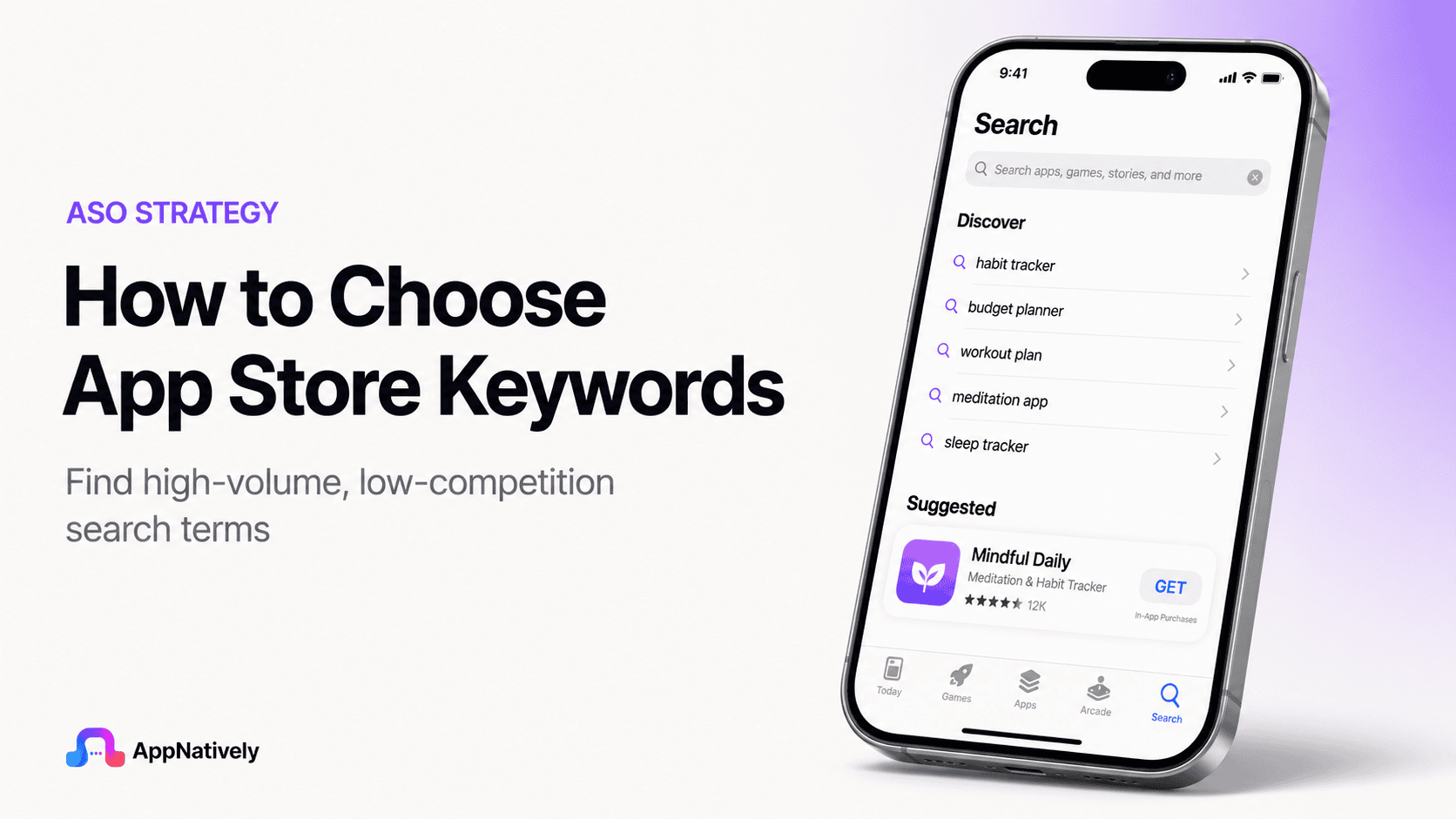
Choosing the right App Store keywords can determine whether your app gets discovered by the right users or disappears beneath thousands of competing apps.
A strong keyword strategy connects what people search for with what your app actually offers, helping you build visibility without relying entirely on paid acquisition.
The challenge is that App Store keyword research is not simply about finding high-volume terms. You need to evaluate relevance, search intent, competition, ranking potential, and user behavior before deciding which keywords deserve valuable space in your app metadata.
Why App Store Keywords Matter
When users search the App Store, they usually have a specific need in mind. They might search for a budgeting app, workout planner, hotel booking app, photo editor, or language-learning tool. Your keywords help connect those searches with your application.
For app publishers, this creates an important opportunity. Instead of trying to reach everyone, you can optimize your metadata around the terms used by people who are already looking for the type of solution your app provides.
The right keywords can improve app discoverability, qualified traffic, and organic acquisition. However, keywords alone do not guarantee downloads because ranking, conversion rate, ratings, reviews, retention, and overall app quality also influence performance.
How App Store Keywords Work
Apple provides several areas of App Store metadata that can contribute to discoverability, including the app name, subtitle, keyword field, and other product information.
The dedicated keyword field gives developers a limited amount of space to communicate additional search terms.
Apple currently provides 100 bytes for the keyword field, which means you cannot simply add every relevant phrase you discover during research. Every character needs to contribute something useful to your ASO strategy.
The limitation makes keyword selection more strategic. Instead of asking how many keywords you can add, ask which keywords have the strongest combination of relevance, intent, and ranking opportunity.
Search intent matters more than broad popularity
A keyword can have substantial search demand and still be a poor choice for your app. If the people searching that term are not looking for your specific solution, ranking for it may generate visibility without producing meaningful installs.
For example, a personal finance app might target “finance” because it appears highly relevant. However, terms such as “expense tracker,” “budget planner,” or “money manager” can communicate much stronger intent because users searching them have a clearer idea of what they want.
How to Choose App Store Keywords
The best way to choose App Store keywords is to start with your users, understand their problems, build a broad keyword list, evaluate each opportunity, and then narrow your selection based on relevance and competition.
This process gives you a stronger foundation than choosing keywords based on search volume alone.
i. Define your app’s core purpose
Before opening an ASO tool, describe your application in one clear sentence. Explain what the app does, who it serves, and what problem it solves without using complicated product language.
This exercise helps you identify the concepts that should form the foundation of your keyword research. If you cannot explain your app clearly, it becomes much harder to determine which search terms genuinely represent its value.
ii. Identify your target audience
Your ideal users may describe the same problem differently depending on their experience, location, age, profession, and expectations.
Understanding your audience therefore gives you valuable insight into the language they are likely to use when searching.
Think about what your users would type into the App Store if they had never heard of your brand. Their search behavior is usually more important than the terminology your marketing team prefers.
iii. Create a broad keyword list
Start by collecting words related to your app’s features, use cases, benefits, problems, audience, category, and outcomes. At this stage, do not remove keywords simply because they appear competitive or have limited demand.
For a workout application, your initial list might include workout, exercise, fitness, home workout, workout planner, exercise plan, gym workout, fitness routine, weight loss, strength training, and personal trainer.
The purpose of this stage is to create a keyword universe that you can evaluate later instead of prematurely limiting your options.
iv. Find the language users actually search
Your internal product terminology may not match the language your audience uses. A development team might describe an application as a “financial management platform,” while users may search for “budget tracker” or “expense tracker.”
Look beyond your own website and marketing materials. Customer reviews, support conversations, competitor reviews, Reddit discussions, social media comments, and app store search suggestions can reveal how people naturally describe their problems and desired solutions.
v. Analyze competitor keywords
Competitor research can show you how established apps position themselves and which concepts repeatedly appear across their metadata.
Review apps that serve the same audience and solve similar problems, then look for recurring themes in their titles, subtitles, descriptions, and positioning.
Do not copy competitor metadata. Instead, use competitor research to understand how the market communicates value and where potential opportunities may exist.
vi. Look for keyword gaps
A keyword gap appears when a relevant user need exists but competing applications are not strongly positioned around it.
These opportunities can be particularly valuable for newer apps that cannot immediately compete with established brands for highly competitive searches.
Suppose several photo editing apps focus heavily on “photo editor,” while your product has an advanced object-removal feature.
Keywords related to object removal may provide a more focused opportunity that aligns with your strongest differentiator.
vii. Prioritize relevance
Relevance should be the first filter for every App Store keyword. If a keyword does not accurately describe your application or a meaningful feature, remove it regardless of how attractive its search demand appears.
A highly relevant keyword gives you a better chance of attracting users who understand your product before they install it. This can create stronger alignment between search intent, product-page expectations, and user experience.
viii. Evaluate search volume
Search volume can help you understand how much potential demand exists for a keyword. However, high search volume should never automatically make a keyword your top priority.
Broad keywords can attract enormous audiences but often come with intense competition and weaker intent.
More specific terms may attract fewer searches while producing a more qualified audience that is substantially more valuable to your app.
ix. Assess keyword competition
Competition indicates how difficult it may be to gain meaningful visibility for a particular search term.
Established apps often have significant advantages because they have accumulated downloads, ratings, reviews, engagement, and brand recognition.
New apps should therefore avoid building their entire strategy around extremely competitive keywords.
A better approach is to combine a few ambitious terms with realistic, specific keywords that provide a stronger opportunity to gain traction.
x. Consider conversion potential
A keyword should ultimately contribute to your acquisition goals. If thousands of users search for a term but very few of those users are interested in your app, the keyword may have limited commercial value.
Consider what happens after someone discovers your app through a search. Does the keyword accurately describe the product? Does your screenshot communicate the expected feature? Does the app page give users a strong reason to install?
xi. Group related keywords
Keyword clustering helps you organize related terms around common user needs. Instead of viewing every keyword as an isolated opportunity, group them into themes that represent different aspects of your application.
For example, a meal-planning app could have clusters around meal planning, recipes, grocery lists, nutrition, and healthy eating. This structure makes it easier to understand which areas are central to your product and which represent secondary opportunities.
How to Measure App Store Keyword Opportunities
Choosing keywords becomes easier when you evaluate them using consistent criteria. Rather than relying on intuition, score potential terms based on relevance, intent, demand, competition, and business value.
A simple framework can help you compare opportunities before placing them into your App Store metadata.
Keyword relevance
Ask whether the keyword directly describes your application or one of its important features. A score of five should represent a keyword that perfectly matches what the app does and why users would download it.
Search intent
Determine whether someone searching the term is likely to want your specific solution. A keyword with strong intent usually provides more value than a broad category term that could represent dozens of different needs.
Search demand
Estimate whether enough people are searching for the keyword to make ranking worthwhile. Low-demand terms are not automatically bad, particularly when they represent highly qualified users, but extremely limited demand may restrict their value.
Competition level
Assess how difficult it may be to compete against existing apps. Highly competitive keywords can still be valuable, but newer applications may need a stronger balance between ambitious terms and less competitive opportunities.
Business value
Consider whether users arriving through the keyword are likely to become valuable customers. A keyword that attracts users who need your premium feature can potentially be more valuable than one that generates large volumes of low-intent traffic.
App Store Keyword Mistakes to Avoid
Keyword research can become ineffective when app publishers focus too heavily on rankings and not enough on relevance. Some common mistakes can also waste limited metadata space or create compliance problems.
Avoiding these mistakes can make your ASO strategy more sustainable and help your app attract users who genuinely need what you offer.
1. Targeting only high-volume keywords
High-volume keywords are attractive because they promise a larger potential audience. However, they are often the most competitive terms and can be too broad for a new application to rank effectively.
A better strategy is to build a balanced keyword portfolio that includes relevant high-demand terms alongside more specific searches with realistic ranking potential.
2. Using irrelevant keywords
Adding unrelated keywords simply because they appear popular can attract the wrong audience and create a poor experience. Apple also has guidelines against misleading or irrelevant metadata.
Your keyword strategy should always represent the actual functionality of your application. If the app does not deliver what the keyword promises, the keyword does not belong in your strategy.
3. Repeating the same keywords
Repeating the same term across your metadata does not automatically create a stronger ASO strategy. Apple provides limited keyword space, so unnecessary duplication can prevent you from targeting additional relevant concepts.
Use your available space strategically and avoid filling it with variations that add little incremental value.
4. Using competitor brand names
Using competitor names as keywords may seem like an easy way to capture existing search demand, but it can create policy concerns and does not build sustainable organic acquisition.
Instead of targeting another company’s brand, identify the generic feature, use case, or problem that makes the competitor relevant to your audience.
5. Chasing trending searches
A trending keyword can produce temporary attention, but that does not make it a suitable keyword for your app. If the term has no meaningful relationship with your product, the traffic it generates is unlikely to create long-term value.
Your keyword strategy should be built around consistent user needs, not temporary trends.
How To Optimize Your App Store Keyword Field
The App Store keyword field is extremely limited, so optimization requires careful planning. Apple recommends using commas to separate keywords and avoiding unnecessary spaces, duplicate terms, and terms that are already covered elsewhere in your searchable metadata.
Before publishing, review the entire keyword field rather than evaluating each term independently. Look for opportunities to remove redundant words and replace them with relevant concepts that you are not currently targeting.
Use individual keyword concepts strategically
Think about how individual words can work together to create multiple relevant combinations. Instead of entering every possible phrase, select complementary terms that can cover several related searches.
This approach can help you get more value from the limited character allowance while keeping the metadata concise and relevant.
Avoid unnecessary plural variations
You should not automatically use both singular and plural versions of every keyword. Evaluate whether the variation provides meaningful additional value before spending valuable keyword space on it.
Apple’s ASO guidance recommends making efficient use of the keyword field rather than filling it with redundant variations.
Remove words already covered elsewhere
If an important term already appears in your app name or another searchable metadata element, repeating it in the keyword field may waste valuable space.
Review your complete metadata before finalizing the keyword field. This gives you a better view of which concepts are already represented and which opportunities remain uncovered.
How To Research Long-Tail App Store Keywords
Long-tail keywords can be especially useful for apps competing against established products. These phrases are more specific and often reveal a clearer understanding of what the user wants.
For example, “fitness” is broad, while “home workout planner” communicates a specific use case. If your application specializes in that exact experience, the longer phrase may represent a stronger opportunity.
i. Start with feature-based searches
List your most important features and turn each one into potential search phrases. A note-taking application might explore concepts such as voice notes, meeting notes, task manager, digital notebook, and note organizer.
Feature-based searches can reveal valuable opportunities because users frequently search for the specific job they want an app to perform.
ii. Explore problem-based searches
Users do not always search for features. They may search for the problem they are trying to solve.
A productivity app could therefore explore searches related to focus, time management, daily planning, task organization, and productivity rather than relying only on feature names.
iii. Explore outcome-based searches
Another useful approach is to identify the outcome users want. A language-learning app could target concepts connected to speaking practice, vocabulary building, pronunciation, or learning a language faster.
Outcome-focused keywords can connect your app with users who understand the result they want even if they do not know what type of app provides it.
How Localization Affects App Store Keywords
If you publish your app internationally, keyword research should be adapted for each market.
Direct translation is often not enough because users may use different terminology, phrasing, and search behavior across languages.
A keyword that performs well in the United States may not be the best choice in another English-speaking market, and a translated phrase may sound unnatural to native users.
Research each target market separately
Treat every important market as its own keyword opportunity. Study local competitors, search behavior, terminology, and cultural differences before deciding which terms to use.
Localization should make your app easier for people to discover and understand, not simply convert your English metadata into another language.
App Store Keywords vs. Google Play Keywords
App Store keyword optimization and Google Play keyword optimization require different approaches.
Apple provides a dedicated keyword field with a 100-byte limit, while Google Play uses elements such as the app title, short description, and full description as part of its store listing optimization.
Google Play currently allows a 30-character app title, an 80-character short description, and a 4,000-character full description. Because the metadata structures differ, you should not simply copy your App Store keyword strategy into your Google Play listing.
Optimize each store independently
Start with the same customer research, but adapt the final keyword strategy to each platform. This allows you to take advantage of the specific metadata opportunities available on Apple and Google.
Your core positioning should remain consistent, but the way you express that positioning should reflect each platform’s requirements.
How To Build an App Store Keyword Strategy
A sustainable ASO strategy should not be created once and forgotten. Your market changes, competitors update their metadata, new features are released, and users may begin searching for your product differently over time.
The strongest approach combines initial research with continuous monitoring and refinement.
1. Build your initial keyword set
Start with a broad list based on your audience, features, problems, outcomes, competitors, and category. Then remove irrelevant and redundant terms before scoring the remaining opportunities.
This gives you a structured foundation rather than a random collection of keywords.
2. Select your priority keywords
Choose the terms that offer the strongest balance between relevance, intent, demand, competition, and business value. Your priority keywords should represent the core reasons someone would choose your app.
Avoid allocating your entire strategy to extremely competitive terms. Include realistic opportunities that give your application room to gain visibility.
3. Monitor ranking changes
Track how your most important keywords perform after publishing or updating your metadata. Look for consistent trends rather than reacting to every short-term ranking movement.
Ranking data becomes more useful when you compare it with impressions, product-page views, conversion rate, downloads, and retention.
4. Refresh your keyword strategy
Your keyword strategy should evolve as your application grows. New features can create new search opportunities, while declining relevance can make existing terms less valuable.
Review your strategy regularly and update it when there is a clear reason to do so rather than making frequent changes without a measurable objective.
A Practical App Store Keyword Example
Consider an app that helps small businesses create invoices, track expenses, and manage payments.
Its initial keyword research might include terms such as invoice, invoicing, billing, expense, receipt, payment, bookkeeping, accounting, finance, money manager, invoice maker, and expense tracker.
The next step would be to determine which concepts most closely match the application’s strongest features and target audience.
If invoice creation is the primary use case, invoice-related terms should receive greater priority than broad terms such as “finance.”
This approach creates a stronger connection between what users search, what the app promises, and what the product actually delivers.
Best Practices for App Store Keyword Research
The most effective keyword strategies share several characteristics. They focus on user language, prioritize relevance, account for competition, and evolve as new performance data becomes available.
For quick reference, these are the most important principles to follow:
Start with your user’s problem
Focus on highly relevant search intent
Build a broad keyword list before narrowing it
Research competitors without copying them
Look for specific keyword gaps
Balance search demand with competition
Prioritize realistic opportunities for newer apps
Use long-tail keywords when appropriate
Avoid keyword stuffing and unnecessary repetition
Do not target competitor brand names
Localize keywords for important markets
Monitor rankings and acquisition performance
Update keywords when your product or audience changes
Final Thoughts
Choosing App Store keywords is a combination of user research, competitive analysis, product positioning, and ongoing optimization.
The objective is not to rank for every possible search but to become visible for searches that closely match what your application actually delivers.
Start with your audience and identify the language they use to describe their problems. Build a broad keyword universe, evaluate relevance and intent, study competition, and prioritize terms that offer realistic opportunities.
Then use Apple’s limited metadata space carefully without relying on repetition or irrelevant keywords.
Most importantly, remember that ASO does not end with keyword rankings. The users who discover your app still need a convincing product page, clear screenshots, strong reviews, and an experience that delivers on the promise made by your metadata.
When your keywords and product positioning work together, App Store search becomes more than a visibility channel. It becomes a sustainable way to connect your app with people who are already looking for the solution you provide.
There are few things more frustrating than opening an app, getting ready to use it, and watching it suddenly close.
Sometimes the app crashes once and works normally afterward. Other times, it keeps crashing every time you open it. It may freeze on the loading screen, close when you tap a particular feature, or become completely unusable.
The good news is that app crashes are usually caused by a specific problem, and many of them can be fixed without replacing your phone or deleting everything.
Whether you are an everyday smartphone user or a business owner running a mobile app, understanding why mobile apps crash can help you find the right solution faster.
What Does It Mean When a Mobile App Keeps Crashing?
A mobile app crash happens when an application unexpectedly stops running and closes.
The operating system may shut down the app because it has encountered an error, used too many resources, failed to access something it needs, or encountered a compatibility problem.
Crashes can happen on both Android and iOS devices. They can also happen at different stages.
An app might crash immediately after opening, during login, while loading content, when uploading an image, or when using a specific feature.
If the problem happens repeatedly, it usually means there is an underlying issue that needs to be addressed.
Why Does My Mobile App Keep Crashing?
There is rarely one single reason behind every app crash. The cause can be something as simple as an outdated app or as complex as a memory management problem inside the application.
Here are some of the most common causes.
1. The App Is Outdated
One of the first things to check is whether you are running the latest version of the app.
Developers regularly release updates to fix bugs, improve compatibility, patch security issues, and support newer versions of Android and iOS.
If your operating system has recently been updated but the app has not, compatibility problems can sometimes appear.
Both Apple and Google recommend checking for app and operating system updates when troubleshooting apps that crash or stop responding.
2. Your Phone Is Running Out of Storage
Low storage can create problems across your device.
When your phone is nearly full, apps may have less room to store temporary files, cached content, downloads, and other data they need while running.
Google specifically recommends checking available storage when troubleshooting Android devices experiencing crashes and other problems.
If your phone is almost full, remove unnecessary videos, photos, downloads, and unused apps before assuming the app itself is broken.
3. Too Much Memory Is Being Used
Mobile devices have limited memory.
If an app tries to load large images, videos, maps, datasets, or several resource-heavy components at the same time, it can consume more memory than the device can comfortably provide.
This is particularly important for developers.
An app might work perfectly on a modern flagship phone but crash on an older device because the older device has less available memory.
That is why testing an app on different devices is so important.
4. The App Has a Bug
Sometimes the problem is simply inside the application.
A developer may accidentally introduce a bug in a new release. A particular button, screen, API request, or user interaction might trigger the crash.
This can be especially difficult for users because everything else on the phone may work perfectly.
If only one particular app keeps crashing while other apps work normally, the application itself may be the problem.
Google recommends contacting the app developer if standard troubleshooting steps do not resolve an issue with a particular app.
5. Corrupted Cache or App Data
Apps store temporary information to make future interactions faster.
Sometimes that stored data becomes corrupted or incompatible with a newer version of the app.
On Android, clearing an app’s cache can sometimes resolve problems. Google includes clearing an app’s cache and data among its troubleshooting steps.
Keep in mind that clearing app data can remove locally stored information, so users should understand what will be deleted before doing it.
6. Poor Internet Connectivity
Not every crash is caused by the app’s interface or code.
Some apps depend heavily on APIs, databases, authentication services, cloud storage, or other online services.
If the app doesn’t handle connection failures properly, an unstable internet connection can expose bugs that eventually cause the app to freeze or crash.
A well-designed app should gracefully handle situations where the network is slow, unavailable, or temporarily disconnected.
7. Operating System Compatibility Problems
Mobile operating systems continue to evolve.
A new Android or iOS version can change APIs, permissions, background behavior, security requirements, and other platform-level features.
An app that hasn’t been properly tested against a newer operating system may behave unexpectedly.
This is why developers need to test applications against supported OS versions before and after major platform updates.
How to Fix an App That Keeps Crashing
Before assuming that your phone or the app is permanently broken, try the basic troubleshooting steps.
i. Restart the App
Completely close the application and open it again.
A temporary error may disappear after restarting the app.
ii. Restart Your Phone
A device restart can clear temporary system issues and refresh system resources.
Google recommends restarting the device as one of the first troubleshooting steps for Android apps that crash or don’t respond.
Apple similarly recommends restarting an iPhone or iPad when an app closes unexpectedly or won’t open.
iii. Update the App
Check the App Store or Google Play Store for an available update.
If the developer has already identified the problem, the latest version may contain the fix.
iv. Update Your Operating System
If the app is updated but your phone’s operating system is significantly outdated, install available system updates if your device supports them.
Compatibility goes both ways. Apps need to work with the operating systems they support.
v. Check Available Storage
Look at your phone’s storage settings.
If your device is almost full, remove unnecessary files and apps.
Freeing up storage can also give apps more room for temporary data and system operations.
vi. Clear Android App Cache
On many Android devices, you can clear an application’s cache through the app settings.
The exact menu can vary depending on the manufacturer and Android version.
Google notes that clearing cached data can temporarily free storage and may help when an app is not working correctly.
vii. Reinstall the App
If the problem continues, uninstalling and reinstalling the application can give you a clean installation.
Apple recommends deleting and redownloading an app when it continues to close unexpectedly.
The same approach is available on Android, although users should remember that uninstalling an app can erase locally stored app data.
What If Only One Feature Causes the Crash?
This is an important clue.
Suppose the app opens normally, but crashes whenever you try to upload a photo.
That tells developers much more than simply saying, “The app keeps crashing.”
The same applies if the crash happens when opening a product page, checking out, searching, logging in, viewing a map, or uploading a file.
Try to identify the exact action that triggers the crash.
For developers, reproducing the same sequence is one of the most useful steps toward finding the underlying bug.
What Should App Developers Do When an App Keeps Crashing?
Troubleshooting isn’t only a user’s responsibility.
If you are building a mobile application, crashes should be treated as product issues, not simply technical inconveniences.
Monitor Crash Reports
Crash reporting tools can help developers understand where and why applications are failing.
Instead of waiting for users to report problems manually, developers can identify crash patterns across devices, operating systems, app versions, and specific screens.
Test Across Multiple Devices
Testing only on one modern smartphone is not enough.
Different devices have different screen sizes, memory capacities, processors, operating system versions, and manufacturer-specific behavior.
An application should be tested across the devices and OS versions that matter to its target audience.
Handle API Failures Properly
Your application should not assume that every API request will succeed.
Servers can be unavailable. Requests can time out. Authentication tokens can expire. Internet connections can disappear.
Good error handling should prevent these situations from turning into application crashes.
Optimize Memory Usage
Large images, video files, complex animations, maps, and large datasets can create memory pressure.
Developers should optimize assets, release resources when they are no longer needed, and avoid keeping unnecessary objects in memory.
Test Real User Scenarios
A crash may not appear during a simple development test.
Users might switch between apps, lose their internet connection, rotate their device, deny permissions, upload unusual files, use older devices, or perform actions in unexpected sequences.
Real-world testing needs to account for these scenarios.
App Crashes Are More Than a Technical Problem
A single crash might seem small from a development perspective.
For users, however, repeated crashes can quickly become a reason to uninstall an app.
Think about an eCommerce app that crashes during checkout.
Or a booking app that closes while a customer is selecting a date.
Or a directory app that crashes whenever someone opens a listing.
The technical issue may be a single line of problematic code, but the business impact can be much larger.
Users don’t usually think about memory management, API failures, or compatibility layers.
They simply think:
“This app doesn’t work.”
That is why reliability should be treated as part of the user experience.
When Should You Contact the App Developer?
If you have restarted your device, updated the app, checked storage, and tried reinstalling it but the problem continues, contacting the developer is the next logical step.
When reporting the issue, provide useful information such as your device model, operating system version, app version, what you were doing when the crash happened, and whether the problem happens every time.
A clear bug report can help developers reproduce and fix the issue much faster.
Apple also recommends contacting the app developer if an app downloaded from the App Store continues to malfunction after troubleshooting.
Final Thoughts
When a mobile app keeps crashing, the problem isn’t necessarily your phone.
The cause could be an outdated app, insufficient storage, corrupted data, memory pressure, network problems, operating system compatibility, or a bug inside the application.
Start with the simple fixes: restart the app, restart your phone, update the app and operating system, check storage, and reinstall the application if necessary.
If the problem affects only one app or one specific feature, there is a good chance the issue needs attention from the developer.
For businesses, the lesson is even more important. A mobile app isn’t finished when it launches. Keeping it stable across devices, operating systems, network conditions, and real-world usage is an ongoing part of building a product people trust.
A fast app gets attention. A reliable app keeps users.
Frequently Asked Questions
Why does my mobile app keep crashing?
Common causes include outdated software, low device storage, memory pressure, corrupted app data, network problems, compatibility issues, and bugs within the app.
How do I stop an app from crashing?
Start by closing and reopening the app, restarting your phone, checking for updates, freeing storage, and reinstalling the app if necessary.
Why does an app crash immediately after opening?
The application may have a startup bug, corrupted local data, compatibility problems, or insufficient system resources. Updating or reinstalling the app may resolve the issue.
Can low storage cause apps to crash?
Yes. Low available storage can contribute to device and application problems. Google recommends checking storage when troubleshooting Android devices experiencing crashes.
Why does an app work on one phone but crash on another?
Different devices have different hardware capabilities, operating system versions, memory limits, screen configurations, and manufacturer-specific behavior. An application may therefore behave differently across devices.
Should I reinstall an app if it keeps crashing?
Reinstalling can help when app files or locally stored data have become corrupted. However, check whether important data is stored locally before uninstalling because deleting an app can remove stored data.
What should developers do about frequent app crashes?
Developers should monitor crash reports, identify reproducible crash patterns, test across supported devices and OS versions, optimize memory usage, handle API and network failures, and release fixes quickly.
Running a successful Shopify store is no longer just about attracting visitors. The real challenge is bringing customers back, recovering abandoned carts, increasing repeat purchases, and maintaining strong customer relationships. With online competition growing every day, merchants need marketing channels that are fast, affordable, and highly effective.
This is where push notifications for Shopify become a game changer.
Push notifications allow Shopify store owners to instantly reach customers with personalized messages, promotions, order updates, restock alerts, and product recommendations directly on their devices.
Unlike email marketing, which often struggles with low open rates, push notifications typically enjoy significantly higher engagement because they appear directly on a customer’s screen.
Whether you’re running a fashion boutique, electronics store, beauty brand, or home décor business, Shopify push notifications can dramatically improve customer engagement while increasing revenue.
In this blog post, you’ll learn everything you need to know about push notifications for Shopify, including their benefits, types, best practices, automation strategies, and how to maximize conversions.
What Are Shopify Push Notifications?
Shopify push notifications are clickable messages sent directly to customers through their web browser or mobile device after they opt in to receive notifications from your store.
Unlike emails, customers don’t need to open an inbox. The notification appears instantly on their desktop, smartphone, or tablet.
A typical Shopify push notification includes:
A title
A short message
An image (optional)
Brand logo
Call-to-action button
Destination URL
For example:
Title: 🔥 Flash Sale Starts Now!
Message: Save 30% on all sneakers today only. Shop before midnight.
CTA: Shop Now
Customers simply click the notification and are taken directly to the relevant product or collection page.
Why Push Notifications Matter for Shopify Stores
Modern consumers receive hundreds of marketing emails every week. Many remain unread or end up in spam folders.
Push notifications solve this problem by providing:
Instant delivery
Higher visibility
Faster customer engagement
Better click-through rates
Real-time communication
For Shopify businesses, this translates into:
More returning customers
Increased sales
Better customer retention
Lower abandoned carts
Improved customer lifetime value
Instead of waiting for customers to revisit your website, you proactively remind them about products, offers, and updates.
Key Benefits of Push Notifications for Shopify
1. Recover abandoned carts
Cart abandonment is one of the biggest challenges in ecommerce.
Many shoppers add products to their cart but leave without completing the purchase.
Push notifications can automatically remind them about:
Items left behind
Limited-time discounts
Low stock
Free shipping offers
These reminders encourage customers to return and complete their purchase.
2. Increase repeat purchases
Existing customers are far more likely to purchase again than first-time visitors.
Push notifications help you stay connected by sending:
Personalized recommendations
Seasonal promotions
Loyalty rewards
New arrivals
Keeping your brand visible encourages repeat business.
3. Improve customer engagement
Regular communication builds stronger customer relationships.
Examples include:
Product launches
Holiday campaigns
Exclusive offers
Blog updates
Brand announcements
Frequent but relevant notifications keep customers engaged without overwhelming them.
4. Higher open rates than email
While email marketing remains valuable, push notifications often generate significantly higher visibility because they appear directly on users’ devices.
Customers don’t need to:
Open an inbox
Search for emails
Avoid spam folders
This makes push notifications ideal for urgent campaigns and flash sales.
5. Real-time marketing
Need to promote a flash sale starting in 10 minutes?
Push notifications deliver messages instantly.
Perfect for:
Black Friday
Cyber Monday
Holiday promotions
Limited inventory
One-day discounts
Timing plays a crucial role in ecommerce success.
Types of Shopify Push Notifications
Different notifications serve different marketing objectives.
i. Welcome notifications
Sent immediately after a visitor subscribes.
Example:
“Welcome to our store! Enjoy 10% off your first purchase.”
ii. Abandoned cart notifications
Automatically remind shoppers about products left in their cart.
Example:
“You forgot something! Complete your purchase before your cart expires.”
iii. Price drop alerts
Notify interested shoppers when prices decrease.
Example:
“Great news! Your favorite jacket is now 20% off.”
iv. Back-in-stock alerts
Customers often leave when products are unavailable.
Notify them the moment inventory returns.
Example:
“Your favorite sneakers are back in stock. Order before they’re gone again.”
v. New product launches
Promote newly released products instantly.
Example:
“Our Summer Collection has officially arrived.”
vi. Flash sale notifications
Create urgency with time-sensitive offers.
Example:
“Only 6 hours left. Save 40% today.”
vii. Order updates
Keep customers informed throughout the buying journey.
Examples include:
Order confirmed
Order shipped
Out for delivery
Delivered successfully
These updates improve the post-purchase experience.
Best Practices for Shopify Push Notifications
Simply sending notifications isn’t enough.
Follow these proven strategies.
Personalize every message
Use customer data whenever possible.
Instead of:
“Check out our products.”
Try:
“John, your favorite running shoes are back in stock.”
Personalization improves engagement.
Keep messages short
Push notifications have limited space.
Good example:
“Weekend Sale: Save 25% Storewide.”
Avoid lengthy paragraphs.
Create urgency
Encourage immediate action using phrases like:
Limited time
Today only
Ends tonight
Almost sold out
Last chance
Urgency increases conversions.
Send at the right time
Timing matters.
Avoid:
Late-night notifications
Early morning alerts
Excessive messaging
Analyze customer behavior and schedule notifications when users are most active.
Use strong calls-to-action
Every notification should encourage action.
Examples:
Shop Now
Claim Discount
Explore Collection
Complete Purchase
View Product
A clear CTA improves click-through rates.
Automation Ideas for Shopify Push Notifications
Automation saves time while increasing sales.
Popular automated campaigns include:
Welcome series
Welcome new subscribers with:
Thank-you message
Discount code
Best-selling products
Browse abandonment
If visitors leave after viewing products without adding them to their cart, automatically remind them.
Cart recovery
Send reminders:
After 30 minutes
After 12 hours
After 24 hours
Offer incentives only if necessary.
Win-back campaigns
Reconnect with inactive customers.
Example:
“We miss you! Here’s 15% off your next purchase.”
Birthday notifications
Reward customers on special occasions.
Example:
“Happy Birthday! Enjoy an exclusive gift from us.”
Product recommendation campaigns
Recommend products based on:
Purchase history
Browsing history
Customer preferences
Personalized recommendations often outperform generic promotions.
Integrating Push Notifications with Other Marketing Channels
Push notifications work best alongside other marketing efforts.
For example:
Email marketing for detailed promotions
SMS for urgent updates
Social media for brand awareness
Retargeting ads for broader reach
Loyalty programs for repeat customers
Using multiple channels creates a more cohesive customer experience.
Choosing the Right Push Notification App for Shopify
When evaluating Shopify apps, consider features such as:
Easy installation
Automation workflows
Audience segmentation
Abandoned cart recovery
Product recommendations
Analytics dashboard
A/B testing
Multi-device support
Integration with Shopify Flow
Compliance with privacy regulations
A scalable solution should grow alongside your business and support increasingly sophisticated campaigns.
Frequently Asked Questions
Are Shopify push notifications free?
Many Shopify apps offer free plans with limited subscribers or notifications. Premium plans typically unlock advanced automation, segmentation, analytics, and higher sending limits.
Do customers need to opt in?
Yes. Customers must grant permission before receiving push notifications, making the channel permission-based and more likely to reach engaged users.
Can push notifications help recover abandoned carts?
Absolutely. Automated cart reminders are among the most effective use cases, encouraging shoppers to return and complete their purchases.
How often should I send push notifications?
There’s no universal rule, but consistency matters more than frequency. Focus on sending timely, relevant messages rather than daily promotions that may lead to unsubscribes.
Can I personalize Shopify push notifications?
Yes. Most modern push notification tools allow personalization using customer names, browsing history, purchase behavior, and audience segments to deliver more relevant messages.
Your website brings visitors. A mobile app brings them back.
As mobile usage continues to dominate, customers expect faster, smoother, and more personalized experiences than a website alone can provide.
That’s why more businesses are turning their websites into mobile apps, not by rebuilding everything from scratch, but by leveraging what they already have.
Whether you run an eCommerce store, booking platform, directory, restaurant, hotel, or online service, converting your website into a mobile app can improve customer engagement, increase retention, and create new revenue opportunities.
In this blog post, you’ll learn everything about website-to-app conversion, including how it works, its benefits, the different approaches available, and how to choose the right solution for your business.
What Is Website-to-App Conversion?
Website-to-app conversion is the process of transforming an existing website into a mobile application that runs on Android and iOS devices.
Instead of rebuilding your entire business from the ground up, the app leverages your existing website, backend, APIs, and business logic while providing a mobile-first experience.
Depending on the technology used, the final product can range from a simple WebView wrapper to a fully native mobile application with platform-specific features.
Think of your website as the engine of your business. Website-to-app technology builds a mobile interface around that engine, allowing customers to interact with your services more efficiently from their smartphones.
Why Are More Businesses Building Mobile Apps?
Consumer behavior has changed dramatically over the past decade.
People now spend significantly more time inside mobile apps than web browsers. They shop, book appointments, order food, read news, communicate, and manage finances primarily through apps.
This presents a major opportunity for businesses.
A mobile app allows companies to remain on customers’ home screens, creating a constant brand presence that websites simply cannot match.
Instead of hoping customers remember to revisit your website, your app becomes a direct communication channel.
With push notifications, personalized recommendations, saved user preferences, and faster navigation, businesses can build stronger customer relationships while increasing repeat engagement.
For online stores, this often translates into higher purchase frequency and better customer lifetime value.
Website vs Mobile App
Many business owners wonder whether a responsive website is enough.
The answer depends on your goals.
A website is excellent for discovery through search engines. It helps new customers find your business.
A mobile app, on the other hand, excels at retaining existing customers.
Website
Mobile App
Great for SEO
Great for customer retention
Accessible through browsers
Installed directly on devices
Limited device integration
Full access to native features
No push notifications
Push notifications included
Requires internet
Can support offline capabilities
Lower engagement
Higher engagement
Harder to encourage repeat visits
One tap away on the home screen
Rather than replacing each other, websites and apps work best together.
Your website attracts visitors.
Your mobile app turns those visitors into loyal customers.
The Biggest Misconception About Website-to-App Conversion
Many people believe every website-to-app builder produces the same result.
This is far from true.
Some platforms simply display your website inside a browser embedded within the app.
While this approach is inexpensive, it often results in slower performance, limited offline functionality, poor navigation, and an experience that feels more like visiting a website than using a mobile app.
More advanced solutions generate true native applications that are specifically built for Android and iOS.
These apps integrate directly with device capabilities, provide smoother interactions, load faster, and offer a significantly better user experience.
Understanding this distinction is one of the most important decisions you’ll make when selecting a website-to-app solution.
Native Apps vs WebView Apps: Understanding the Biggest Difference
If you’re researching website-to-app solutions, you’ve probably come across terms like native app and WebView app.
At first glance, both appear to solve the same problem by turning a website into a mobile app. However, they deliver very different experiences for both businesses and customers.
Choosing the wrong approach can lead to slow performance, frustrated users, poor app ratings, and lower customer retention.
Choosing the right one can create an app that feels polished, responsive, and capable of supporting your business for years to come.
Let’s explore the differences.
What Is a WebView App?
A WebView app is essentially your website displayed inside a mobile application. Rather than creating a separate mobile interface, the app loads your website within an embedded browser component.
This method is popular because it is fast to build and requires minimal development effort. Any changes made to your website are reflected in the app without rebuilding the application.
While this approach may be suitable for very simple informational websites, it often falls short when businesses expect a premium mobile experience.
Advantages
Lower development cost
Faster initial setup
Easy content updates
Reuses your existing website
Limitations
Performance depends heavily on website speed
Navigation may feel like browsing a website rather than using an app
Limited offline functionality
Restricted access to native device features
Less fluid animations and interactions
Can lead to lower user satisfaction if not optimized properly
What Is a Native App?
A native app is specifically built for a mobile operating system such as Android or iOS. Instead of simply displaying your website, it creates a mobile experience designed around platform standards and device capabilities.
Modern website-to-app platforms can generate native applications while still connecting to your existing website, APIs, and backend systems.
The result is a mobile app that looks, feels, and performs as software users download from major app stores every day.
Advantages
Faster performance
Smoother scrolling and animations
Better responsiveness
Access to native hardware features
Superior user experience
Higher engagement potential
Better scalability for future features
Native App vs WebView App
Feature
Native App
WebView App
Performance
Excellent
Depends on website
User Experience
Optimized for mobile
Website inside an app
Animations
Smooth
Limited
Offline Support
Better
Limited
Push Notifications
Full support
Often limited
Camera Integration
Native
Limited
GPS Integration
Native
Limited
Device APIs
Extensive
Restricted
Scalability
High
Moderate
Customer Satisfaction
Higher
Lower if poorly optimized
Which One Should You Choose?
The answer depends on your business goals.
If you simply want a mobile version of your website for occasional visitors, a WebView solution may meet your basic requirements.
However, if your goal is to increase customer engagement, improve retention, build loyalty, and create a premium brand experience, a native app is the better long-term investment.
Businesses that depend on repeat customers, such as online stores, food delivery services, booking platforms, directories, and subscription services, benefit the most from native applications.
Why Businesses Are Investing in Website-to-App Conversion
Building a mobile app isn’t just about keeping up with competitors. It directly impacts how customers interact with your brand.
Here are the biggest advantages.
1. Increased customer retention
A website depends on users remembering to return.
A mobile app stays on the customer’s home screen, making repeat visits effortless.
Every icon on a smartphone acts as a reminder of your business.
The easier it is for customers to return, the more opportunities you have to build loyalty.
2. Higher conversion rates
Apps reduce friction throughout the customer journey.
Users don’t need to:
Open a browser
Search for your website
Wait for multiple pages to load
Log in repeatedly
Instead, they launch the app with one tap.
This streamlined experience often leads to more completed purchases and fewer abandoned carts.
3. Push notifications drive repeat sales
One of the biggest advantages of mobile apps is direct communication.
Instead of relying solely on email marketing or social media algorithms, businesses can instantly notify users about:
Flash sales
New arrivals
Order updates
Special discounts
Cart reminders
Personalized offers
Well-timed notifications consistently outperform many traditional marketing channels in terms of engagement.
4. Better brand visibility
Every installed app becomes permanent advertising.
Unlike a browser bookmark that users rarely revisit, your app icon remains visible every day.
This constant visibility strengthens brand recognition over time.
5. Faster shopping experience
Modern consumers expect speed.
Native apps can cache resources, preload content, and optimize interactions to deliver a smoother shopping experience.
Even small improvements in loading speed can have a measurable impact on revenue.
6. Improved customer loyalty
Apps encourage repeat behavior.
Customers are more likely to:
Browse products frequently
Save favorite items
Receive personalized recommendations
Complete purchases
Return for future orders
This creates a stronger relationship than a website alone.
Industries That Benefit Most from Website-to-App Conversion
While almost any business can benefit from a mobile app, certain industries see especially strong results because they rely on repeat customer engagement and frequent interactions.
i. eCommerce stores
Online retailers often experience the greatest return on investment from mobile apps.
Customers can browse products more quickly, receive instant notifications about promotions, track orders in real time, and enjoy a smoother checkout process.
The convenience of having a store available with a single tap encourages repeat purchases and increases customer loyalty.
Popular examples include businesses powered by WooCommerce, Shopify, SureCart, and other eCommerce platforms.
ii. Online directories
Business directories, service marketplaces, and local listing websites benefit from apps that make searching, filtering, and contacting businesses much faster.
Features like GPS integration, saved searches, maps, favorites, and instant notifications improve the overall experience while encouraging users to return more frequently.
iii. Booking platforms
Hotels, travel agencies, appointment booking systems, and event platforms rely on timely interactions.
A mobile app allows users to:
Make reservations
Receive booking confirmations
Get reminders
Manage appointments
Access tickets
Receive last-minute offers
All without needing to revisit a website.
iv. Restaurants and food delivery
Restaurants can simplify ordering, promote limited-time offers through push notifications, enable repeat ordering, and provide customers with real-time order updates.
The result is a faster ordering experience and increased customer retention.
v. Learning platforms
Students expect learning to happen on mobile devices.
An app enables learners to access courses, track progress, receive assignment reminders, and continue learning wherever they are.
vi. Membership communities
Organizations, clubs, and subscription-based businesses can strengthen engagement through personalized notifications, exclusive content, and easier access to member resources.
Features Every Modern Business App Should Include
Converting a website into an app is only the first step. To maximize user engagement and long-term success, your app should provide a mobile experience that feels intuitive, fast, and valuable.
Native navigation
Mobile users expect navigation that feels familiar and effortless.
Well-designed native menus, bottom navigation bars, gestures, and smooth transitions help users move through the app naturally.
Push notifications
Push notifications remain one of the most effective tools for bringing users back.
They can be used to announce promotions, order updates, abandoned carts, new content, or personalized recommendations.
When used thoughtfully, they increase engagement without overwhelming users.
Secure authentication
Whether customers log in using email, social accounts, or biometric authentication, the process should be quick and secure.
A frictionless login experience encourages continued use while protecting user data.
Offline support
Although not every feature can work without an internet connection, caching important content such as previously viewed pages, product information, or user preferences improves reliability and creates a smoother experience in areas with poor connectivity.
Fast performance
Every second counts.
Users expect instant responses when opening the app, switching between screens, or browsing products. Optimized performance reduces frustration and increases the likelihood of conversions.
Personalized experiences
Modern apps can tailor content based on user behavior.
Examples include:
Recently viewed products
Recommended items
Favorite businesses
Saved searches
Personalized offers
Custom dashboards
Personalization makes the app feel more relevant to each user and encourages repeat engagement.
Seamless integration
Your app should work effortlessly with the systems that already power your business, such as payment gateways, inventory management, customer accounts, booking engines, and content management systems.
The smoother these integrations are, the more consistent the experience becomes for both you and your customers.
How Does Website-to-App Conversion Work?
One of the biggest misconceptions about website-to-app conversion is that it’s simply a matter of putting a website inside a mobile application. While some basic solutions work this way, modern website-to-app platforms take a much more sophisticated approach.
The goal isn’t just to display your website on a smaller screen. It’s to create a mobile experience that feels intuitive, responsive, and optimized for Android and iOS while continuing to use your existing website as the source of truth.
In most cases, your website remains responsible for storing products, customer accounts, orders, bookings, content, and other business data. The mobile app communicates with your website in real time, ensuring that both platforms stay synchronized.
For example, if a customer places an order through your app, that order is instantly available in your website’s dashboard. If you update product prices or publish a new blog post on your website, the app reflects those changes automatically.
This synchronization eliminates duplicate work and allows businesses to manage everything from a single backend.
The Core Components of a Website-to-App System
Although implementations vary between platforms, most modern solutions include several key components working together.
1. The website
Your website continues to power the business.
It stores:
Products
Customers
Orders
Blog posts
Inventory
User accounts
Booking information
Business settings
Think of the website as your central management hub.
2. APIs
APIs act as translators between your website and your mobile application.
Whenever the app needs information, such as product details, customer profiles, or order history, it sends a request to your website through an API. The website processes the request and returns the required data in a structured format.
This allows the app to display live information without requiring duplicate databases or manual updates.
3. Mobile interface
Instead of simply displaying web pages, many advanced solutions create dedicated mobile screens designed for touch interactions.
These screens are optimized for:
Faster navigation
Better readability
Improved usability
Native gestures
Smaller screens
Platform-specific design guidelines
The result feels much more natural than browsing a website inside a mobile browser.
4. Cloud services
Many mobile apps also rely on cloud services for features such as:
Push notifications
Analytics
Crash reporting
User authentication
File storage
Real-time messaging
These services improve reliability while giving businesses valuable insights into user behavior.
What Happens When a Customer Uses the App?
A simplified user journey looks like this:
The customer opens the app.
The app requests the latest information from your website.
Your website returns the necessary data through APIs.
The app displays the information using a mobile-friendly interface.
If the customer makes a purchase, books a service, or updates their profile, the information is sent back to your website instantly.
Both platforms remain synchronized without any manual intervention.
This seamless communication ensures that your website and app always stay aligned.
Common Website-to-App Technologies
Businesses generally have several options when converting a website into an app.
WebView applications
These display the website inside an embedded browser.
Development is fast and inexpensive, but the user experience often resembles browsing a website rather than using a native mobile app.
Progressive web apps (PWAs)
PWAs bridge some of the gap between websites and mobile apps.
They support features such as:
Offline caching
Home screen installation
Faster loading
Background synchronization
However, they still have limitations compared to fully native applications, particularly regarding device integrations and platform-specific capabilities.
Cross-platform frameworks
Technologies such as React Native and Flutter allow developers to build apps for Android and iOS from a shared codebase.
They offer excellent performance and reduce development time while maintaining near-native experiences.
Native app builders
Modern no-code platforms generate native applications while allowing businesses to continue managing content through their existing websites.
This approach combines the convenience of website synchronization with the performance benefits of native apps.
What Does Website-to-App Conversion Cost?
Pricing varies significantly depending on the approach you choose.
Option 1: Custom development
Hiring a development team to build Android and iOS apps from scratch is the most expensive route.
Costs often include:
UI/UX design
Frontend development
Backend integration
Testing
App Store deployment
Ongoing maintenance
Future updates
For many small and medium-sized businesses, this investment can be difficult to justify.
Option 2: Freelancers or agencies
Freelancers may reduce initial costs, but quality, communication, long-term support, and scalability can vary considerably.
Businesses should carefully evaluate experience, maintenance plans, and post-launch support before making a decision.
Option 3: Website-to-app platforms
Modern website-to-app builders significantly reduce both development costs and launch timelines.
Many platforms provide:
Drag-and-drop customization
Native Android and iOS apps
Website synchronization
Push notifications
Easy updates
Faster deployment
For businesses that already have a functioning website, this is often the most cost-effective path to launching a mobile app.
Factors That Affect Development Costs
Several variables influence the overall investment required.
Design complexity
Highly customized interfaces require more design and development effort than standard layouts.
Number of features
Advanced capabilities such as loyalty programs, live chat, GPS tracking, subscriptions, payment integrations, and offline functionality increase project complexity.
Third-party integrations
Connecting external services may require additional development depending on available APIs and documentation.
Platform support
Building for both Android and iOS naturally requires more resources than targeting a single platform, although many modern solutions can generate both platforms from a single project.
Long-term maintenance
Launching the app is only the beginning.
Businesses should also consider:
Operating system updates
Security improvements
Performance optimization
Bug fixes
New features
Store compliance
Choosing a platform with ongoing updates and reliable support can reduce maintenance costs over time.
Common Challenges During Website-to-App Conversion
Although converting a website into an app has become much easier, businesses still face several common challenges.
Understanding them in advance helps avoid delays and costly mistakes.
Mobile user experience
A desktop website doesn’t automatically translate into an excellent mobile app.
Navigation, layouts, buttons, and interactions should be optimized specifically for mobile users rather than copied directly from the website.
Performance optimization
Large images, unnecessary scripts, slow database queries, and excessive plugins can negatively affect app performance.
Optimizing your website before conversion often leads to a faster and smoother mobile experience.
Data synchronization
Products, customers, orders, inventory, and content should stay synchronized across both platforms.
Reliable API communication is essential to avoid inconsistencies.
Platform guidelines
Both Google Play and the Apple App Store have strict review processes.
Apps must meet requirements related to privacy, security, functionality, and user experience before approval.
Choosing a solution that follows these guidelines from the beginning reduces the likelihood of rejection.
Security
Your app should protect user data through secure authentication, encrypted communication, and regular updates.
Customers expect their personal and payment information to remain safe.
How to Choose the Best Website-to-App Builder
Not every website-to-app platform delivers the same results. Some prioritize speed of deployment, while others focus on performance, customization, or scalability. The right choice depends on your business goals, technical requirements, and future growth plans.
Rather than asking, “Which platform is the cheapest?” ask, “Which platform will help my business grow over the next five years?”
A well-built app should become a long-term business asset, not just another marketing expense.
1. Choose native performance over simple wrappers
The first question you should ask is how the app is built.
Some platforms simply wrap your website inside a mobile browser. While this may reduce development time, it often results in slower performance, inconsistent navigation, and a user experience that doesn’t feel like a real mobile app.
Look for a solution that generates true native Android and iOS applications while staying connected to your existing website.
Native apps generally offer:
Better responsiveness
Faster loading
Smoother animations
Improved customer satisfaction
Higher long-term engagement
2. Ensure it works with your existing website
Your website is already the foundation of your business.
The ideal platform should integrate seamlessly with your existing infrastructure instead of forcing you to rebuild everything.
Look for compatibility with:
WooCommerce
Shopify
Booking platforms
Directory websites
Membership websites
Learning management systems
Custom APIs
The easier the integration, the faster your launch.
3. Look for easy customization
Your mobile app should reflect your brand.
Choose a platform that allows you to customize:
Colors
Typography
Navigation
Home screen
Icons
Splash screen
Layouts
Menus
Without requiring extensive coding.
4. Prioritize scalability
Your app today won’t be the same app you’ll need two years from now.
Consider whether the platform supports future features like:
Loyalty programs
Advanced analytics
Multiple languages
Additional payment gateways
AI-powered personalization
New integrations
A scalable solution saves you from rebuilding your app later.
5. Review support and documentation
Even no-code platforms require occasional assistance.
Evaluate:
Documentation quality
Tutorial videos
Customer support
Update frequency
Community resources
Reliable support can significantly reduce downtime and frustration.
Website-to-App Launch Checklist
Before publishing your app, verify that every essential component has been tested and optimized.
Business preparation
✔ Website is mobile-friendly
✔ Product information is accurate
✔ Navigation is organized
✔ Images are optimized
✔ Payment gateway works properly
✔ Privacy policy is available
✔ Terms and conditions are updated
Technical Preparation
✔ Login works correctly
✔ Registration process is smooth
✔ Push notifications are configured
✔ APIs are functioning properly
✔ Performance has been tested
✔ Error handling has been verified
✔ Analytics are connected
Store readiness
✔ High-quality app icon
✔ Professional screenshots
✔ Optimized app description
✔ Relevant keywords
✔ Feature graphic
✔ Privacy disclosures
✔ Proper app categorization
Best Practices for Long-Term Success
Launching your app is only the beginning. The businesses that achieve the highest return on investment continuously improve their apps based on user feedback and performance data.
i. Continue improving user experience
Monitor user behavior regularly.
Identify where customers leave the app, abandon purchases, or struggle with navigation. Small improvements often have a significant impact on conversion rates.
ii. Use push notifications wisely
Push notifications are powerful, but excessive messaging can encourage users to disable notifications or uninstall the app.
Focus on delivering relevant and timely updates, such as:
Order confirmations
Shipping updates
Personalized offers
Product launches
Flash sales
Back-in-stock alerts
Quality always outperforms quantity.
iii. Monitor analytics
Data helps you make better decisions.
Track metrics such as:
Daily active users
Monthly active users
Session duration
Retention rate
Conversion rate
Average order value
Cart abandonment
App crashes
These insights reveal opportunities to improve both user experience and revenue.
iv. Keep your app updated
Regular updates demonstrate that your app is actively maintained.
Updates can include:
Performance improvements
Security enhancements
Bug fixes
New features
UI refinements
Compatibility with the latest Android and iOS versions
Users are more likely to trust and recommend an app that evolves.
v. Encourage reviews
Positive reviews improve credibility and visibility within app stores.
Ask satisfied customers for feedback after successful purchases or meaningful interactions.
Avoid requesting reviews immediately after installation, as users haven’t yet experienced the app’s value.
Frequently Asked Questions
Can I convert any website into a mobile app?
Most modern websites can be converted into mobile apps, especially those built with popular platforms like WooCommerce, Shopify, WordPress, booking systems, directory solutions, and custom CMS platforms.
The quality of the final app depends on both the website’s structure and the technology used for conversion.
Do I need coding knowledge?
Not necessarily.
Many modern website-to-app builders provide visual interfaces that allow businesses to create and customize native mobile apps without writing code.
Is a mobile app better than a responsive website?
They serve different purposes.
A responsive website is excellent for attracting visitors through search engines, while a mobile app excels at retaining existing customers, increasing engagement, and encouraging repeat purchases.
For many businesses, using both together produces the best results.
Will my website and app stay synchronized?
Yes.
Most modern platforms synchronize products, customers, orders, content, and other data automatically through APIs or direct integrations.
This allows you to manage everything from your existing website.
Can I publish on both Android and iOS?
Yes.
Many website-to-app platforms support publishing on both Google Play and the Apple App Store from a single project.
How long does it take to launch?
The timeline depends on your website’s complexity and the solution you choose.
Traditional custom development may take several months.
Website-to-app builders can often reduce that timeline to days or weeks, provided your website is already operational and optimized.
Is a native app worth the investment?
For businesses that rely on repeat customers, the answer is often yes.
Native apps typically deliver:
Better user experiences
Higher engagement
Improved customer retention
Faster performance
More opportunities for personalized marketing
These advantages can contribute to stronger long-term business growth.
Why Businesses Choose AppNatively
If you’re looking for a modern way to transform your website into a fully native Android and iOS app, AppNatively offers a streamlined solution designed for growing businesses.
Unlike platforms that simply display your website inside a WebView, AppNatively focuses on generating high-performance native applications while allowing you to continue managing your business through your existing website.
With its drag-and-drop interface, extensive customization options, seamless website synchronization, and support for popular platforms such as WooCommerce, directory websites, booking systems, and other business websites, AppNatively makes launching a professional mobile app significantly faster and more accessible.
Instead of spending months coordinating designers, developers, and multiple teams, you can focus on growing your business while delivering the mobile experience your customers expect.
Whether you run an online store, booking platform, restaurant, directory, hotel, marketplace, or service-based business, converting your website into a native mobile app can become one of the most impactful investments you make for long-term growth.
Final Thoughts
The mobile-first era has fundamentally changed how customers discover, interact with, and purchase from businesses. While a responsive website remains essential, it is no longer enough for companies that want to maximize engagement and build lasting customer relationships.
A mobile app creates a direct connection with your audience. It shortens the path from interest to action, improves accessibility, strengthens brand recognition, and gives businesses powerful tools like push notifications, personalized experiences, and native device capabilities.
The success of your app, however, depends on choosing the right approach. A solution that prioritizes native performance, seamless integration, scalability, and ease of management will provide far greater long-term value than one focused solely on reducing initial development costs.
If your business already has a website, you’ve completed the hardest part. Your products, services, content, and customers are already online. The next step is extending that experience into the mobile world with an app that feels fast, intuitive, and built for today’s users.
When we started building AppNatively, I believed the biggest challenge would be writing code.
I couldn’t have been more wrong.
Yes, building a native app builder requires solving technical problems. You have to deal with mobile platforms, APIs, synchronization, performance optimization, app store guidelines, and countless edge cases. But those aren’t the hardest parts.
The real challenge is building something people genuinely want to use.
As a founder, I’ve learned that every product decision has consequences. Every feature request competes with another. Every shortcut eventually catches up with you. And every conversation with a customer can completely change your roadmap.
Building an app builder has taught me lessons that extend far beyond software development. It’s taught me about listening, prioritizing, patience, execution, and the reality of turning an idea into a product.
These are some of the biggest lessons I’ve learned while building AppNatively.
Great Products Start With Problems, Not Features
One of the biggest mistakes founders make is falling in love with features.
It’s exciting to brainstorm new functionality.
AI integration.
Advanced customization.
More animations.
More templates.
More settings.
But customers rarely buy features. They buy solutions.
When we spoke with WooCommerce store owners, directory website owners, hotel businesses, and booking platforms, they weren’t asking for hundreds of customization options.
They wanted something much simpler.
“I just want my website to become a real mobile app.”
That became our north star.
Every feature we built had to answer one question:
Does this solve a real customer problem?
If the answer was no, it went to the backlog.
Your Customers Will Rewrite Your Roadmap
No matter how much research you do, customers will surprise you.
Features we believed were essential sometimes received little attention.
Meanwhile, requests we initially underestimated quickly became priorities.
For example, many users wanted faster updates without constantly waiting for app store approvals.
Without customer conversations, we might have spent months building something people cared less about.
Listening isn’t just good customer support.
It’s product development.
Simplicity Is Much Harder Than Complexity
Adding features is easy. Removing complexity is difficult. An app builder naturally grows over time.
Every new option seems useful.
Another layout.
Another setting.
Another toggle.
Eventually, users become overwhelmed.
We learned that every new feature increases the learning curve.
Instead of asking, “What else can we add?”
We started asking,
“What can we simplify?”
The best software often feels effortless because someone spent months removing unnecessary complexity.
Speed Matters More Than Perfection
Many founders delay launching because they want everything to be perfect.
Perfect design.
Perfect onboarding.
Perfect documentation.
Perfect feature set.
The truth is, perfection is impossible.
Users would rather have a product that solves today’s problems than a perfect product that arrives next year.
Shipping early creates opportunities to learn faster.
Feedback is more valuable than assumptions.
Progress beats perfection every time.
Every Feature Has a Hidden Cost
Features don’t end when they’re released. That’s when the work begins.
Every new feature requires:
Documentation.
Testing.
Maintenance.
Bug fixes.
Customer support.
Future compatibility.
Platform updates.
A feature that seems small today can become a long-term responsibility.
This changed how we evaluate ideas.
Instead of asking,
“Can we build this?”
We ask,
“Can we support this for years?”
Building Native Apps Is More Than Just Performance
People often compare native apps with web-based apps by talking about speed. Performance certainly matters. But native experiences go beyond benchmarks.
Users expect smooth scrolling.
Responsive gestures.
Offline capabilities.
Push notifications.
Device integrations.
Fast startup times.
Consistent interactions.
These details create trust.
When an app feels natural, users don’t think about the technology behind it.
They simply enjoy using it. That realization shaped many of our product decisions.
Saying “No” Is One of the Most Important Founder Skills
Every founder wants to say yes.
Yes to feature requests.
Yes to partnerships.
Yes to new markets.
Yes to custom development.
But unlimited yeses create unfocused products.
Some requests are valuable.
Others distract from the vision.
Learning when to say no has probably been one of the hardest lessons during our journey.
Every no protects the product from becoming cluttered.
Focus is a competitive advantage.
Bugs Are Teachers
Nobody likes bugs. They frustrate users.
Delay launches. Consume development time. But bugs also expose weaknesses.
Sometimes they reveal assumptions. Sometimes they expose poor architecture. Sometimes they uncover workflows nobody expected.
Every bug is an opportunity to improve the product. The goal isn’t to eliminate every bug forever.
The goal is to build systems that recover quickly and improve continuously.
Marketing Starts Long Before Launch
Many founders think marketing begins after the product is finished.
We learned the opposite. Marketing begins while you’re still building.
Sharing progress.
Talking to users.
Writing about challenges.
Collecting feedback.
Building a community.
These activities create trust long before launch day.
People don’t just buy products. They buy stories.
They support founders they’ve watched grow.
Trust Is the Most Valuable Feature
Customers hand over their businesses to your platform. That responsibility is enormous.
Trust isn’t built through advertising. It’s earned through consistency.
Reliable updates.
Clear communication.
Fast support.
Transparent roadmaps.
Honest conversations.
Every interaction either strengthens or weakens that trust.
Technology can be copied. Trust cannot.
Small Improvements Compound Over Time
Big launches receive attention. Small improvements create loyal customers.
Fixing onboarding.
Improving loading speed.
Reducing setup time.
Simplifying navigation.
Enhancing documentation.
These changes may not generate headlines. But together, they transform the product.
Success often comes from hundreds of small improvements rather than one revolutionary feature.
Building a Product Means Building a Team
Software isn’t created by one person.
Every designer.
Every developer.
Every tester.
Every marketer.
Every support conversation.
Every discussion contributes to the final product.
One lesson I’ve learned is that culture matters as much as code.
Teams that communicate openly build better software.
Shared ownership creates better decisions.
The Journey Never Really Ends
Releasing version one isn’t the finish line. It’s the beginning.
Technology evolves. Customer expectations change. Operating systems receive updates.
Competitors introduce new ideas. Your product must keep evolving.
Building software is a continuous commitment to learning.
That’s both the challenge and the excitement.
How These Lessons Shape AppNatively
Every lesson we’ve learned has influenced how we build AppNatively.
We’ve focused on making native app creation accessible without sacrificing performance.
We’ve prioritized customer feedback over assumptions, simplified workflows wherever possible, and invested in features that solve practical business problems instead of adding unnecessary complexity.
Whether someone runs a WooCommerce store, a directory website, a booking platform, or another WordPress-powered business, our goal remains the same: make it possible to create high-quality native mobile apps without the traditional cost, time, and complexity of custom development.
Building AppNatively continues to be a learning experience, and every customer interaction helps us build a better product.
Final Thoughts
If there’s one lesson that stands above the rest, it’s this:
Products don’t succeed because founders have all the answers.
They succeed because founders keep learning.
Every customer conversation, every mistake, every failed experiment, and every small improvement becomes part of the product’s story.
Building an app builder has been one of the most challenging experiences of my career, but also one of the most rewarding. It has changed how I think about software, business, and solving real problems.
We’re still learning every day, and that’s exactly how great products are built.
Most online stores invest their time and budget into attracting new customers. While acquiring buyers is important, relying on new sales alone can limit long-term growth and increase marketing costs.
The real opportunity lies in keeping existing customers coming back. Repeat buyers tend to spend more, purchase more often, and are more likely to recommend your brand, making customer retention one of the most profitable growth strategies.
Yet many businesses overlook the simple tactics that build lasting customer loyalty.
In this article, you’ll discover the customer retention strategy most online stores ignore and learn how it can help increase repeat sales and strengthen your business.
Turn your online store into native app with AppNatively
Why Customer Retention Is the Real Growth Engine
Many businesses focus heavily on acquiring new customers. While bringing in new buyers is important, sustainable growth comes from keeping the customers you already have.
Customer retention is often the difference between businesses that grow steadily and those that constantly struggle to replace lost customers.
1. Retention costs less than acquisition
Acquiring a new customer typically requires significant spending on advertising, sales, promotions, and marketing campaigns.
Retaining an existing customer, on the other hand, usually costs much less. Loyal customers already know your brand, trust your products, and require less convincing to make another purchase.
By investing in customer satisfaction, personalized communication, and excellent support, businesses can generate more revenue without continuously increasing their marketing budgets.
2. Loyal customers spend more
Returning customers are more likely to purchase additional products, upgrade to premium services, and buy more frequently. As trust grows, so does their willingness to spend.
Over time, the lifetime value of a loyal customer often exceeds the value of several one-time buyers, making retention one of the most profitable business strategies.
3. Happy customers become brand advocates
Satisfied customers naturally recommend brands they enjoy to friends, family, and colleagues. These referrals are especially valuable because people tend to trust personal recommendations more than advertisements.
Word-of-mouth marketing not only reduces customer acquisition costs but also attracts higher-quality leads that are more likely to convert into long-term customers.
4. Better customer insights
Long-term customers provide valuable feedback that helps businesses improve products, services, and the overall customer experience. Their purchasing behavior also reveals trends that can guide product development and marketing decisions.
Businesses that listen to their loyal customers are better equipped to adapt to changing market demands.
5. Increased revenue stability
A strong base of repeat customers creates predictable revenue, making it easier to forecast sales and plan future investments.
During economic uncertainty or seasonal slowdowns, retained customers often continue buying, providing stability that businesses relying solely on new customer acquisition may lack.
6. Stronger competitive advantage
Products and prices can often be copied, but exceptional customer relationships are much harder for competitors to replicate.
Businesses that consistently deliver excellent experiences build emotional connections with customers, increasing loyalty and reducing the likelihood of customers switching to competitors.
The Customer Retention Strategy Most Online Stores Ignore
For many online stores, growth is measured by traffic, clicks, and new customer acquisitions.
Marketing budgets are poured into paid ads, influencer campaigns, and search engine optimization, all to attract first-time buyers.
While these efforts are important, they often overshadow one of the most effective growth strategies: retaining existing customers.
Surprisingly, the most overlooked retention strategy isn’t a flashy loyalty program or a major discount campaign. It’s creating a meaningful post-purchase experience.
i. The sale isn’t the finish line
Many businesses treat the purchase as the end of the customer journey. Once an order is placed, communication becomes limited to shipping updates and delivery confirmations.
After that, customers are often forgotten until the next promotional email.
This approach misses a valuable opportunity to build trust and encourage repeat purchases. The period immediately after a customer receives their order is when they’re most engaged with your brand.
A thoughtful follow-up can strengthen the relationship and leave a lasting impression.
ii. Focus on the customer experience
Retention starts with making customers feel valued beyond the transaction. A simple thank-you email, personalized product recommendations, or helpful usage tips can turn a one-time buyer into a loyal customer.
For example, if someone purchases skincare products, sending instructions on how to use them effectively or suggesting complementary items provides genuine value instead of simply pushing another sale.
Customers remember brands that help them succeed with their purchases.
iii. Solve problems before they become complaints
One of the easiest ways to improve retention is proactive customer support. Rather than waiting for customers to report issues, check in after delivery to ensure everything arrived as expected.
A short message asking whether they’re satisfied with their purchase shows that the business cares about their experience.
It also creates an opportunity to resolve small problems before they lead to negative reviews or lost customers.
iv. Reward loyalty beyond discounts
Many online stores rely heavily on discount codes to bring customers back. While promotions can be effective, they shouldn’t be the only retention strategy.
Exclusive product launches, early access to new collections, personalized rewards, educational content, and recognition for loyal customers often create stronger long-term relationships than constant price reductions.
Customers appreciate feeling valued, not just incentivized.
v. Collect feedback and act on it
Customer feedback is one of the most valuable resources an online business has. Asking customers about their experience demonstrates that their opinions matter.
More importantly, acting on that feedback builds trust. Whether it’s improving product quality, simplifying the checkout process, or enhancing shipping, customers notice when businesses make meaningful changes based on their suggestions.
vi. Personalization makes a difference
Generic marketing emails rarely inspire repeat purchases. Personalized communication based on browsing history, previous purchases, or customer preferences creates a more relevant shopping experience.
Recommendations that genuinely match a customer’s interests are more helpful and effective than sending the same promotion to everyone.
vii. Build relationships, not just transactions
The most successful online stores understand that retention is built through relationships. Every interaction, from the first purchase to ongoing support, contributes to customer loyalty.
When customers consistently receive value, responsive service, and personalized experiences, they have fewer reasons to shop elsewhere.
Why Most Online Stores Lose Customers Without Realizing It
Every online store celebrates new orders, growing traffic, and successful marketing campaigns. But behind those encouraging numbers, many businesses are quietly losing customers without realizing it.
The problem isn’t always product quality or pricing. More often, it’s the customer experience after the initial purchase.
Customer churn rarely happens overnight. It usually results from a series of small frustrations that make shoppers choose a competitor the next time they need a similar product.
1. They focus too much on new customers
Many online stores invest heavily in attracting first-time buyers through paid ads, social media campaigns, and promotional offers. While customer acquisition is essential, it often comes at the expense of nurturing existing customers.
When loyal customers feel overlooked, they’re less likely to return. A balanced strategy that values both acquisition and retention leads to more sustainable growth.
2. The post-purchase experience is an afterthought
For many businesses, communication ends once the order has been delivered. Customers receive shipping updates and maybe a receipt, but little else.
The post-purchase stage is an opportunity to strengthen trust. Following up with a thank-you message, helpful product tips, or a request for feedback shows customers that the relationship doesn’t end after the sale.
3. Poor customer support drives customers away
Even the best products can’t compensate for slow or unhelpful customer service.
When shoppers encounter delayed responses, unresolved issues, or confusing return policies, they’re unlikely to make another purchase.
Fast, empathetic, and effective support can turn a disappointing experience into one that builds long-term loyalty.
4. Generic communication feels impersonal
Customers expect brands to understand their preferences. Sending the same promotional emails to everyone often leads to low engagement and unsubscribes.
Personalized recommendations, relevant offers, and content based on previous purchases make customers feel recognized and increase the likelihood of repeat business.
5. They ignore customer feedback
Reviews, surveys, and support conversations provide valuable insights into what customers want and where the shopping experience falls short.
Businesses that collect feedback but never act on it miss opportunities to improve. Customers notice when their suggestions lead to meaningful changes, and that responsiveness builds trust.
6. Loyalty is rewarded too late
Many stores only try to win customers back after they’ve stopped buying. By then, the customer may have already found a competitor.
Recognizing loyal customers early with exclusive offers, early access to new products, or personalized rewards helps strengthen relationships before they begin to fade.
7. Small frictions add up
Customers don’t always leave because of one major issue. More often, they drift away because of repeated inconveniences such as:
A complicated checkout process.
Unexpected shipping costs.
Slow delivery times.
Difficult returns or exchanges.
Inconsistent product information.
Too many irrelevant marketing emails.
Each issue may seem minor on its own, but together they create enough friction for customers to look elsewhere.
8. Measure more than sales
A store may appear to be growing while quietly losing repeat customers.
Looking beyond sales figures to metrics like repeat purchase rate, customer lifetime value, churn rate, and customer satisfaction provides a clearer picture of long-term business health.
These metrics often reveal problems before they become significant revenue losses.
How AppNatively Helps You Improve Customer Retention
One of the most effective ways to keep customers coming back is to provide a seamless, engaging shopping experience.
As a drag-and-drop native app builder, AppNatively enables online stores to launch fully native mobile apps without the complexity of traditional app development.
With a dedicated mobile app, businesses can stay connected to customers through features like push notifications, personalized shopping experiences, faster checkout, and easier access to products.
These touchpoints encourage repeat purchases, increase customer engagement, and keep your brand top of mind long after the first order.
Instead of relying solely on email campaigns or paid ads to re-engage shoppers, AppNatively helps merchants create a direct channel to their customers.
The result is stronger customer relationships, higher retention rates, and more opportunities for long-term growth, all through a native app built with a simple drag-and-drop interface.
Conclusion
Customer retention isn’t built through endless discounts or aggressive marketing. It’s built by consistently delivering value after the sale.
The most successful online stores understand that every order is the beginning of a long-term relationship, not the end of a transaction.
By investing in a thoughtful post-purchase experience, personalized communication, proactive customer support, and genuine customer care, businesses can turn one-time buyers into loyal advocates.