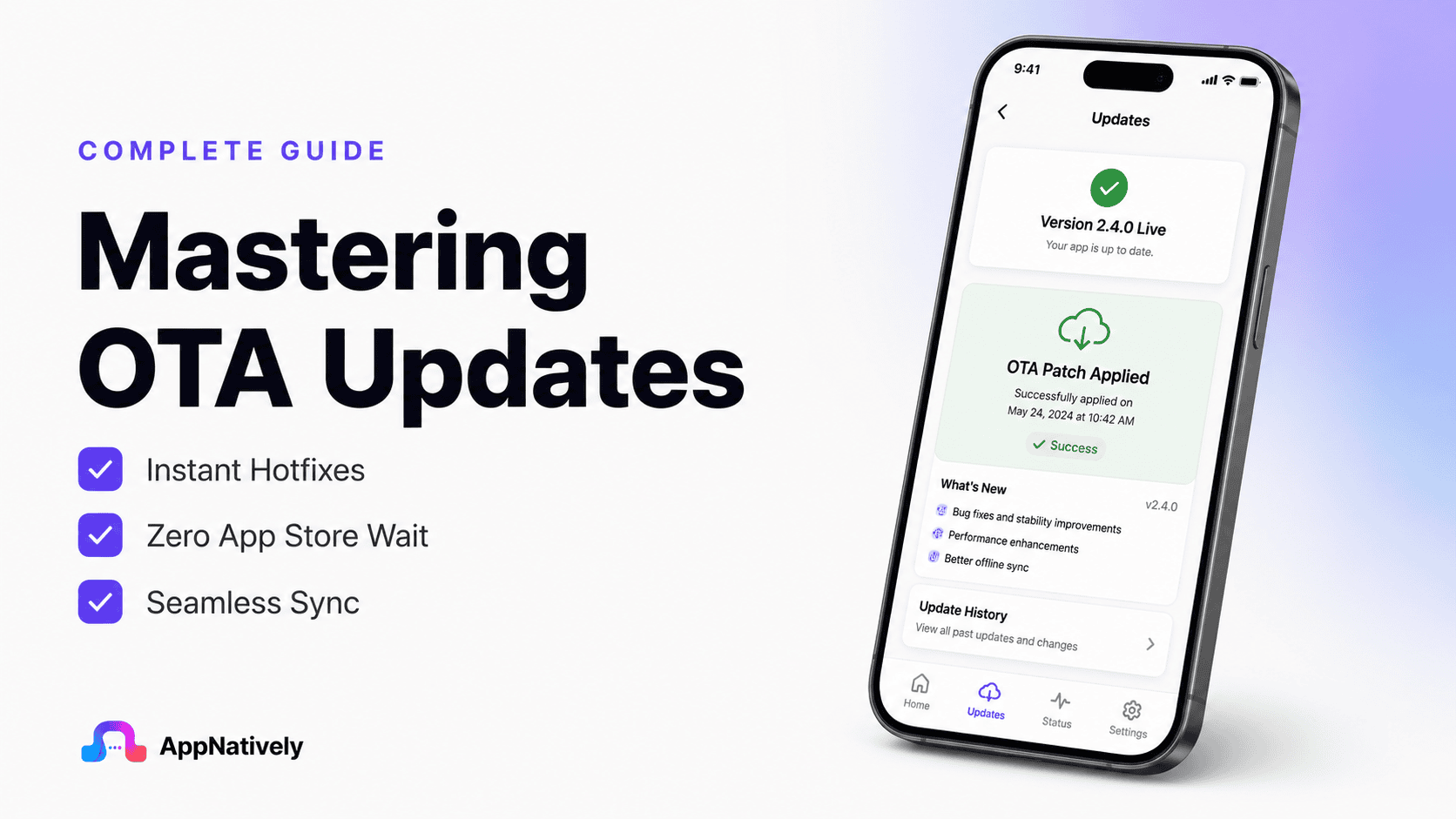
Smartphones, smart TVs, connected cars, wearable devices, and even industrial equipment receive updates without ever being connected to a computer. This convenience is powered by OTA updates.
But what exactly are OTA updates, and why have they become so important in today’s connected world?
In this blog post, we’ll explore how OTA updates work, their benefits, challenges, and why they are essential for modern software-driven devices.
What Are OTA Updates?
OTA stands for Over-the-Air. An OTA update is a method of delivering software, firmware, or operating system updates to devices wirelessly through the internet.
Instead of requiring users to manually download files or connect devices via USB, manufacturers can send updates directly to devices remotely.
For example:
- Your smartphone receives the latest Android or iOS update.
- A smart TV downloads new features overnight.
- A connected car can receive performance improvements without a visit to a service center.
- An IoT device automatically receives security patches.
All of these are examples of OTA updates in action.
Types of OTA Updates
Not all OTA updates are the same. Different update strategies serve different purposes.
i. Firmware OTA (FOTA)
Firmware Over-the-Air updates modify low-level software that controls hardware functionality.
Common examples include:
- Smart home devices
- Routers
- Automotive control units
- Wearable devices
ii. Software OTA (SOTA)
Software Over-the-Air updates focus on applications and operating systems.
Examples include:
- Mobile app updates
- Operating system upgrades
- Feature releases
iii. Configuration OTA
These updates adjust settings, configurations, or parameters without replacing the entire software package.
How OTA Updates Work
Over-the-Air (OTA) updates let you update parts of a mobile app without requiring users to download a new version from the App Store or Google Play.
Instead of reinstalling the app, it fetches updated content or code from a remote server while keeping the installed app intact.
Here’s how the process works:
Developer
│
│ Publish update
▼
OTA Server (stores update package)
│
│
▼
Mobile App checks for updates
│
├── New update available?
│ │
│ ├── No → Continue running current version
│ │
│ └── Yes
▼
Download update package
│
Verify integrity & compatibility
│
Apply update
│
Restart app (if needed)
│
User sees latest version
Step 1: Developer creates an update
Instead of rebuilding and resubmitting the entire app to the app stores, the developer creates an OTA update package. This package typically contains:
- Updated JavaScript (for React Native apps)
- UI changes
- Images and assets
- Configuration files
- Bug fixes
The update is uploaded to an OTA server.
Step 2: App checks for updates
Whenever the app launches, resumes from the background, or at scheduled intervals, it contacts the OTA server and sends information such as:
- Current app version
- Build number
- Platform (Android/iOS)
- Device information
The server determines whether a newer compatible update exists.
Step 3: Download
If an update is available, the app downloads only the changed files instead of the entire application, making updates much smaller and faster.
Step 4: Verification
Before applying the update, the app verifies:
- File integrity
- Digital signature (if used)
- Compatibility with the installed native version
If verification fails, the update is discarded.
Step 5: Apply the update
The downloaded bundle replaces the previous OTA bundle stored locally on the device.
Depending on the OTA solution, the update is applied:
- Immediately
- On next app restart
- After the user confirms
Step 6: User gets the new version
The next time the app starts (or immediately, depending on configuration), users see:
- Bug fixes
- UI improvements
- New content
- Minor feature enhancements
without ever visiting the App Store or Google Play.
What OTA Updates Can Change
OTA updates are ideal for changes such as:
- UI improvements
- Theme updates
- Bug fixes
- Text changes
- API endpoint updates
- Images and icons
- Business logic (when supported by the framework)
What OTA Updates Cannot Change
OTA updates cannot modify the app’s native binaries. Changes that still require an app store release include:
- Native Android or iOS code
- New native SDKs
- Changes to permissions
- Changes to app icons or splash screens
- Changes requiring new operating system capabilities
Example
Imagine your shopping app has a typo on the checkout screen.
Without OTA
- Fix the code.
- Build a new app.
- Submit to App Store and Play Store.
- Wait for review.
- Users update manually.
This process may take several days.
With OTA
- Fix the typo.
- Publish the OTA update.
- The app downloads the update automatically.
- Users see the fix within minutes.
Common OTA Technologies
Popular platforms that support OTA updates include:
- React Native CodePush (community-maintained successors after Microsoft’s service retirement)
- Expo Updates
- Flutter solutions using remote configuration or custom update systems
- Proprietary OTA systems built into app builder platforms
Key Benefits of OTA Updates
Mobile apps need continuous improvement to stay competitive, but traditional update processes can slow down development and frustrate users.
OTA (Over-the-Air) updates solve this challenge by allowing businesses to deliver faster improvements without requiring users to install a new app version.
Here are the top five benefits of OTA updates:
1. Faster bug fixes without waiting for App Store approval
Traditional mobile app updates often require developers to fix a bug, rebuild the application, submit it to the App Store or Google Play, and wait for approval before users can access the solution. This process can take hours or even days, especially for urgent issues.
With OTA updates, developers can quickly deliver eligible fixes directly to users. Whether it’s a UI issue, broken workflow, or small functionality problem, updates can be pushed instantly without forcing users to download a completely new app version.
2. Seamless user experience
One of the biggest advantages of OTA updates is that users don’t need to manually update the app every time there is a small improvement. Updates can happen automatically in the background or during the next app launch.
This removes friction from the user journey. Customers always get the latest improvements without visiting the app store, checking for updates, or waiting for large downloads, creating a smoother and more reliable app experience.
3. Faster feature rollouts
OTA updates allow businesses to release improvements and test new ideas much faster.
Instead of waiting for a complete app release cycle, teams can deliver smaller changes continuously and respond quickly to user feedback.
For businesses, this means faster experimentation and innovation. New UI changes, content updates, campaigns, and improvements can reach users quickly, helping companies stay competitive in a fast-moving mobile market.
4. Reduced development and maintenance costs
Every app store release requires development time, testing, submission processes, and ongoing management. For frequent small changes, this can consume significant resources and slow down product growth.
OTA updates reduce unnecessary release cycles by allowing teams to manage smaller updates remotely.
Developers can focus more on building new features instead of spending time preparing every minor update for app store submission.
5. Easy rollbacks and better app stability
Sometimes an update may introduce unexpected issues after release. With traditional app updates, fixing the problem requires another complete release process, which can delay the solution.
OTA systems often allow developers to quickly roll back problematic updates and restore a stable version.
This helps maintain app reliability, reduces user frustration, and gives development teams more confidence when releasing frequent improvements.
OTA Updates in Different Industries
OTA updates are transforming how businesses maintain and improve their mobile applications.
From ecommerce and healthcare to travel and education, industries are using OTA technology to deliver faster improvements, reduce maintenance efforts, and create better user experiences.
Here are some industries where OTA updates provide significant value:
1. Ecommerce and Retail
Ecommerce apps need constant updates to improve shopping experiences, promote new offers, and adapt to changing customer behavior.
OTA updates allow businesses to quickly update product banners, promotional campaigns, UI elements, and checkout improvements without requiring users to download a new app version.
For online stores, faster updates mean businesses can launch seasonal campaigns, fix purchase-related issues, and optimize conversion-focused features quickly. This helps brands stay competitive and deliver a smoother shopping experience.
2. Food delivery and restaurants
Food delivery apps depend on real-time information and frequent improvements. OTA updates allow restaurants and delivery platforms to update menus, offers, images, and customer-facing features instantly.
Businesses can quickly fix issues related to ordering, payments, or user navigation without waiting for app store approval. This ensures customers always have access to accurate information and a reliable ordering experience.
3. Travel and hospitality
Travel apps need frequent changes due to pricing updates, booking improvements, location-based features, and seasonal promotions.
OTA updates help travel companies make quick adjustments without interrupting users.
Hotels, airlines, and booking platforms can improve their apps continuously by updating interfaces, adding new content, and fixing minor issues faster.
This creates a smoother booking journey and improves customer satisfaction.
4. Education and e-Learning
Education apps often need regular updates for course content, learning materials, and user engagement features.
OTA updates allow educational platforms to refresh content and improve app functionality without requiring students to manually update the app.
This helps schools, training platforms, and online learning businesses deliver new resources faster while maintaining a consistent learning experience for users.
5. Real estate and property platforms
Real estate apps frequently update property listings, images, search features, and communication tools.
OTA updates allow companies to improve these features quickly and keep the app aligned with market demands.
Agents and customers benefit from faster updates, better search experiences, and improved performance without waiting for traditional app releases.
6. Banking and fintech
Financial apps require continuous improvements to security, performance, and user experience. OTA updates help fintech companies deliver eligible improvements faster while maintaining app stability.
Although major security and native changes still require official app store releases, OTA updates can help improve interfaces, fix minor issues, and enhance user interactions quickly.
7. Healthcare
Healthcare applications need reliable performance because users depend on them for appointments, health tracking, and communication.
OTA updates allow healthcare providers to improve usability, update information, and fix minor issues without disrupting users.
Faster updates help healthcare apps remain accessible, efficient, and user-friendly while supporting continuous improvement.
8. SaaS and business applications
Business applications often evolve based on customer feedback and changing workflows.
OTA updates allow SaaS companies to release interface improvements, workflow updates, and productivity enhancements faster.
This enables companies to continuously improve their products while reducing friction for customers who rely on these applications daily.
Conclusion
OTA updates have changed the way modern mobile apps are maintained by making it possible to deliver eligible improvements faster, more efficiently, and with less friction for users.
Instead of relying on lengthy app store release cycles for every minor change, businesses can quickly roll out bug fixes, UI enhancements, content updates, and performance improvements while keeping the user experience smooth and uninterrupted.
As mobile apps continue to evolve, OTA updates are becoming an essential part of every development strategy. While they don’t replace traditional app store releases for native code changes, they significantly reduce the time it takes to deliver many everyday improvements.
Whether you’re building an ecommerce app, a booking platform, an educational app, or a business solution, leveraging OTA updates can help you iterate faster, improve customer satisfaction, and keep your app competitive in an increasingly fast-paced digital landscape.