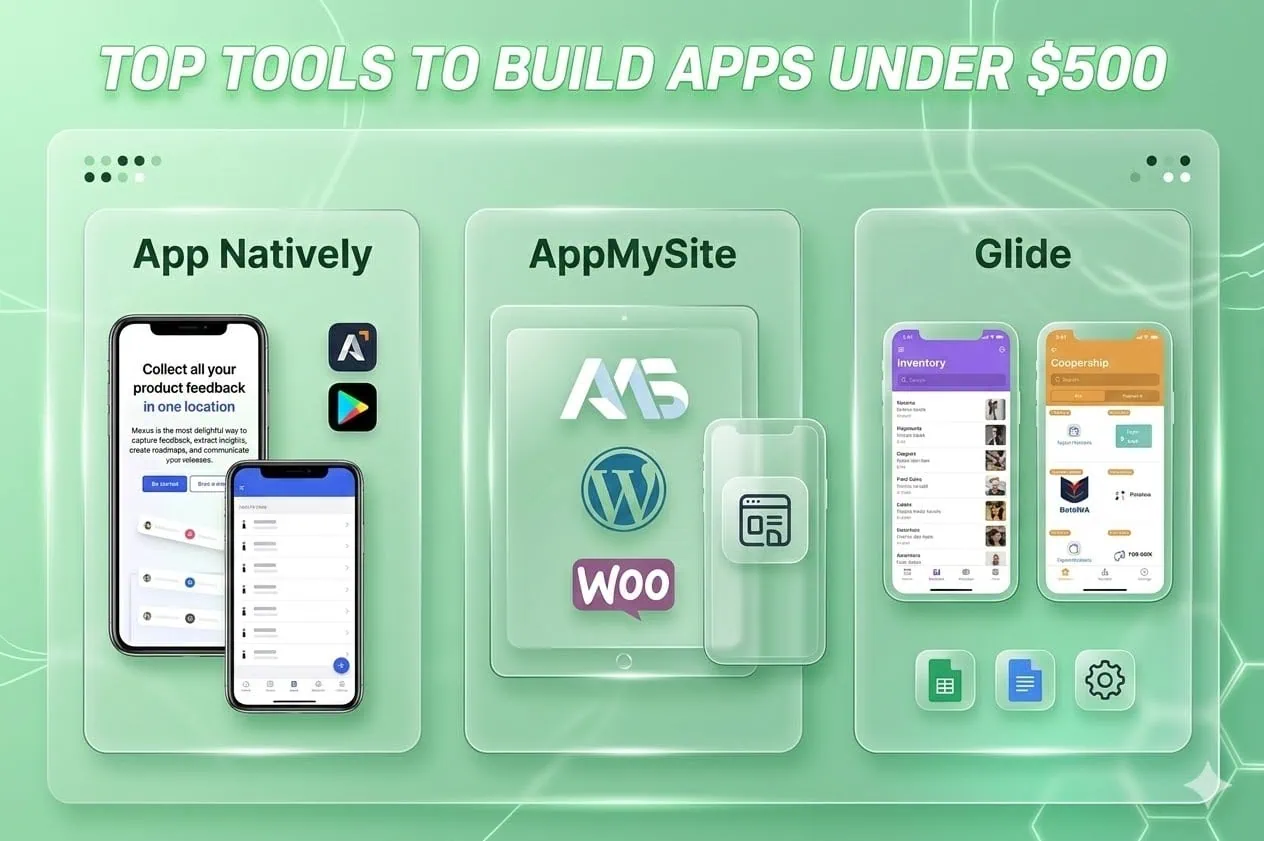
Building an app used to require thousands or even tens of thousands of dollars. You needed a development team, designers, backend engineers, and months of development time. Today, that reality has changed dramatically.
With the rise of no-code, low-code, and cloud platforms and AI development tools, it’s now possible for founders, students, and creators to launch real applications with a budget under $500.
In this blog post, we’ll explore the top tools to build apps under $500, helping you launch an MVP or real product without overspending.
Why Building Apps Is Cheaper Than Ever
Several major trends have reduced the cost of building software:
1. No-code and low-code platforms
These tools allow you to build complex apps with drag-and-drop interfaces instead of writing thousands of lines of code.
2. Generous free tiers from cloud platforms
Modern hosting platforms offer free or low-cost infrastructure.
3. AI-powered coding assistants
AI tools help developers generate code, debug problems, and build features faster.
4. Open-source backends and APIs
Developers can reuse powerful tools instead of building everything from scratch.
Because of these innovations, you can build a functional MVP using tools that cost $0–$50 per month.
What You Actually Need to Build an App
Most apps are made up of the same core components.
1. Frontend (User Interface)
This is what users interact with—screens, buttons, dashboards, etc.
2. Backend
Handles business logic, databases, and APIs.
3. Authentication
Allows users to sign up and log in.
4. Hosting
Servers that run your application.
5. Payment Integration
Optional but needed for SaaS or paid apps.
6. Analytics
Helps track user behavior and performance.
The tools below help you build all these components at a low cost.
3 Best No-Code Tools to Build Apps Cheaply
No-code platforms have made it possible to build fully functional apps without writing a single line of code.
Whether you’re launching an MVP, a startup idea, or a business app, these tools can help you create apps quickly and affordably.
Below are some of the best no-code platforms that make app development accessible even with a limited budget.
1. App Natively (Join the Early Access Waitlist)
If you want to build real native mobile apps without spending thousands on development, App Natively is a platform you should definitely keep an eye on.
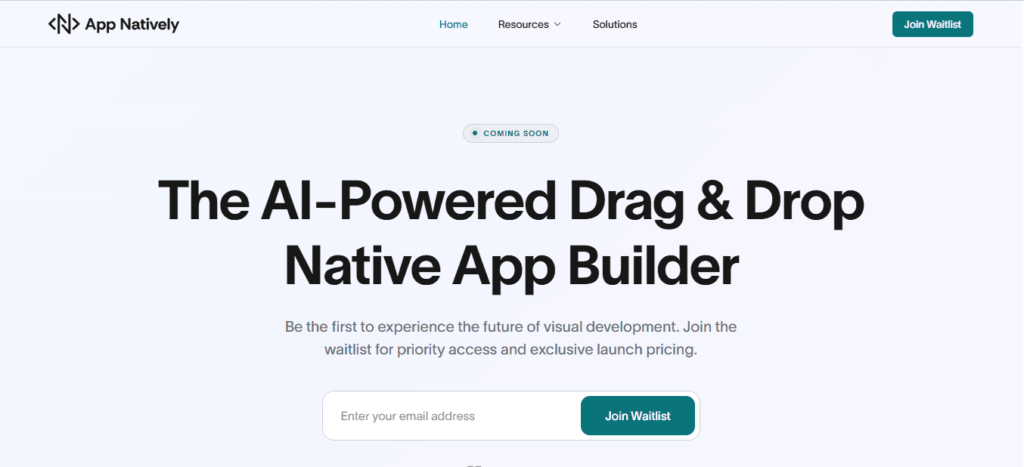
App Natively is an upcoming no-code app builder designed to make native app development affordable and accessible for everyone—from indie founders and startups to small businesses and creators.
Unlike many platforms that only generate web apps or limited mobile wrappers, App Natively focuses on helping users build true native iOS and Android apps with powerful functionality, while keeping the process simple and beginner-friendly.
Why App Natively is Different
App Natively is being built with one goal in mind: make professional app development possible under a small budget.
Key features include
- Build native iOS and Android apps
- Intuitive drag-and-drop app builder
- Designed for speed and simplicity
- Powerful features for startups and MVPs
- Extremely affordable pricing model
The platform is currently under construction, and the team is preparing for an early launch.
Get Early Access Before Public Launch
Right now, a limited number of users can join the early access waitlist.
Joining the waitlist means you’ll:
- Get early access before public release
- Receive exclusive launch updates
- Be among the first creators building apps with App Natively
- Potentially get special early-user pricing
If you’re planning to build an app soon, joining the waitlist is a smart move so you can secure early access once the platform goes live.
👉 Join the App Natively Waitlist Today
2. AppMySite
AppMySite is a popular no-code platform that allows users to convert websites into mobile apps quickly.
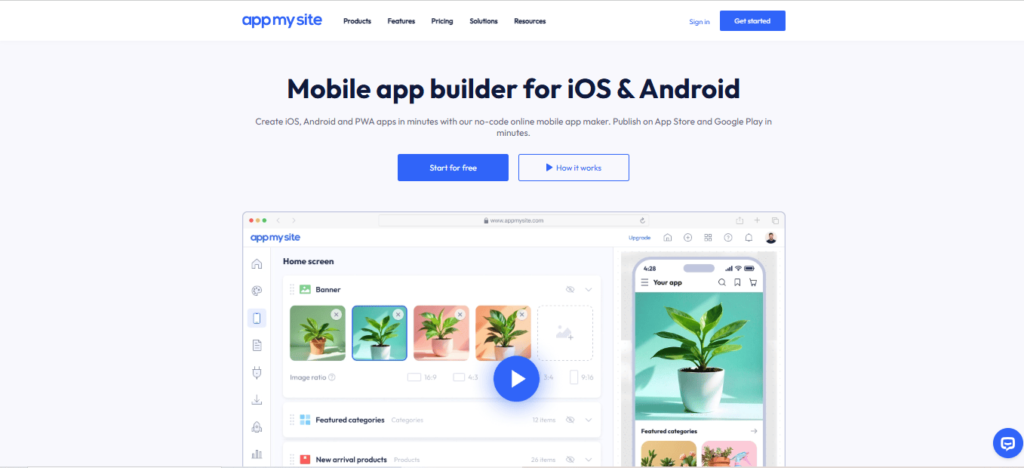
It is widely used by businesses that already have a website and want to launch a mobile app version without hiring developers.
Key features:
- Convert WordPress websites into apps
- Real-time app preview
- Push notifications
- Google Play and App Store publishing support
Pricing typically starts with affordable monthly plans, making it a practical option for small businesses and content creators.
3. Glide
Glide is another well-known no-code platform that allows users to build apps using spreadsheets as the backend.
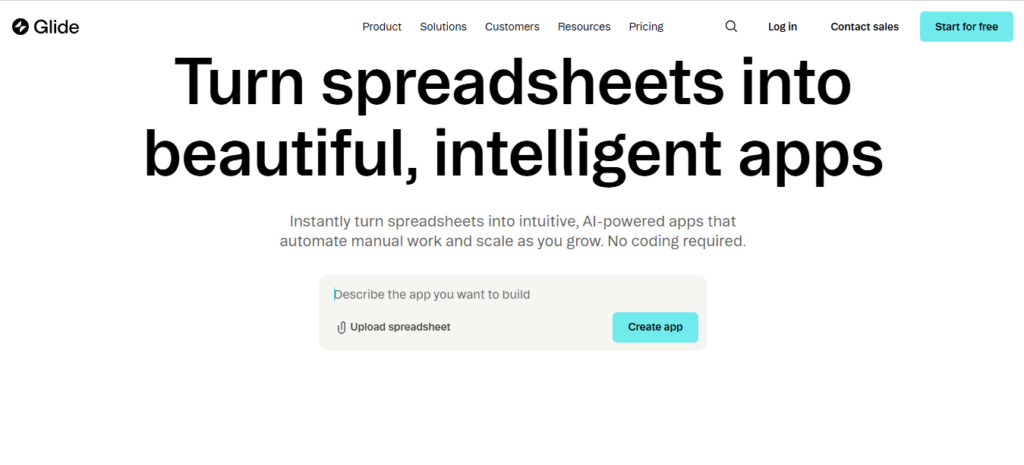
It’s especially popular for quickly creating internal tools, dashboards, and simple mobile apps.
Key features include
- Build apps from Google Sheets or Airtable
- Drag-and-drop interface
- Fast deployment
- Built-in integrations
Glide is ideal for entrepreneurs who want to launch simple apps or prototypes quickly without complex development.
✅ Pro Tip:
If you’re planning to launch a mobile startup or MVP on a tight budget, combining no-code tools with early user feedback is often the fastest way to validate your idea before investing heavily in development.
Cheap Backend Tools (Under $50/month)
Backend services handle your database, user authentication, and APIs.
Firebase
Firebase provides a complete backend-as-a-service platform.
Features include:
- authentication
- real-time database
- hosting
- analytics
- push notifications
Cost:
Free tier available with pay-as-you-go pricing.
Supabase
Supabase is an open-source alternative to Firebase built on PostgreSQL.
Key features:
- PostgreSQL database
- built-in authentication
- file storage
- automatic APIs
Cost:
A free tier is available, then about $25 per month.
Cheap Hosting Platforms
Hosting is where your app lives on the internet.
1. Vercel
Vercel is extremely popular for deploying modern web apps.
Key benefits:
- simple deployment
- fast performance
- free hosting for small projects
Cost:
Free → $20 per month.
2. Render
Render is another easy hosting platform for web services and backends.
Key features:
- auto deployment
- easy backend hosting
- simple scaling
Cost:
Free tier available, then about $19 per month.
AI Tools That Make Development Faster
AI tools significantly reduce development time.
i. GitHub Copilot
GitHub Copilot acts like an AI pair programmer.
It can:
- generate code
- suggest solutions
- speed up development
Cost:
$10 per month.
ii. ChatGPT
ChatGPT helps with:
- writing code
- debugging issues
- explaining technical concepts
- generating UI ideas
Cost:
Free version available, paid plans around $20 per month.
Final Thoughts
The barrier to building apps has never been lower.
With the right stack of no-code platforms, cloud tools, and AI assistants, anyone can launch an app for under $500.
Instead of spending months developing complex systems, creators can focus on validating ideas, attracting users, and growing their product.
If you have an idea for an app, there has never been a better time to start building.
Frequently Asked Questions (FAQs)
Can I really build an app for under $500?
Yes. Many founders launch MVPs using free tiers and low-cost platforms.
With the right tools, you can build and test your idea without large development costs.
What is the cheapest way to build an app?
Using no-code tools combined with free hosting and backend services is usually the cheapest approach.
Do I need coding skills to build an app?
Not necessarily. Platforms like App Natively, Glide, and Adalo allow beginners to build apps without programming knowledge.
Are no-code apps scalable?
Some are. Platforms like FlutterFlow and Bubble can scale reasonably well, but large applications may eventually require custom development.
How long does it take to build an MVP?
With modern tools, a simple MVP can be built in 1–4 weeks, depending on complexity.