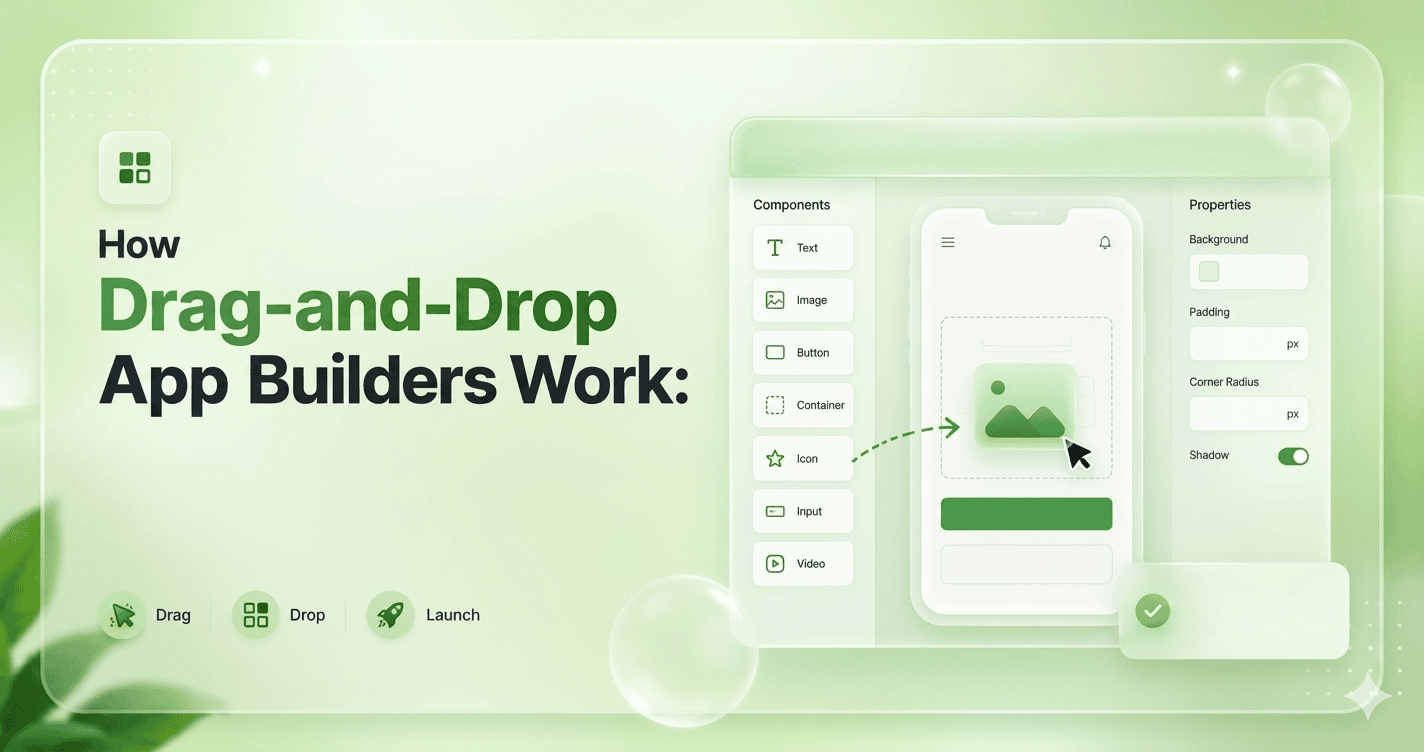
Drag-and-drop app builders are tools that let people create apps and websites visually, without writing traditional code. Instead of typing programming commands, users build applications by dragging elements like buttons, text boxes, images, and menus onto a screen and arranging them like building blocks.
Behind the scenes, these platforms automatically convert the visual design into real working code. When a user drags a button onto a page or connects it to an action like “submit form” or “open screen,” the system generates the necessary logic and infrastructure to make it function.
The main idea is to simplify software creation. What once required skilled developers and complex programming can now be done through a visual interface that focuses on design and logic rather than syntax.
This makes app development faster, more accessible, and easier for beginners, entrepreneurs, and teams who want to quickly turn ideas into working products.
What Are Drag-and-Drop App Builders?
A drag-and-drop app builder is a software platform that allows users to create applications by using visual tools instead of writing complex code.
Users can simply drag interface elements such as buttons, images, forms, and menus onto a workspace and arrange them to design an app. These platforms make app development easier and faster for beginners and non-programmers.
These builders usually include pre-designed templates, built-in features, and workflow tools that help users add functions like login systems, databases, and navigation without advanced programming knowledge.
Many drag-and-drop builders also support mobile and web app development, allowing users to publish their apps directly online or to app stores.
Drag-and-drop app builders are widely used for creating business apps, educational tools, online stores, and personal projects. They save time and reduce development costs compared to traditional coding methods.
However, they may offer limited customization for highly complex applications, which is why professional developers sometimes combine them with manual coding.
How Drag-and-Drop App Builders Work (Step-by-Step)
Drag-and-drop app builders are platforms that let people create apps visually instead of writing most of the code manually. Examples include AppNatively, Bubble, FlutterFlow, Adalo, and Webflow.
Here’s the typical workflow behind how they work internally.
1. Visual Editor (The Canvas)
Users see a blank canvas where they drag components like:
- Buttons
- Text fields
- Images
- Forms
- Lists
- Navigation bars
The builder stores each element as structured data, usually JSON-like objects.
Example internal structure:
{
  "type": "Button",
  "id": "btn_1",
  "x": 120,
  "y": 240,
  "width": 150,
  "height": 50,
  "text": "Submit"
}
So when you drag a button:
- The editor updates coordinates
- Saves component properties
- Re-renders the preview instantly
2. Component System
Every draggable item is actually a reusable component.
Internally:
- Components have properties (props)
- Components have styles
- Components may have behavior
Example:
<Button
  text="Login"
  color="blue"
  onClick="loginUser"
/>
The app builder converts visual settings into component configuration data.
3. State Management
The builder keeps track of:
- Selected component
- Component hierarchy
- User changes
- Undo/redo history
- Live preview state
This is often handled with systems like:
- Redux
- Zustand
- MobX
- Vuex
Internally, the editor might store:
state = {
  selectedElement: "btn_1",
  elements: [...],
  history: [...]
}
4. Drag-and-Drop Engine
This is the core interaction system.
When you drag an item:
- Mouse/touch movement is tracked
- Position calculations happen continuously
- Collision detection checks layout rules
- Snap-to-grid logic may apply
- The UI updates in real time
Libraries commonly used:
- React DnD
- dnd-kit
- interact.js
- SortableJS
The engine calculates:
newX = mouseX - offsetX
newY = mouseY - offsetY
Then updates the component position.
5. Layout System
Builders usually support layouts like:
- Flexbox
- Grid
- Absolute positioning
- Responsive layouts
Internally, the builder converts drag positions into layout rules.
For example:
display: flex;
justify-content: center;
align-items: center;
Or:
{
  "layout": "grid",
  "columns": 3
}
Responsive builders also generate different layouts for:
- Mobile
- Tablet
- Desktop
6. Property Panel
When you click a component, the right sidebar usually appears.
These edits:
- Text
- Colors
- Spacing
- Fonts
- Actions
- Data bindings
Changing a property updates the component model instantly.
Example:
component.text = "Sign Up"
Then the preview re-renders.
7. Event System
Builders allow actions like:
- On Click
- On Submit
- On Hover
- On Page Load
Internally:
{
  "event": "click",
  "action": "navigate",
  "target": "/dashboard"
}
The platform translates this into runtime behavior.
8. Data Binding
Most builders connect UI elements to data.
Example:
Text Input → user.email
List → products[]
Internally:
{
  binding: "currentUser.name"
}
At runtime, the UI automatically updates when data changes.
This is similar to frameworks like:
- React
- Vue.js
- Angular
9. Backend Integration
Builders often include:
- Databases
- Authentication
- APIs
- Storage
- Workflows
The visual interface generates backend calls.
Example generated API request:
fetch("/api/users", {
  method: "POST",
  body: JSON.stringify(data)
})
Some builders also auto-generate database schemas.
10. Code Generation
This is where the magic happens.
The builder converts the visual app structure into real code.
For example:
Visual button →
{
  "type": "Button",
  "text": "Save"
}
Generated React code →
<Button>Save</Button>
Different platforms generate:
- HTML/CSS/JS
- React
- Flutter
- Swift
- Kotlin
For example, FlutterFlow generates Flutter code.
11. Runtime Engine
Some builders do not export full code.
Instead, they run apps inside their own runtime engine.
The runtime:
- Reads component JSON
- Renders components dynamically
- Executes workflows
- Handles state/data
This is called schema-driven rendering.
Example:
render(schema.components)
12. Preview & Live Rendering
The preview panel is usually an iframe or sandboxed app.
Whenever changes occur:
- State updates
- Components re-render
- Preview refreshes instantly
Modern builders use hot reload systems for this.
13. Saving Projects
Projects are usually stored as:
{
  "pages": [...],
  "components": [...],
  "styles": [...],
  "actions": [...]
}
This allows:
- Reopening projects
- Collaboration
- Version history
- Cloud syncing
14. Deployment
Finally, the platform:
- Builds the app
- Bundles assets
- Optimizes code
- Deploys to hosting/CDN
Some platforms offer one-click deployment.
Simplified Architecture Diagram
User Drags Component
        ↓
Editor Updates State
        ↓
Layout Engine Recalculates
        ↓
Preview Re-renders
        ↓
Project Saved as JSON
        ↓
Code Generator / Runtime Engine
        ↓
Final App
Two Main Types of Builders
A. Code-Generating Builders
They generate actual source code.
Examples:
- FlutterFlow
- Builder.io
Advantages:
- Exportable code
- More flexibility
Disadvantages:
- Harder architecture
B. Runtime-Based Builders
They store app definitions and run them dynamically.
Examples:
- Bubble
- Retool
Advantages:
- Faster development
- Easier updates
Disadvantages:
- Platform lock-in
Technologies Commonly Used
Frontend:
- React
- Vue
- TypeScript
- Canvas/SVG
Backend:
- Node.js
- PostgreSQL
- Firebase
Infrastructure:
- Docker
- Kubernetes
- CDN hosting
The difficult engineering parts are usually:
- Real-time drag precision
- Responsive layout generation
- Undo/redo systems
- Component nesting
- Performance with large apps
- Generating clean code
- Cross-platform rendering
- Collaborative editing
- State synchronization
AppNatively helps anyone build real native mobile apps using AI and drag-and-drop tools with App Store-ready performance
Final Thoughts
Drag and drop app builders have changed the way applications are created by making development faster, simpler, and more accessible for beginners.
Instead of writing complex code, users can visually design interfaces, add features, connect databases, and build workflows using ready-made elements.
This approach removes many traditional barriers and allows entrepreneurs, business owners, creators, and students to turn ideas into working applications with confidence.
By understanding how drag-and-drop app builders work step by step, beginners can make smarter decisions throughout the development process, from planning and design to testing and launch.
As no-code and low-code technology continues to grow, learning to use these platforms is becoming an essential digital skill that opens new opportunities for innovation, creativity, and business growth.