Building an app once required coding knowledge, development teams, and months of work. Today, no-code app builders have completely transformed that process.
With visual interfaces, drag-and-drop components, and ready-made templates, beginners can now turn ideas into real applications without writing a single line of code.
This shift has opened the door for entrepreneurs, creators, startups, and small businesses to build apps faster and at a fraction of the traditional cost.
Whether you want to create a startup MVP, a business tool, or a simple mobile app, the right no-code platform can help you launch quickly.
In this blog post, we’ll explore the best no-code app builders for beginners that make app development simple, affordable, and accessible, even if you have zero technical experience.
What Is a No-Code App Builder?
A no-code app builder is a platform that allows users to create applications using visual development tools instead of traditional programming.
Instead of writing complex code, users can:
- Drag and drop UI components
- Configure workflows visually
- Connect databases and integrations
- Publish apps directly to web or mobile platforms
These platforms handle the technical backend while allowing users to focus on design, logic, and functionality.
No-code tools are especially popular for:
- Startup MVPs
- Internal business tools
- Mobile apps
- Marketplaces
- SaaS products
Why Beginners Should Use No-Code App Builders
Instead of spending months on development, beginners can build functional apps within days and start testing their ideas with real users.
This makes no-code platforms especially valuable for validating business ideas, building MVPs, and launching projects without technical expertise.
1. No programming skills required
The biggest advantage of no-code tools is that they eliminate the need for coding knowledge.
Beginners can build apps using visual components, workflows, and templates, making the entire development process much easier to understand.
2. Faster development time
No-code platforms significantly speed up the app development process. What once took months can now be accomplished in a matter of days or weeks, allowing creators to launch and iterate quickly.
3. Cost-effective solution
Hiring developers or agencies can be expensive, especially for startups or individuals. No-code tools reduce those costs by providing affordable platforms that allow users to build apps themselves.
4. Ideal for MVPs and startups
For startups, launching a Minimum Viable Product (MVP) quickly is critical.
No-code tools allow founders to test their ideas in the market without heavy investment, making it easier to validate concepts before scaling.
5. Easy to update and improve
Since everything is managed visually, making updates or improvements to an app becomes simple.
Beginners can quickly modify features, adjust layouts, or add new functionality without rebuilding the entire app.
Key Features to Look for in a Beginner-Friendly No-Code App Builder
Not all no-code platforms are beginner friendly. When choosing a tool, look for these important features.
Drag-and-drop interface
A visual builder makes it easier for beginners to design apps without technical complexity.
Ready-made templates
Templates help users launch apps faster without starting from scratch.
Native mobile app support
Some tools create real native mobile apps, while others generate web apps. Native apps usually provide better performance.
Integrations
Good platforms connect with tools like APIs, payment systems, databases, and third-party services.
Scalability
Choose a platform that can grow with your app as your user base expands.
Affordable pricing
Pricing is critical for beginners and startups, so look for platforms that provide strong value for money.
5+ Best No-Code App Builders for Beginners
Here are some of the best platforms that make app creation simple and accessible for beginners.
1. App Natively: AI-Powered Native App Builder for Beginners
App Natively is an upcoming drag-and-drop native app builder designed to make mobile app development simple, powerful, and affordable for everyone.
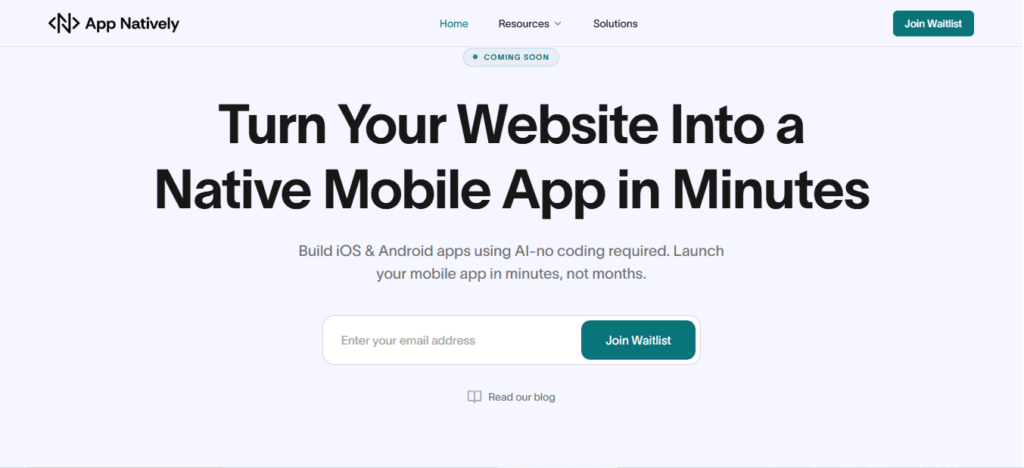
While many no-code platforms generate web apps, App Natively focuses on building real native mobile applications while keeping the entire development process beginner-friendly.
The platform is currently under development and aims to provide a highly accessible solution for entrepreneurs, creators, and startups who want to build mobile apps without the complexity of traditional development.
Key Features
- Visual drag-and-drop app builder
- Real native mobile apps
- Beginner-friendly development workflow
- Powerful integrations and automation
- Extremely affordable pricing model
Why It Stands Out
One of the biggest challenges with existing no-code platforms is pricing. Many tools become expensive as your app grows.
App Natively aims to solve that problem by offering powerful app-building capabilities at a significantly more accessible price point.
The goal is to make native mobile app development available to everyone, not just large companies or funded startups.
Availability
App Natively is currently in development. Early users can join the waitlist to get early access, exclusive launch benefits, and updates on the platform’s release.
2. Glide
Glide is one of the most popular no-code platforms for beginners. It allows users to build applications using spreadsheets as the database, making it extremely easy to get started.
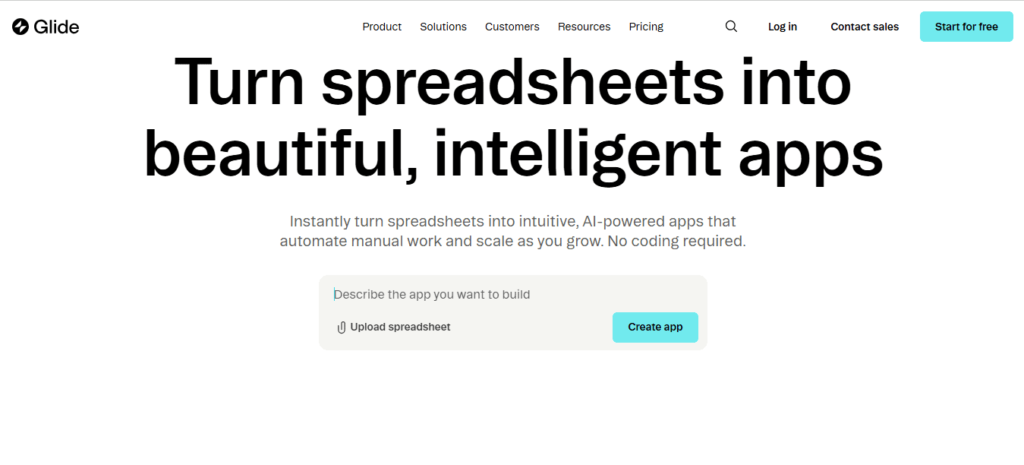
With Glide, users can quickly create internal tools, community apps, and simple mobile applications.
Key Features
- Spreadsheet-powered apps
- Clean drag-and-drop builder
- Fast deployment
- Built-in templates
- Integrations with Google Sheets and Airtable
Best For
Beginners who want to build simple apps quickly without managing complex databases.
3. Adalo
Adalo is a well-known no-code platform that allows users to build both web and mobile apps using a visual interface.
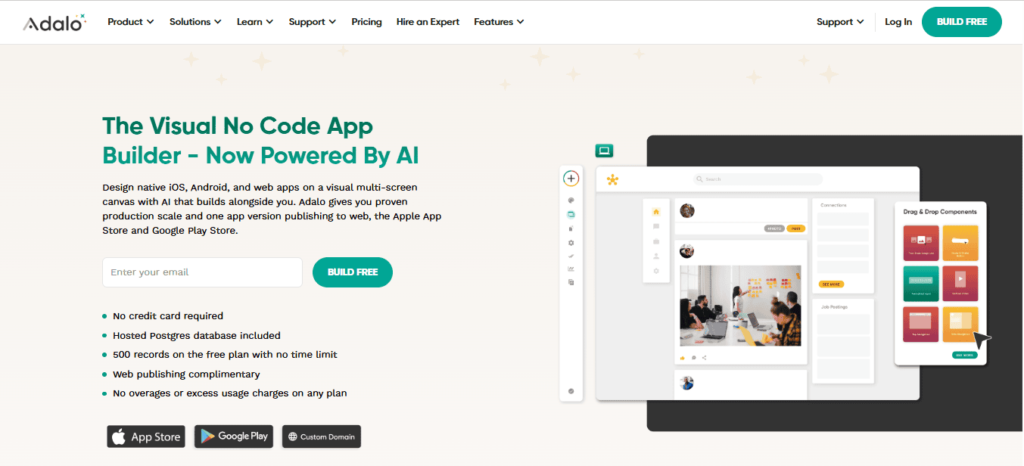
It provides a simple development experience and supports publishing apps to the App Store and Google Play.
Key Features
- Drag-and-drop app builder
- Custom database management
- Native mobile app publishing
- Reusable components
- Third-party integrations
Best For
Entrepreneurs and beginners who want to build and publish mobile apps without writing code.
4. Bubble
Bubble is one of the most powerful no-code development platforms available today. It allows users to build complex web applications using a visual programming approach.
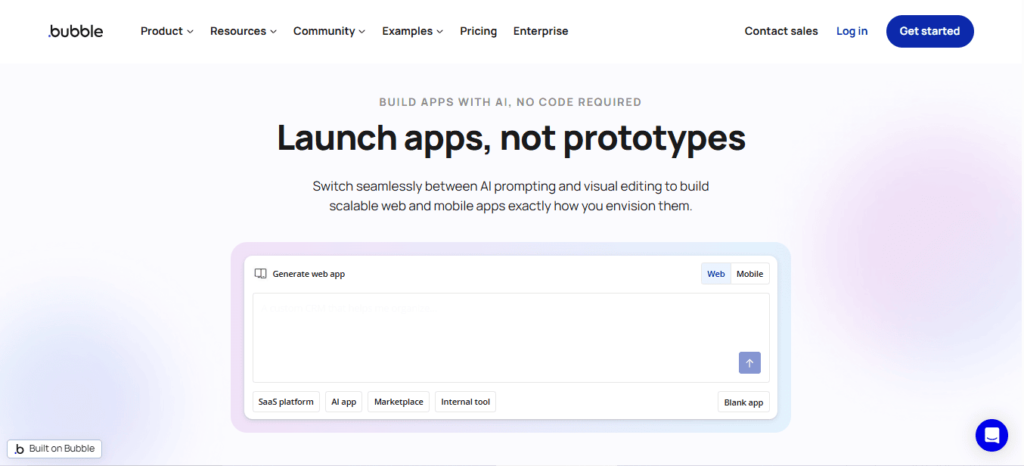
Although Bubble has a slightly steeper learning curve than other tools, it provides far greater flexibility.
Key Features
- Advanced visual programming
- Powerful workflow automation
- Plugin marketplace
- Custom database management
- API integrations
Best For
Startups and creators who want to build more advanced web applications.
If you’re evaluating platforms similar to Bubble, check out this Bubble alternative guide to compare features and pricing.
5. FlutterFlow
FlutterFlow is a modern visual builder that uses the Flutter framework to create high-performance mobile applications.
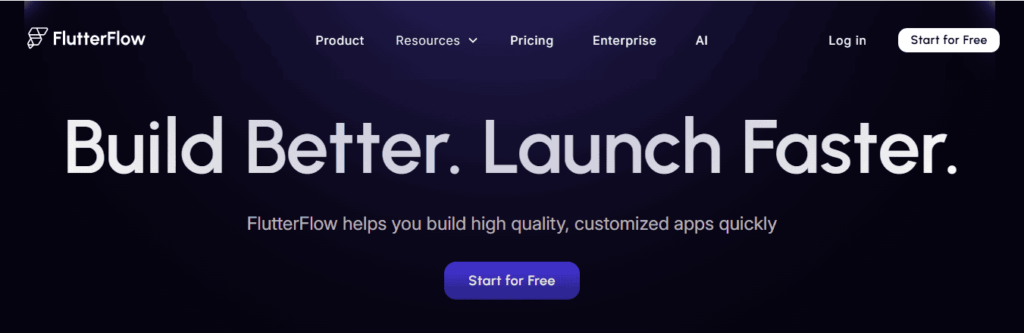
It combines no-code simplicity with the ability to export real code, making it attractive for teams that want flexibility.
Key Features
- Drag-and-drop UI builder
- Firebase integration
- Native mobile apps
- Code export capability
- Real-time preview
Best For
Developers and creators who want a hybrid approach between no-code and traditional development.
6. Softr
Softr is a no-code platform designed primarily for building web apps and internal business tools.
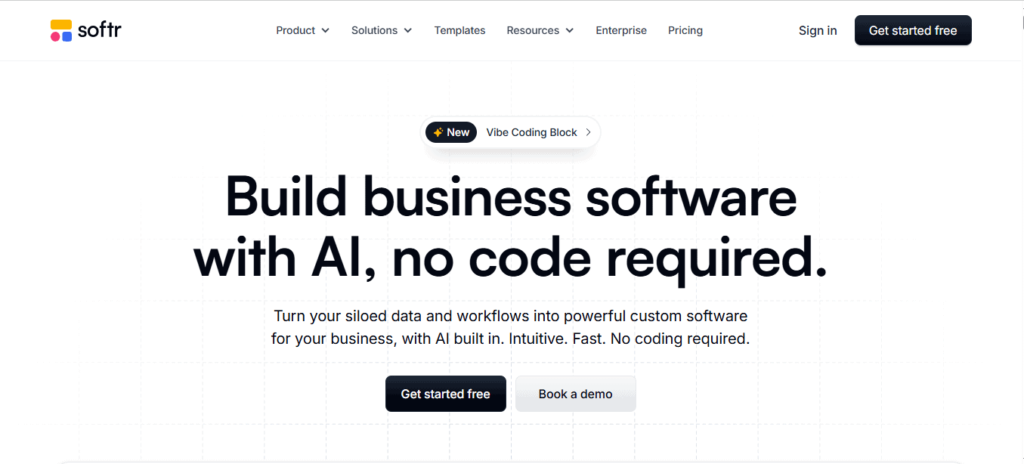
It integrates deeply with Airtable, making it easy to manage data without complex backend systems.
Key Features
- Airtable integration
- Simple web app builder
- Pre-built templates
- User authentication
- Membership features
Best For
Businesses that want to create portals, directories, or internal tools quickly.
Final Thoughts
No-code platforms have made app development more accessible than ever before. Beginners can now turn ideas into real products without needing programming skills or large development budgets.
Whether you want to build a startup MVP, a business tool, or your first mobile application, the platforms listed above provide powerful solutions to help you get started.
If you’re looking for a next-generation AI-powered native app builder focused on affordability and simplicity, keeping an eye on App Natively could be a smart move.
Early adopters who join the waitlist may gain access to exclusive launch benefits and early platform features.
The future of app development is becoming more accessible, and with no-code tools, anyone can start building today.
Frequently Asked Questions (FAQs)
Are no-code app builders free to use?
Many platforms offer free plans with limited features, but advanced capabilities such as custom domains, higher storage, or app store publishing usually require paid subscriptions.
Can beginners build mobile apps without coding?
Yes. No-code platforms allow beginners to build iOS and Android apps using visual tools, making app development accessible without programming knowledge.
What types of apps can you build with no-code tools?
You can build many types of apps, including:
- Business apps
- Booking and scheduling apps
- Marketplaces
- Customer portals
- Internal tools
- MVP startup apps
How long does it take to build an app with a no-code builder?
Simple apps can be built within a few hours or days, while more advanced apps with integrations or custom workflows may take several weeks.
Are no-code platforms suitable for startups?
Yes. Many startups use no-code tools to create minimum viable products (MVPs) quickly and test ideas before investing in full development.
Do no-code app builders support app store publishing?
Some platforms like App Natively allow direct publishing to the Apple App Store and Google Play Store, making it easy for beginners to launch mobile apps.
What is the difference between no-code and low-code platforms?
- No-code platforms require no programming at all.
- Low-code platforms allow visual development but may require some coding for advanced customization.
Are no-code apps scalable for large businesses?
No-code tools are great for small to medium projects, but very large or complex applications may eventually require custom development for scalability and performance.
Can you build a SaaS product using no-code?
Yes. Platforms like Bubble allow users to build complete SaaS applications with user accounts, payments, and databases.
Do no-code platforms support integrations?
Most no-code tools integrate with popular services such as:
- Google Sheets
- Airtable
- Zapier
- Payment gateways and APIs
Is it possible to monetize apps built with no-code?
Yes. You can monetize apps through subscriptions, advertisements, marketplace fees, or paid downloads depending on the platform.
Do no-code builders require hosting?
Most platforms provide built-in hosting and databases, so users don’t need to manage servers separately.
Can no-code apps handle user authentication?
Yes. Many builders provide built-in features for user sign-ups, logins, and account management.
Are no-code platforms secure?
Reputable no-code platforms implement security features such as encryption, authentication systems, and secure hosting to protect user data.
What skills do beginners need to use no-code app builders?
Beginners typically need:
- Basic computer skills
- Understanding of app structure
- Simple logic and workflows
- UI/UX design basics
Can I convert a spreadsheet into an app?
Yes. Tools like App Natively and Glide allow users to turn spreadsheets into functional apps quickly.