AI app builders are transforming how apps are built, turning simple ideas into working products in hours rather than months.
By combining artificial intelligence with no-code and low-code technology, these tools can generate interfaces, databases, and even business logic from a single prompt.
But not all AI app builders are created equal.
Some tools generate only the visual layer, while others can build fully functional applications with payments, workflows, and automation.
In this blog post, we break down the best AI app builders in 2026 based on real performance—not marketing claims—so you can choose the right platform to build faster and smarter.
The New Reality: AI Is Replacing Traditional App Development
Just a few years ago, building an app required:
- A developer team
- Months of development
- Tens of thousands of dollars
Now, AI has fundamentally changed the equation.
Today’s AI app builders can:
- Generate entire app structures instantly
- Automate backend workflows
- Reduce development time by over 80%
This shift isn’t just about convenience, but it’s about who gets to build software.
Founders, marketers, and creators can now launch products without technical teams.
Not All AI App Builders Are Equal (Critical Insight)
Here’s the biggest mistake people make:
They assume all AI builders create “real apps.”
In reality, there are three categories:
1. UI Generators
Tools that create beautiful designs but lack functionality.
2. Assisted Builders
Platforms that help you build faster, but still require manual setup.
3. Full-Stack AI Builders
Tools that generate both frontend and backend automatically.
Understanding this difference is the key to choosing the right platform.
Ultimate Comparison: Best AI App Builders in 2026
| Platform | Best For | Full App (Frontend + Backend) | Ease of Use | Speed | Key Strength |
|---|---|---|---|---|---|
| App Natively | Full app creation | ✅ Yes | ⭐⭐⭐⭐⭐ | ⚡ Very Fast | End-to-end AI app generation |
| Replit | Developers | ✅ Yes | ⭐⭐⭐ | ⚡ Fast | Real code + scalability |
| Lovable | UI prototypes | ❌ Partial | ⭐⭐⭐⭐⭐ | ⚡ Very Fast | Stunning design output |
| Base44 | Iteration | ❌ Partial | ⭐⭐⭐⭐ | ⚡ Fast | AI-driven refinement |
| Bubble | Complex apps | ✅ (Manual) | ⭐⭐ | ⏳ Medium | Advanced workflows |
| Figma App Builder | Design | ❌ No | ⭐⭐⭐⭐⭐ | ⚡ Very Fast | High-quality UI |
| Glide | Data apps | ❌ Partial | ⭐⭐⭐⭐ | ⚡ Fast | Spreadsheet-based apps |
The Top AI App Builders in 2026 (Ranked by Real Capability)
Instead of listing tools at random, we’ve ranked them based on what matters most: output quality, real usability, and speed to launch.
1. App Natively — The Next Evolution of AI App Building (Join the Waitlist)
While testing all these AI app builders, one pattern became impossible to ignore:
You’re always forced to compromise.
Some tools are easy but limited.
Some are powerful but painfully complex.
Others look great but break when real functionality is needed.
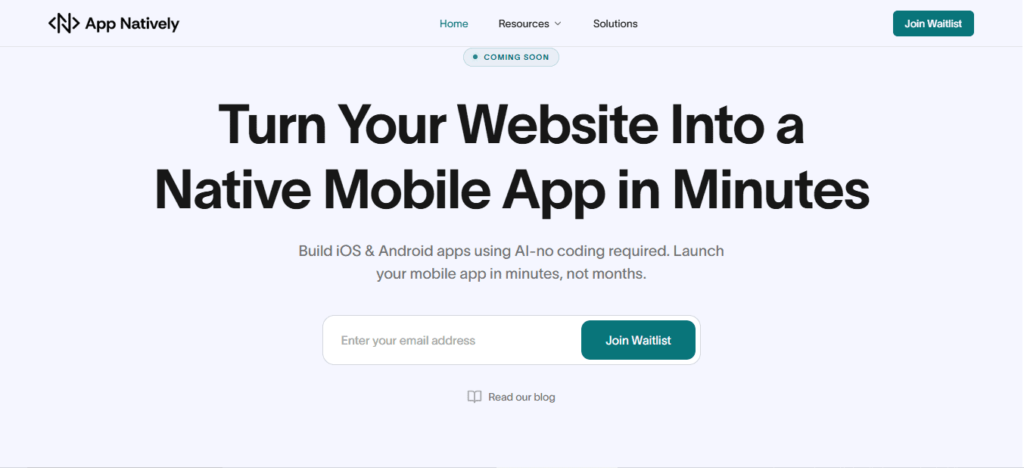
App Natively is being built to remove that compromise entirely.
A New Direction: Power Without Complexity
App Natively isn’t trying to be “another AI builder.”
It’s being developed with a clear philosophy:
Building apps should feel as simple as describing an idea without sacrificing real functionality.
Instead of forcing you to learn systems, configure workflows, or connect endless integrations, the goal is to create an experience where everything flows naturally from idea → app.
What Makes App Natively Worth Paying Attention To
- Designed for Zero Learning Curve
Most platforms still require time to understand interfaces, logic builders, or workflows. App Natively is being built so that even non-technical users can move from idea to app without friction.
- Advanced Capabilities, Simplified
Features like payments, automation, integrations, and user management shouldn’t feel like “advanced work.” The vision here is simple: powerful features should just work without complexity.
- Affordability at Its Core
A major issue with current tools is pricing that scales quickly as you grow. App Natively is being developed with a strong focus on making powerful app creation accessible without breaking budgets.
- Built for Real Apps, Not Just Demos
Many platforms stop at prototypes. App Natively is being shaped to support real, usable applications—not just UI mockups.
Why Early Access Matters
App Natively is still under development, which makes this the best time to get in early.
Joining the waitlist means:
- You get early access before the public launch
- You can explore features before the crowd
- You may unlock early-user pricing advantages
- You get a chance to influence the product direction
If You’ve Been Waiting for Simpler App Building…
If you’ve tried tools that felt:
- Too technical
- Too limited
- Too expensive
Then App Natively is worth keeping on your radar.
👉 Join the waitlist now to be among the first to experience a simpler, more powerful way to build apps.
The next generation of AI app builders won’t just be smarter.
They’ll remove friction completely.
App Natively is being built for exactly that future.
2. Replit — Where AI Meets Real Development Power
Replit takes a completely different approach.
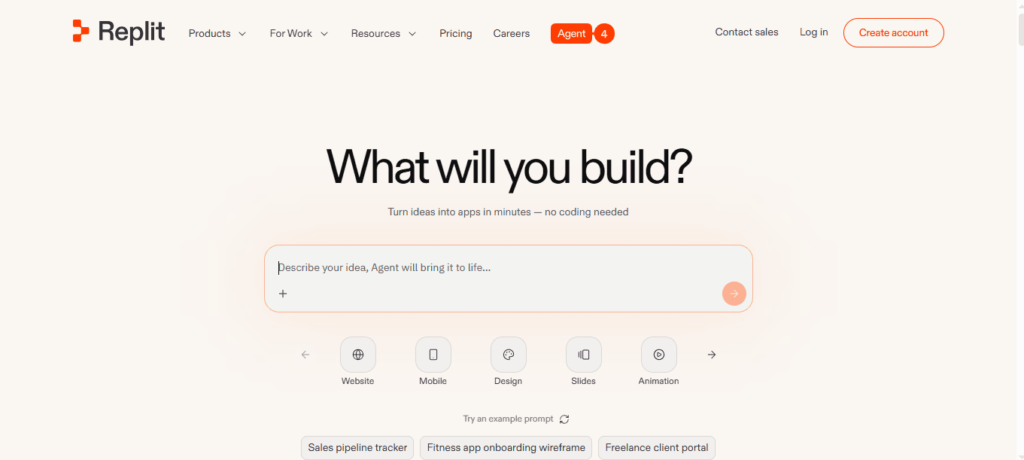
Instead of hiding the code, it generates real, editable applications.
What You Get
- Full codebase generation
- Live testing on real devices
- Deployment-ready apps
Why It’s Powerful
You’re not locked into a system—you own the product.
Trade-Off
It’s not beginner-friendly.
You’ll need some technical understanding.
Best For
Developers and startups planning to scale.
3. Lovable — The Fastest Way to Visualize an App Idea
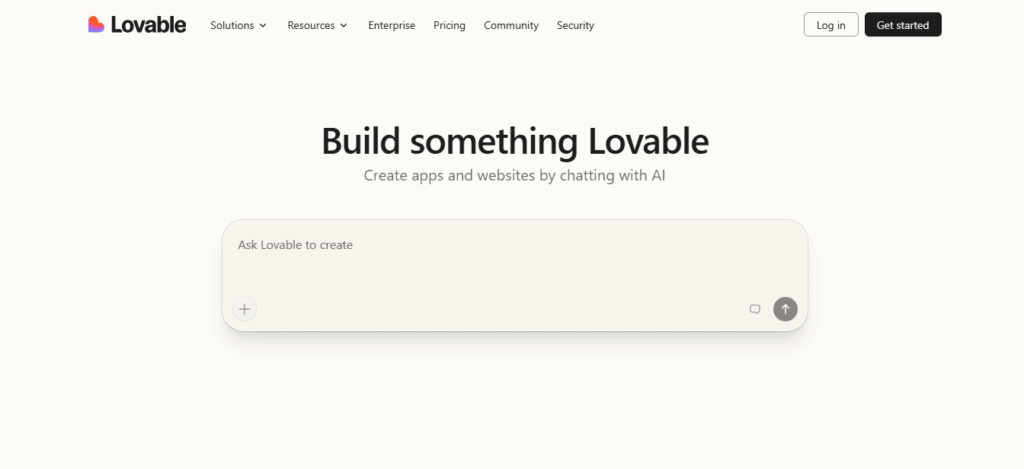
Lovable focuses on one thing: making your app look real instantly.
Strength
- Clean UI
- Smooth navigation
- Professional layouts
Limitation
It doesn’t automatically build backend functionality.
Why It Still Matters
Speed of visualization = faster decision-making.
Best For
Validating ideas before development.
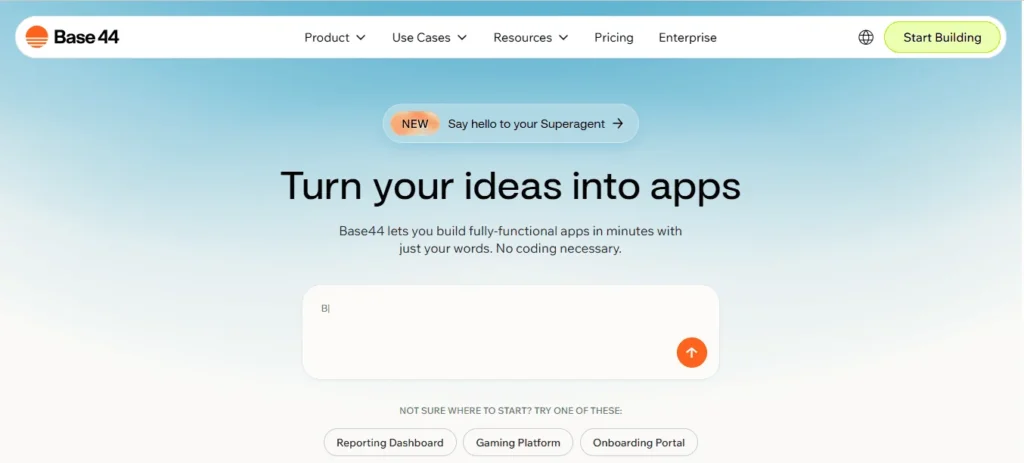
4. Base44 — AI That Improves Your App Over Time
Base44 is less about generation and more about refinement.
Unique Advantage
You can continuously improve your app using simple instructions:
- “Make it more user-friendly.”
- “Improve layout”
What Makes It Different
It edits multiple parts of your app simultaneously.
Best For
Teams focused on user experience and iteration.
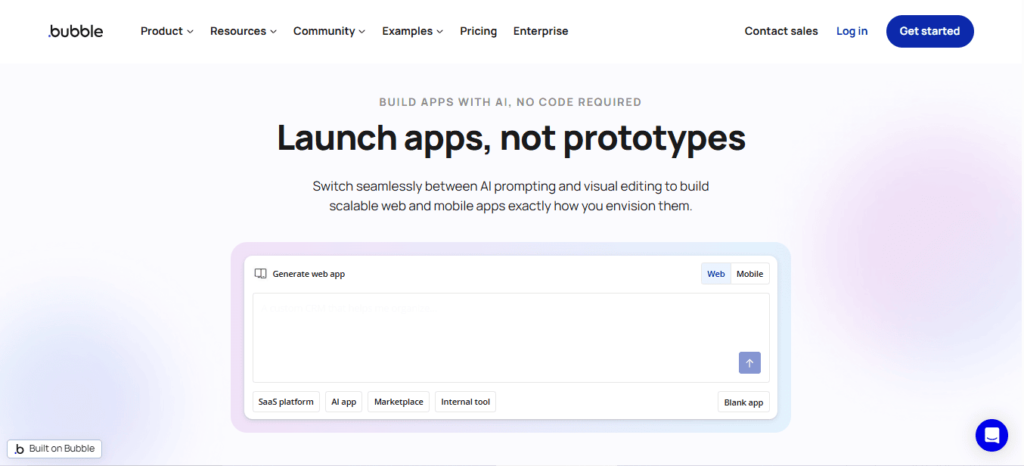
5. Bubble — The Powerhouse for Complex Applications
Bubble isn’t new, but its AI layer adds speed to an already powerful platform.
Where It Excels
- Complex workflows
- Custom logic
- Database relationships
Where It Struggles
- Steep learning curve
- Overwhelming interface
While tools like Bubble offer powerful customization, many users struggle with its steep learning curve. If you’re looking for a simpler and faster solution, exploring Bubble alternatives can help you launch apps without the complexity.
Best For
Building SaaS platforms and marketplaces.
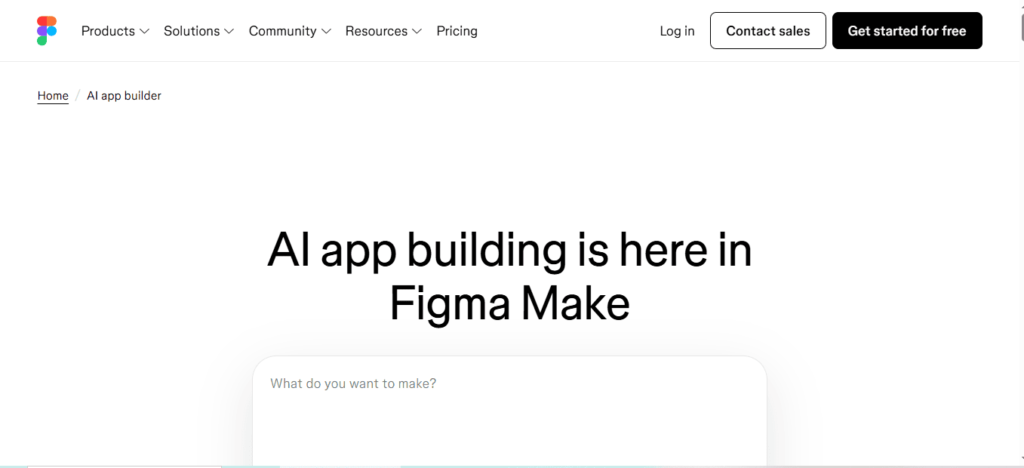
6. Figma App Builder — Design Comes First
Figma’s approach is simple: design before functionality.
What It Does Best
- High-quality UI generation
- Clean design systems
- Rapid prototyping
Limitation
It’s not meant for full app deployment.
Best For
Designers and product teams.
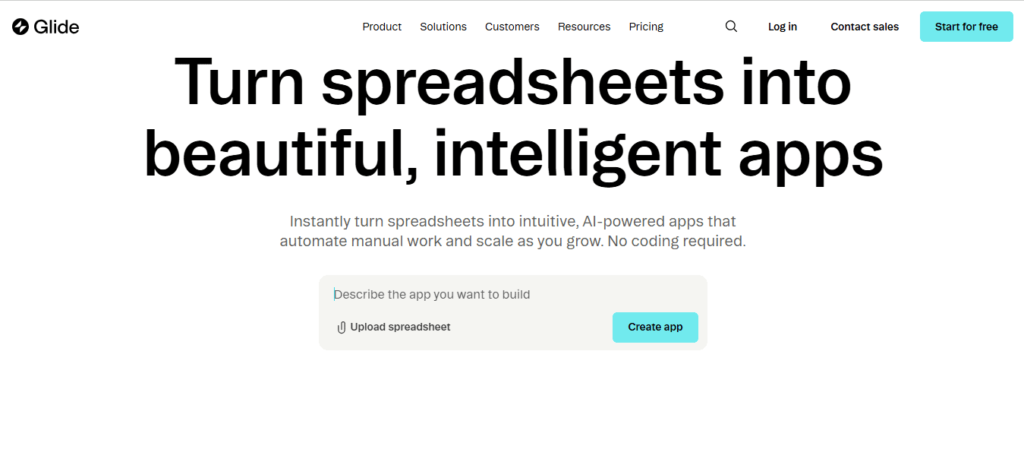
7. Glide — Turning Data Into Apps Instantly
Glide is perfect if your app starts with data.
Key Advantage
- Converts spreadsheets into apps
- Real-time data updates
Limitation
Advanced logic requires manual setup.
Best For
Internal tools and dashboards.
If you’re deciding between spreadsheet-based tools and full AI app builders, this detailed comparison of Glide vs App Natively breaks down which platform is better for real-world app development.
Performance Comparison (In a Flash)
| Metric | App Natively | Replit | Lovable | Bubble | Figma | Glide |
|---|---|---|---|---|---|---|
| Prototype Speed | 2–5 min | 5–10 min | 2–4 min | 30–60 min | 1–3 min | 3–7 min |
| Working App | 10–30 min | 30–90 min | ❌ Not complete | Days–Weeks | ❌ Prototype only | Hours–Days |
| UI Quality | High | Medium | Very High | High | Very High | High |
| Backend Completeness | Very High | High | Low | High | None | Low |
The Biggest Gap in the AI App Builder Market
Here’s the insight most people miss:
👉 The hardest part of an app isn’t design
👉 It’s the logic behind it
Things like:
- Payment systems
- Scheduling rules
- Notifications
- Admin controls
This is where most AI builders fail.
Reality Check
- 80% of tools = UI only
- 20% = functional apps
Hidden Costs Nobody Talks About
Most app builders mention pricing, but not the real cost.
Here’s what you need to know:
- Credit-based systems can get expensive
- Backend features often require upgrades
- Scaling increases costs significantly
The cheapest tool upfront is not always the cheapest long-term.
Where AI App Builders Are Headed
We’re entering a new phase of development.
Soon, AI will:
- Build apps autonomously
- Manage updates
- Optimize user experience in real-time
The future isn’t just no-code—it’s no-build.
Frequently Asked Questions (FAQs)
1. What is an AI app builder?
An AI app builder is a platform that uses artificial intelligence to help users create applications without coding.
By describing your app idea in natural language, the tool automatically generates UI, workflows, and sometimes backend logic, making app development faster, easier, and accessible to non-technical users.
2. What is the best AI app builder in 2026?
The best AI app builder in 2026 depends on your needs. App Natively is ideal for fast, full app creation, while Replit suits developers needing scalability.
Bubble remains strong for complex workflows, making it important to choose a platform based on speed, flexibility, and technical expertise.
3. Can AI build a full app without coding?
Yes, AI can build a full app without coding using advanced app builders. These platforms generate user interfaces, databases, and backend logic from simple prompts.
However, the completeness of the app depends on the tool, with some focusing only on design and others delivering full functionality.
4. Which AI app builder is best for beginners?
The best AI app builders for beginners are those with intuitive interfaces and natural language input.
Tools like App Natively and Lovable allow users to create apps by simply describing their ideas, eliminating the need for technical skills and significantly reducing the learning curve.
5. Are AI-built apps production-ready?
AI-built apps can be production-ready depending on the platform used. Some tools generate fully functional apps with backend logic, while others focus on prototypes.
For real-world deployment, it’s important to choose an AI app builder that supports databases, authentication, and integrations.
6. How long does it take to build an app using AI?
Building an app with AI can take anywhere from a few minutes to a few hours.
Simple apps can be generated almost instantly, while more complex applications with custom workflows and integrations may require additional time for refinement and testing.
7. Do AI app builders support mobile apps?
Yes, many AI app builders support mobile app creation. They either generate native apps for iOS and Android or create responsive web apps that function like mobile applications, allowing users to launch apps across multiple devices with minimal effort.
8. Can I monetize apps built with AI app builders?
Yes, you can monetize apps built with AI app builders through various methods such as subscriptions, in-app purchases, ads, and payment integrations.
Many platforms support tools like Stripe, making it easy to generate revenue from your application.
9. What are the limitations of AI app builders?
AI app builders may have limitations such as restricted customization, limited code access, and dependency on platform features.
While they simplify development, advanced use cases may require manual adjustments or integration with traditional coding tools to achieve full flexibility.
10. Is App Natively better than no-code tools like Bubble?
App Natively focuses on speed and automation, enabling users to build apps quickly using AI prompts.
In contrast, Bubble offers deeper customization and control but requires more manual effort. The better choice depends on whether you prioritize speed or advanced functionality.
11. What is the difference between AI app builders and no-code platforms?
AI app builders automate app creation using artificial intelligence and natural language prompts, while no-code platforms rely on manual drag-and-drop interfaces.
AI tools significantly reduce development time, whereas no-code platforms provide more control over customization and logic building.
12. Can developers benefit from AI app builders?
Yes, developers can benefit from AI app builders by accelerating development, automating repetitive tasks, and quickly prototyping ideas.
These tools enhance productivity, allowing developers to focus on complex logic and optimization instead of building everything from scratch.
13. Which AI app builder is best for startups?
Startups benefit from AI app builders that offer speed and scalability. App Natively is ideal for rapid MVP launches, while Replit supports long-term scalability with real code.
Choosing the right platform depends on your startup’s technical resources and growth goals.
14. Are AI app builders secure?
Most AI app builders include standard security features such as authentication, data encryption, and secure hosting.
However, security levels vary by platform, so it’s important to evaluate each tool’s infrastructure, compliance standards, and data protection policies before launching an app.
15. Can I export code from AI app builders?
Some AI app builders allow code export, giving users full ownership and flexibility. Others operate within closed ecosystems, limiting access to the underlying code. If long-term control is important, choosing a platform with export capabilities is essential.
16. Do AI app builders replace developers?
AI app builders do not replace developers but instead enhance their efficiency.
They automate basic tasks and simplify development, allowing developers to focus on complex features, performance optimization, and scaling applications effectively.
17. What kind of apps can I build with AI app builders?
AI app builders can create a wide range of applications, including SaaS platforms, marketplaces, booking systems, dashboards, and eCommerce apps.
The type of app you can build depends on the platform’s capabilities and available integrations.
18. Is it possible to scale an AI-built app?
Yes, AI-built apps can scale depending on the platform’s architecture.
Tools that provide backend logic, database management, and integration options are better suited for scaling, while simpler builders may be limited to smaller projects or prototypes.
19. Are AI app builders worth it in 2026?
AI app builders are highly valuable in 2026 because they reduce development time, cost, and technical barriers.
They enable individuals and businesses to quickly turn ideas into functional applications, making them an essential tool for modern app development.
20. How do I choose the right AI app builder?
To choose the right AI app builder, consider your goals, technical skills, and project complexity.
Look for platforms that balance ease of use, scalability, and features such as backend support, integrations, and customization options to match your needs.
Final Thoughts
AI app builders are no longer experimental. Instead, they’re becoming the default way to build software.
But the real advantage isn’t just using AI.
It’s choosing the right type of AI builder for your goal.
Because in 2026, the fastest builders don’t win—
The smartest builders do.