
Apple is not rejecting apps simply because they are built with AI. Instead, it’s rejecting them for violating core App Store guidelines.
In 2026, stricter rules around privacy, functionality, and dynamic code execution mean that many AI-generated apps fail before they even reach users.
If your AI app keeps getting rejected, it’s likely due to poor compliance, lack of originality, or hidden technical violations, not the AI itself.
Convert your website into an iOS & Android app in minutes (Join waitlist)
The Real Truth: Apple Isn’t Anti-AI (But It Is Anti-Lazy Apps)
Despite the headlines, Apple isn’t banning AI apps. In fact, it actively supports AI development inside tools like Xcode. The crackdown is happening because of how AI apps are being built and deployed.
Recent reports show Apple has even blocked updates to AI “vibe coding” apps unless they remove problematic features or comply with guidelines.
So what’s the issue?
👉 Apps that bypass review systems, auto-generate content, or behave unpredictably are being flagged.
What You’re Doing Wrong Actually
Before we dive into the specific mistakes, understand this: most App Store rejections aren’t random—they’re predictable and preventable.
If your AI app keeps getting rejected, chances are you’re breaking key guidelines without even realizing it.
Mistake #1: Your app violates the “No Dynamic Code Execution” rule
One of the biggest silent killers.
Apple strictly prohibits apps from:
- Downloading new code
- Changing functionality after approval
- Creating other apps inside the app
AI-generated apps often break this rule unintentionally, especially “app builder” apps.
Apple clearly enforces this under long-standing policies to prevent apps from altering behavior after review.
💡 Fix:
Ensure your AI outputs content, not executable app logic.
Mistake #2: You’re using AI without proper data disclosure
Since late 2025, Apple has treated AI as a regulated data category.
If your app:
- Sends prompts to external AI (OpenAI, Gemini, etc.)
- Collects user input for AI processing
You MUST:
- Clearly disclose it
- Get user consent
Failure to do this leads to instant rejection.
💡 Fix:
Add:
- AI data usage disclosure
- Transparent privacy policy
- Consent prompts
Mistake #3: Your app has “Minimum Functionality” issues
This is the #1 reason AI apps fail.
Apple rejects apps that feel like:
- Wrapped websites
- Basic AI prompt tools
- Template-based clones
Guideline 4.2 requires your app to offer real value beyond a web view.
💡 Fix:
Ask yourself:
👉 “Would this exist as a real product without AI?”
If not, it’s getting rejected.
Mistake #4: You built a template-based “AI Spam App.”
AI makes it easy to mass-produce apps—but Apple hates that.
Apps created from:
- Generators
- Templates
- Clone scripts
They are flagged as design spam under Guideline 4.2.6.
💡 Fix:
- Customize UI/UX deeply
- Add unique features
- Avoid repeating app structures
Mistake #5: Your AI logic Is a “Black Box.”
Apple reviewers need to understand:
- How your AI works
- What data it uses
- What outputs it generates
If they can’t verify this, rejection is almost guaranteed.
💡 Fix:
Include in review notes:
- AI workflow explanation
- Sample inputs/outputs
- Moderation strategy
Mistake #6: Metadata doesn’t match the app
This is more common than you think.
If your App Store listing says:
- “AI-powered design tool”
But the app is:
- A simple chatbot
You’ll get rejected.
Apple frequently flags mismatches between:
- Description
- Screenshots
- Actual functionality
💡 Fix:
Align:
- Screenshots
- Demo content
- Feature descriptions
Mistake #7: You ignore content moderation
AI apps generate unpredictable content.
If your app:
- Produces unsafe outputs
- Lacks moderation
- Allows harmful content
It violates user safety rules.
Apple requires moderation for any user-generated or AI-generated content.
💡 Fix:
- Add filters
- Include reporting systems
- Moderate AI outputs
Why Rejections Are Increasing in 2026
The numbers tell the story:
- Around 15% of apps are now rejected due to stricter enforcement
- AI-generated apps are rising fast
- Apple is prioritizing quality over quantity
And with AI making app creation easier, Apple is acting as a gatekeeper more than ever.
How to Get Your AI App Approved (Checklist)
Instead of guessing, follow this:
- Build real functionality (not just an AI wrapper)
- Disclose all AI data usage
- Avoid dynamic code execution
- Add strong moderation
- Ensure originality
- Explain your AI clearly in review notes
Pro Insight: The “Vibe Coding” Problem
A new trend called AI vibe coding lets users create apps using prompts.
Sounds powerful, but here’s the issue:
👉 These apps often generate apps outside Apple’s review system, which violates core policies.
That’s why Apple has started restricting or modifying such apps.
Build App Store-Ready AI Apps Without Rejection Risks — Try App Natively
If you’re tired of getting stuck in the App Store rejection loop, this is where things change.
Instead of relying on unstable “vibe coding” tools or generic AI builders, App Natively is being designed specifically to help you launch compliant, high-quality apps that actually get approved.
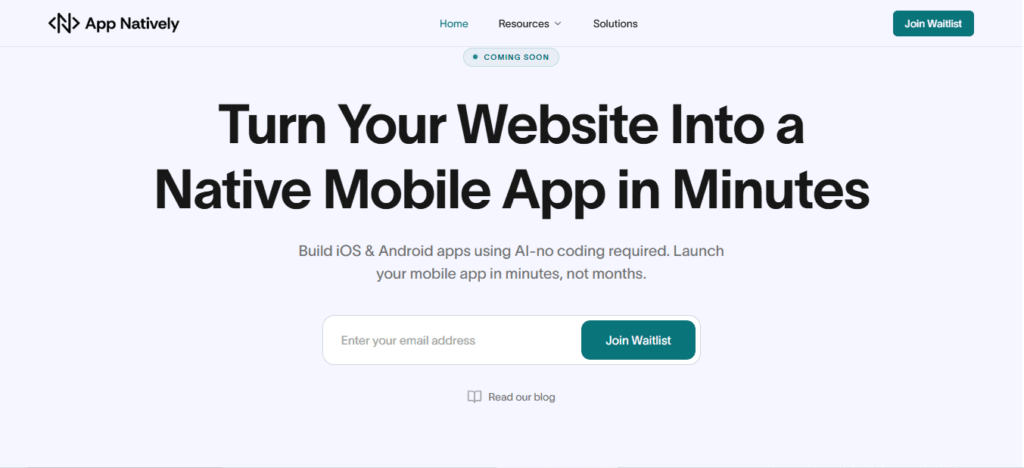
Unlike typical no-code or AI app generators, App Natively focuses on what Apple truly cares about—real functionality, clean architecture, and guideline compliance from day one.
That means you’re not just building faster, you’re building smarter with fewer risks of rejection due to dynamic code issues, poor UX, or policy violations.
What makes it powerful is its approval-first approach. Every feature, workflow, and output is being shaped around App Store standards, so you don’t have to guess what might get flagged.
Whether you’re building an MVP, SaaS tool, or AI-powered app, the goal is simple: help you go live without the frustrating back-and-forth with Apple’s review team.
👉 App Natively is currently under development, and early users are getting priority access. If you want to stay ahead of the curve and launch AI apps the right way, this is your chance to get in early.
Join the waitlist now and be among the first to build rejection-proof apps.
Frequently Asked Questions (FAQs)
Why is Apple rejecting AI-generated apps?
Apple rejects AI apps mainly due to violations of privacy, functionality, and code execution rules—not because they use AI itself.
Can AI apps get approved on the App Store?
Yes, if they comply with App Store guidelines, especially around transparency, moderation, and originality.
What is the biggest mistake in AI app submission?
Lack of minimum functionality—apps that feel like templates or simple wrappers are most commonly rejected.
Do I need to disclose AI usage in my app?
Yes. Apple requires full disclosure and user consent when using third-party AI services.
How do I fix a rejected AI app?
Carefully read the rejection reason, align your app with the guidelines, improve functionality, and resubmit with clear explanations.