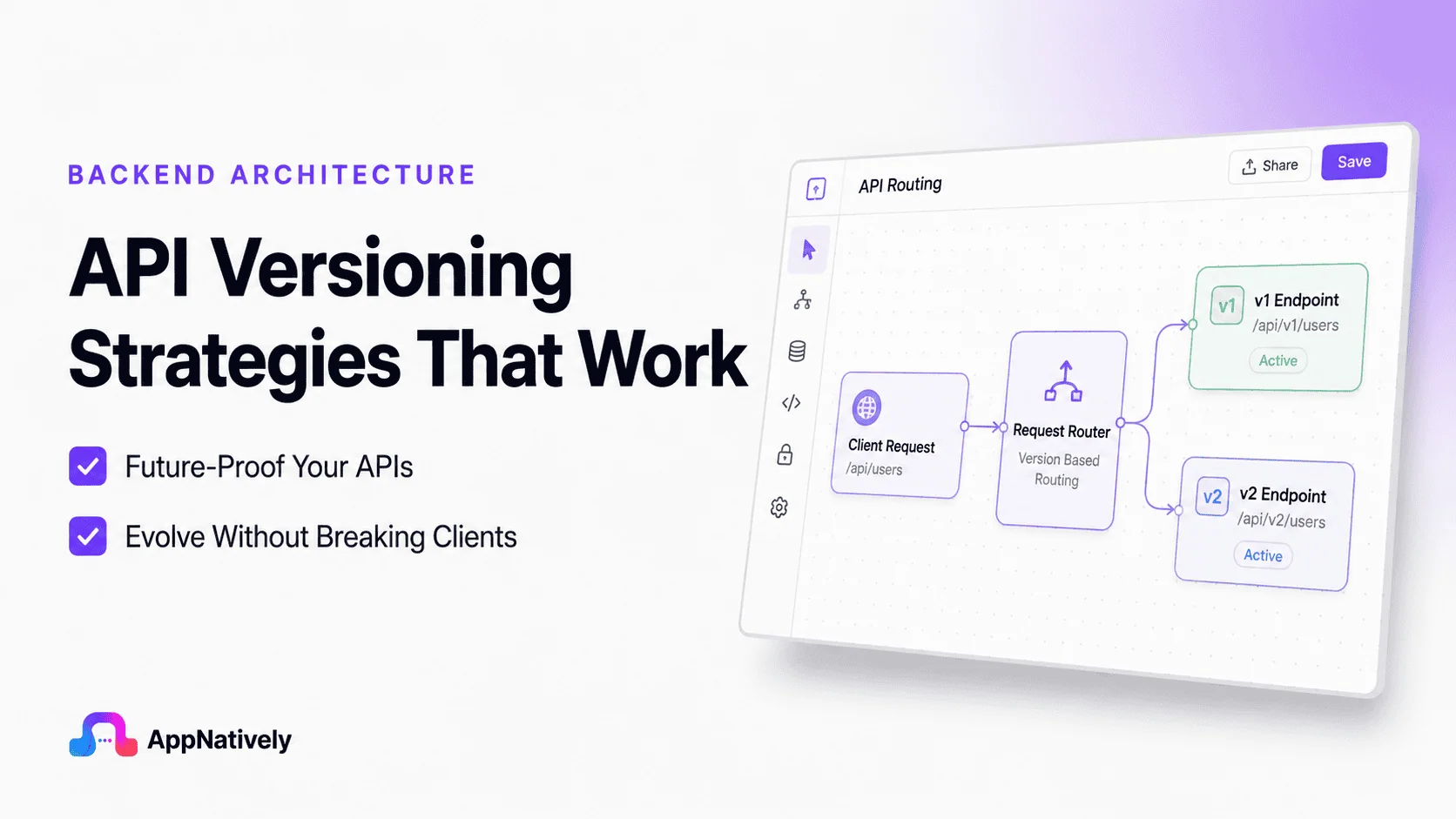
APIs are designed to evolve. New features are added, data models improve, security requirements change, and old functionality eventually becomes obsolete.
The challenge isn’t making those changes. The challenge is making them without breaking the applications that already depend on your API.
This is why API versioning is one of the most important architectural decisions you’ll make. A well-planned versioning strategy allows your API to grow while maintaining backward compatibility and a great developer experience.
A poor strategy can leave you maintaining multiple outdated versions, frustrating developers, and slowing product development.
In this blog post, we’ll explore the API versioning strategies that actually work, their pros and cons, and how leading technology companies handle API evolution.
What Is API Versioning?
API versioning is the process of managing changes to an API while ensuring existing applications continue to function correctly.
Instead of replacing an API every time a breaking change is introduced, developers release a new version. Existing clients can continue using the previous version while new applications adopt the latest one.
Breaking changes may include:
- Renaming response fields
- Removing endpoints
- Changing request parameters
- Modifying authentication methods
- Altering response formats
Without versioning, even a small update could break thousands of applications overnight.
Why API Versioning Matters
Imagine an eCommerce API that returns this response:
{
  "name": "Wireless Mouse",
  "price": 49.99
}
Thousands of mobile apps depend on the price field.
Months later, the backend team decides to support multiple currencies.
The response becomes:
{
  "name": "Wireless Mouse",
  "pricing": {
      "amount": 49.99,
      "currency": "USD"
  }
}
While this improves the API, every application expecting price immediately fails.
Proper versioning prevents these situations by allowing old and new formats to coexist.
Common API Versioning Strategies
1. URL versioning
Example:
/api/v1/products
/api/v2/products
This is by far the most common strategy.
Advantages
- Extremely easy to understand
- Easy to document
- Browser friendly
- Works well with caching
- Supported by every API framework
Disadvantages
- URLs change frequently
- Multiple endpoints require maintenance
- Can lead to duplicated routing logic
Best use cases
- Public REST APIs
- SaaS products
- APIs with large developer communities
Many companies use this approach because it’s intuitive and predictable.
2. Header versioning
Instead of changing the URL:
GET /productsThe client specifies:
API-Version: 2or
Accept-Version: v2Advantages
- Clean URLs
- Better separation between resources and versions
- Easier URL management
Disadvantages
- Harder to test in browsers
- Less obvious for new developers
- Documentation becomes slightly more complex
Best use cases
- Internal APIs
- Enterprise systems
- Microservices
3. Media type versioning
Clients specify the desired version using the Accept header.
Example:
Accept:
application/vnd.company.v2+json
Advantages
- RESTful
- Keeps URLs stable
- Supports multiple representations
Disadvantages
- Difficult for beginners
- More complex tooling
- Harder to debug
This approach is popular among organizations with mature API ecosystems.
4. Query parameter versioning
Example:
/products?version=2Advantages
- Very easy to implement
- Quick for testing
- Requires minimal routing changes
Disadvantages
- Easy to forget
- Poor caching behavior
- Generally discouraged for public APIs
It’s usually suitable only for prototypes or internal tools.
5. Date-based versioning
Instead of version numbers, APIs use release dates.
Example:
Stripe-Version:
2025-06-15
This allows clients to lock into a specific API behavior.
Advantages
- Continuous evolution
- Smaller incremental changes
- Encourages gradual upgrades
Disadvantages
- Less intuitive
- Requires excellent documentation
- More planning
Stripe popularized this strategy with great success.
Which Versioning Strategy Is Best?
There isn’t a universal winner.
Your decision depends on your API’s audience and lifecycle.
| Strategy | Best For | Difficulty |
|---|---|---|
| URL | Public APIs | Easy |
| Header | Enterprise APIs | Medium |
| Media Type | Advanced REST APIs | High |
| Query Parameter | Internal Tools | Easy |
| Date-Based | Large SaaS Platforms | High |
For most startups and SaaS products, URL versioning offers the best balance between simplicity and maintainability.
When Should You Create a New Version?
Not every change requires a new API version.
Minor improvements are usually backward compatible.
Examples include:
- Adding optional fields
- Adding new endpoints
- Improving performance
- Fixing bugs
- Expanding response data
New versions should generally be created only for breaking changes.
Examples include:
- Removing fields
- Renaming properties
- Changing authentication
- Altering endpoint behavior
- Modifying request formats
A good rule of thumb is simple:
If existing clients stop working, release a new version.
API Versioning Best Practices
API versioning is the practice of managing changes to an API without unexpectedly breaking existing clients.
A good versioning strategy lets you add features, fix issues, and evolve your API while giving consumers time to migrate.
Here are the most widely accepted best practices.
1. Version only when necessary
Don’t create a new API version for every change.
Changes that usually don’t require a new version:
- Adding optional request parameters
- Adding new endpoints
- Adding new response fields (if clients ignore unknown fields)
- Performance improvements
- Bug fixes that don’t change behavior
Changes that do require a new version:
- Removing fields
- Renaming fields
- Changing data types
- Changing response structure
- Changing endpoint semantics
- Changing authentication mechanisms
2. Choose a consistent versioning strategy
Common approaches include:
| Method | Example | Pros | Cons |
|---|---|---|---|
| URL Path | /api/v1/users | Easy to understand and cache | Version becomes part of URL |
| Header | API-Version: 2 | Cleaner URLs | Less visible |
| Accept Header | Accept: application/vnd.company.v2+json | RESTful | More complex |
| Query Parameter | /users?version=2 | Simple | Generally discouraged |
For most public APIs, URL path versioning (/v1/) is the simplest and most widely adopted.
3. Maintain backward compatibility
Whenever possible:
- Only add new fields
- Never remove existing fields
- Keep response formats stable
- Keep existing endpoints working
Example:
Version 1:
{
  "id": 12,
  "name": "Alice"
}
Backward-compatible addition:
{
  "id": 12,
  "name": "Alice",
  "email": "[email protected]"
}
Clients that don’t use email continue working.
4. Prefer additive changes
Good changes:
- New endpoints
- New optional parameters
- New response fields
- New resource types
Avoid:
- Renaming properties
- Removing endpoints
- Changing HTTP status behavior
- Changing validation rules unexpectedly
5. Support multiple versions during migration
Avoid forcing all clients to upgrade immediately.
Example:
/api/v1/...
/api/v2/...
Run both versions in parallel until users have migrated.
6. Deprecate before removing
A typical lifecycle is:
v1 Released
      ↓
v2 Released
      ↓
v1 Deprecated
      ↓
Migration Period
      ↓
v1 Removed
Communicate:
- Deprecation date
- End-of-support date
- Removal date
- Migration guide
7. Document breaking changes clearly
For each new version, explain:
- What changed
- Why it changed
- Breaking changes
- Migration examples
- Deprecated endpoints
- New features
A changelog can look like:
v2.0
- Added pagination metadata
- Renamed fullName → name
- Removed legacy login endpoint

v1.5
- Added search endpoint
- Added email field
8. Keep version numbers simple
Use clear major versions:
v1
v2
v3
Avoid exposing patch versions in URLs:
/v1.0.7/users
/v1.2.5/orders
Patch and minor versions are typically handled internally.
9. Use semantic versioning internally
Even if clients only see v1 and v2, track releases internally using Semantic Versioning:
1.0.0
1.1.0
1.2.0
2.0.0
Where:
- Major: Breaking changes
- Minor: New backward-compatible features
- Patch: Bug fixes
10. Provide migration guides
When releasing a new version, show side-by-side examples.
v1
GET /v1/users/123Response:
{
  "name": "Alice"
}
v2
GET /v2/users/123Response:
{
  "id": 123,
  "name": "Alice",
  "email": "[email protected]"
}
This helps consumers stay up to date with minimal effort.
11. Version your API contract, not your implementation
The version should reflect changes to the API that clients consume, not internal refactoring.
Changes such as switching databases, optimizing queries, or moving to microservices should not require a new API version if the external contract remains unchanged.
12. Test all supported versions
Maintain automated tests for every supported version to ensure bug fixes or new features do not inadvertently break older clients.
13. Define a version support policy
Clearly state:
- Which versions are currently supported
- How long each version will receive updates
- Your deprecation timeline
- How clients will be notified of upcoming changes
This helps consumers plan upgrades with confidence.
Example directory structure
api/
├── v1/
│   ├── users
│   ├── orders
│   └── products
├── v2/
│   ├── users
│   ├── orders
│   └── products
Alternatively, share common business logic and keep version-specific request/response mappings separate to avoid code duplication.
Summary
A robust API versioning strategy focuses on stability and predictable evolution:
- Use clear major versions (e.g.,
/v1,/v2). - Make additive, backward-compatible changes whenever possible.
- Introduce new versions only for breaking changes.
- Support multiple versions during client migration.
- Announce deprecations well in advance and provide migration guides.
- Keep versioning tied to the public API contract, not internal implementation details.
- Document changes thoroughly and test every supported version.
Real-World API Versioning Examples
1. Stripe
Stripe uses date-based versioning, allowing each account to remain on a specific API release date until the developer chooses to upgrade. This minimizes unexpected breaking changes while enabling continuous API improvements.
2. GitHub
GitHub combines REST API versioning with clear deprecation policies and extensive migration guides. Developers receive advance notice before major changes take effect.
3. Microsoft
Microsoft Graph uses versioned endpoints such as /v1.0 for stable APIs and /beta for preview features. This lets developers experiment with new capabilities without affecting production applications.
4. Google
Many Google APIs expose versioned endpoints like v1, v2, and v3, making upgrades straightforward while maintaining long-term compatibility for existing integrations.
Common API Versioning Mistakes
Even experienced teams make mistakes when evolving APIs. Here are some of the most common pitfalls:
Versioning too early. Creating a new version for every minor improvement quickly becomes difficult to maintain.
Breaking clients without warning. Removing fields or changing response formats without a migration plan damages developer trust.
Supporting too many versions. Maintaining five or six active versions increases development, testing, and infrastructure costs.
Poor communication. Developers should never discover a breaking change only after their applications stop working.
Inconsistent behavior across versions. Each version should have clear, predictable behavior and complete documentation.
Avoiding these mistakes helps keep your API reliable and easier to maintain over time.
Turn Your WordPress Website into a High-Performance Native App with AppNatively
Building a great API is only one part of delivering an exceptional mobile experience. If you already have a website or web application, AppNatively lets you transform it into fully native Android and iOS apps without writing complex mobile code.
Unlike traditional app builders that rely on web views, AppNatively creates true native apps with smooth performance, native UI components, push notifications, offline capabilities, and extensive customization options.
Whether you’re running an eCommerce store, directory, booking platform, LMS, or any other web-based business, you can launch production-ready mobile apps in a fraction of the time and cost of traditional development.
Ready to bring your website to mobile? Build fast, scalable, and fully native mobile apps with AppNatively and deliver the experience your users expect.
Final Thoughts
API versioning is about much more than naming endpoints. It’s a long-term strategy for helping your API evolve without disrupting the developers who rely on it.
For most public REST APIs, URL versioning remains the simplest and most practical approach. Larger platforms with mature ecosystems may benefit from header-based or date-based versioning, but the best strategy is always the one that balances stability, maintainability, and developer experience.
As your API grows, prioritize backward compatibility, communicate breaking changes early, maintain comprehensive documentation, and give developers enough time to migrate.
By treating versioning as part of your API design rather than an afterthought, you’ll build a platform that can adapt to future requirements while earning the trust of the developers who use it every day.