Building a mobile app no longer requires coding skills or a big budget.
Today, powerful free mobile app builders allow anyone to create professional Android and iOS apps using simple drag-and-drop no-code platforms.
Whether you’re a startup founder, small business owner, or creator, these tools make app development fast, affordable, and beginner-friendly.
In this post, we’ll explore the best free no-code app builders that help you design, customize, and launch your mobile app without writing a single line of code.
So, without further ado, let’s dig deeper.
Why No-Code Mobile App Builders Are Booming, Nowadays
No-code mobile app builders are growing rapidly because they make app development faster, cheaper, and accessible to everyone.
Instead of writing complex code, users can build apps using visual tools like drag-and-drop interfaces and ready-made templates, making development much easier for beginners.
1. No coding skills required
One of the biggest reasons for the rise of no-code platforms is accessibility.
Entrepreneurs, marketers, and small business owners can create apps without learning programming languages, lowering the barrier to entry in app development.
2. Faster app development
Traditional mobile app development can take months, but no-code tools allow developers to build and launch apps much faster.
Some platforms can reduce development time by up to 90%, enabling quick prototyping and faster product launches.
3. Lower development costs
Hiring developers and maintaining custom code can be expensive. No-code platforms significantly reduce costs because businesses can build and manage apps without large development teams.
4. Cross-platform development
Many no-code builders allow you to create apps that run on both Android and iOS from a single project.
This saves time and resources compared to building separate apps for each platform.
5. Rapid testing and innovation
Startups and businesses can quickly build MVPs (Minimum Viable Products), test them with users, and improve features based on feedback.
This flexibility helps companies innovate faster and reduce risk.
What to Look for in a Free Mobile App Builder
Choosing the right free mobile app builder is important if you want to create a functional app without coding.
The best platforms provide essential tools that make app development simple, flexible, and scalable.
Easy drag-and-drop interface
A good no-code app builder should have an intuitive visual editor that allows you to design your app using drag-and-drop components.
This makes it easy to add buttons, images, forms, and layouts without writing code.
Cross-platform support
Look for a platform that lets you build apps for both Android and iOS from a single project.
This saves time and ensures your app reaches a wider audience without building separate versions.
Templates and customization
The best app builders provide pre-designed templates and customizable components so you can quickly design professional apps while still tailoring them to your brand or idea.
Integrations and data connections
A strong no-code platform should allow integrations with tools like Google Sheets, databases, payment systems, and other apps, helping your mobile app handle real-world tasks and data.
App publishing options
Check if the builder allows you to publish apps to major app stores like Google Play or the Apple App Store.
This feature is crucial if you want your app to reach a larger audience.
Scalability and Upgrade Options
Free plans are great for testing ideas or building an MVP, but you should choose a platform that offers upgrade options when your app grows.
3 Best Free Mobile App Builders (No Coding Needed)
If you want to build a mobile app without coding, choosing the right platform can save you time, money, and frustration.
Many business owners struggle with expensive developers, complex tools, or app builders that limit features behind expensive plans.
Below are three powerful mobile app builders with free trials that help you turn your idea into a real app faster.
1. App Natively—The Upcoming Powerful Native App Builder (Join the Waitlist)
Many app builders promise simplicity but quickly become expensive, complicated, or limited when you try to launch a real app.
This is the problem App Natively is designed to solve.
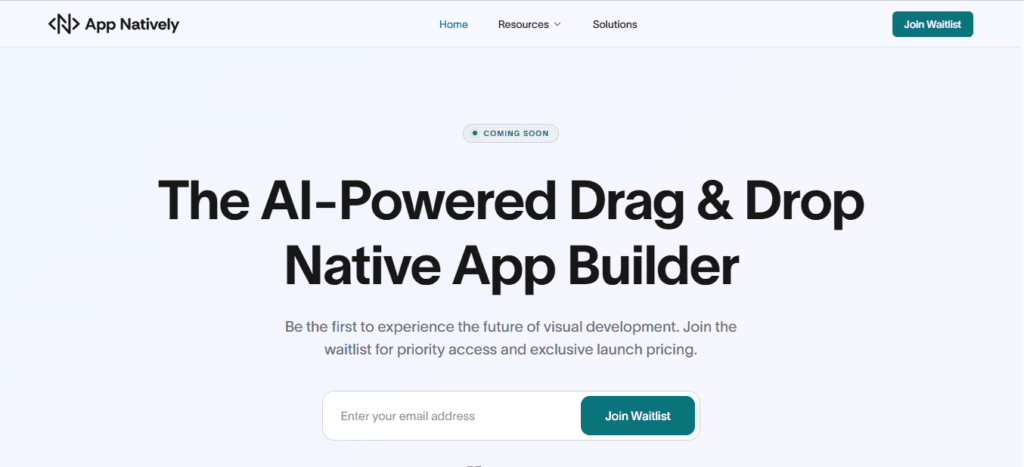
App Natively is an upcoming no-code mobile app builder that will allow users to create fully native Android and iOS apps without writing a single line of code.
Unlike many platforms that rely on basic web-view apps, App Natively focuses on true native performance, better user experience, and deeper mobile capabilities.
The goal is simple:
Give entrepreneurs, startups, creators, and businesses the power to build high-performance mobile apps at a much lower cost.
Key highlights (coming soon):
- Build native Android and iOS apps
- Beginner-friendly no-code builder
- Powerful customization and integrations
- Much lower pricing compared to most app builders ( Free version available)
- Designed for speed, performance, and scalability
- And many more.
N.B. App Natively is currently under development, but it’s being built to solve the biggest pain points people face with existing app builders.
👉 Join the waitlist now to get early access when it launches.
2. AppMySite—Fast Web-View App Builder for Websites
AppMySite is a popular option for people who already have a website (especially WordPress) and want to quickly convert it into a mobile app.
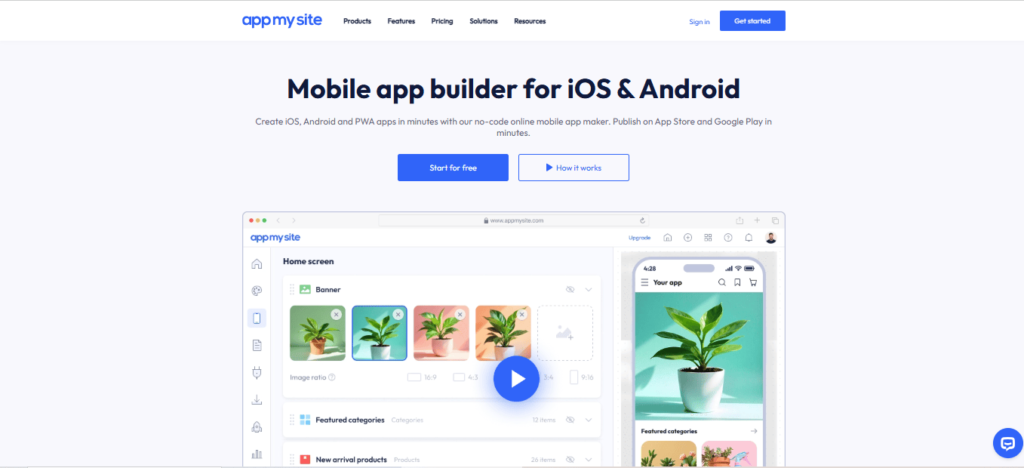
Instead of building an app from scratch, AppMySite typically creates web-view apps, meaning the mobile app mainly displays the content of your website inside the app interface.
This approach works well if your goal is simply to turn your website into an app quickly.
Key features include:
- Convert websites into Android and iOS apps
- WordPress and WooCommerce integrations
- Simple app customization tools
- Free trial to test the platform
However, web-view apps may have performance and flexibility limitations compared to fully native apps, especially when building more advanced mobile experiences.
3. GoodBarber – Native App Builder with Advanced Features
GoodBarber is a well-known no-code app builder that offers tools for creating native mobile apps for Android and iOS.
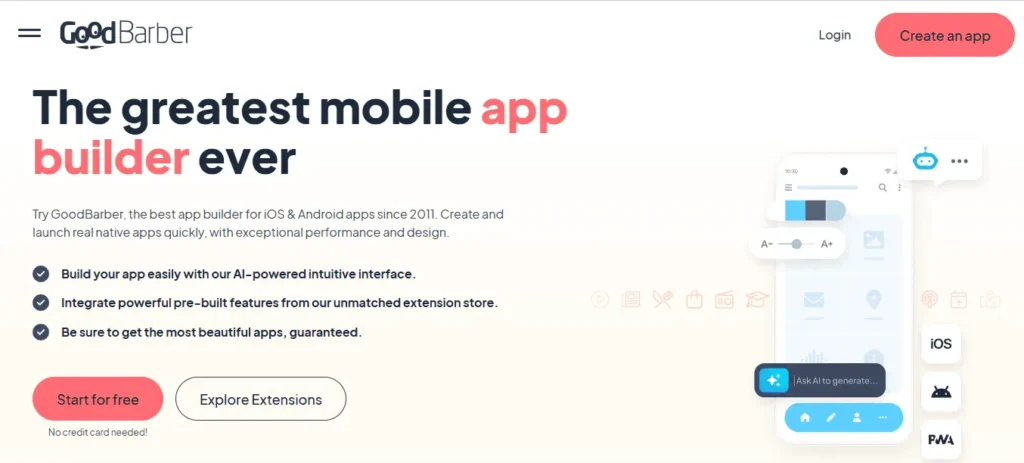
It provides a variety of design options and modules, making it suitable for content apps, e-commerce apps, and business apps.
Key features include:
- Native app development for Android and iOS
- Advanced design customization
- Built-in CMS and plugins
- Monetization features and integrations
- Free trial available
While GoodBarber offers powerful features, some users find the pricing structure and learning curve challenging, especially for small businesses or creators just starting out.
✅ Quick Summary
- App Natively—Upcoming powerful native app builder at affordable pricing (Join the waitlist)
- AppMySite—Best for turning websites into web-view apps quickly
- GoodBarber—Native app builder with usable features
Final Thoughts
Building a mobile app no longer requires a large budget or advanced coding skills.
With modern no-code mobile app builders, entrepreneurs, creators, and businesses can turn their ideas into real apps faster than ever before.
The key is choosing a platform that fits your goals, budget, and the type of app experience you want to deliver.
Tools like AppMySite and GoodBarber offer solid solutions for quickly launching apps, whether through web-view conversions or native app development.
However, many users still face common challenges such as high pricing, limited flexibility, or complex setups.
This is exactly where App Natively aims to make a difference. Currently under development, it’s being built to provide a powerful yet affordable way to create true native Android and iOS apps without coding.
The goal is simple: make professional mobile app development more accessible, faster, and cost-effective for everyone.
🚀 If you want early access and updates when it launches, joining the waitlist for App Natively could give you a head start in building your next mobile app.
Frequently Asked Questions (FAQs)
Can I build a mobile app for free?
Yes! In 2026, it’s entirely possible to build a mobile app for free using no-code app builders.
Many platforms offer free plans or trials that let you design, customize, and even test your app without paying a dime.
However, it’s important to know the limitations:
- Feature restrictions: Some advanced integrations, monetization tools, or native capabilities may only be available in paid plans.
- Publishing limits: Free plans often limit publishing to app stores or include platform branding in your app.
- Storage and performance caps: Free apps may have limited storage, API calls, or users compared to paid versions.
For example:
- AppMySite lets you quickly turn a website into a web-view app with a free trial.
- GoodBarber provides native app features, but full functionality requires upgrading.
- App Natively (coming soon) promises fully native Android and iOS apps at much lower costs, addressing the main pain points of existing platforms.
Do no-code apps get approved on app stores?
Yes! No-code apps can absolutely be approved on both Google Play and the Apple App Store, as long as they meet the platform guidelines.
App stores don’t care whether an app was built with code or no-code tools—they focus on quality, functionality, and compliance.
Here’s what matters:
- Native vs Web-View Apps
- Apps built with native capabilities (like Android and iOS features) tend to get approved more easily.
- Web-view apps (apps that mainly display a website inside an app) can be approved, but sometimes face stricter review if the app doesn’t offer additional value beyond the website.
- Content and Functionality
- Your app must be functional, easy to navigate, and free of bugs.
- Apps with incomplete features, placeholder content, or repeated errors may get rejected.
- Compliance with Store Guidelines
- Follow rules about privacy policies, in-app purchases, ads, and user data.
- Apple and Google both provide detailed developer guidelines to ensure your app is store-ready.
Why App Natively makes this easier:
Unlike some web-view app builders, App Natively will let you build fully native Android and iOS apps, improving performance, usability, and the chance of approval.
You’ll avoid common pitfalls like slow web views, limited features, or app rejection due to lack of native functionality.
Which free app builder is best for beginners?
For beginners who want to build a mobile app without coding, the best free app builder is one that’s easy to use, beginner‑friendly, and lets you see real results quickly.
Here’s how the three options stack up:
⭐ App Natively — Best Future Native App Builder for Beginners
Why it’s great:
- Designed to be simple and intuitive even if you’ve never built an app before
- Lets you build fully native Android and iOS apps — meaning better performance and user experience
- Focused on beginner‑friendly workflows and clear visual tools
- Planned to be lower cost than most competitors
👉 App Natively is currently under development and growing with feedback from early users.
You can join the waitlist to be one of the first to use it — perfect if you want a powerful app builder that’s easy to learn.
Can I make money with a no-code mobile app?
Yes! No-code apps can earn money through ads, in-app purchases, subscriptions, or e-commerce.
Using a native app builder like App Natively gives you better performance and user experience than web-view apps, making it easier to retain users and monetize effectively.
Leave a Reply