Building an app is exciting, but it’s also a serious investment, not just of money, but of time, energy, and vision.
Whether you’re an aspiring entrepreneur, a startup founder, or an independent creator, one question always comes first: how much will this app cost to build?
The reality is that app development costs vary dramatically depending on the approach you choose.
You could do it yourself, hire a professional agency, or leverage modern no-code or low-code platforms.
Each option comes with its own trade-offs in terms of cost, time, flexibility, and long-term scalability. Understanding these options is critical for making informed decisions and avoiding costly mistakes.
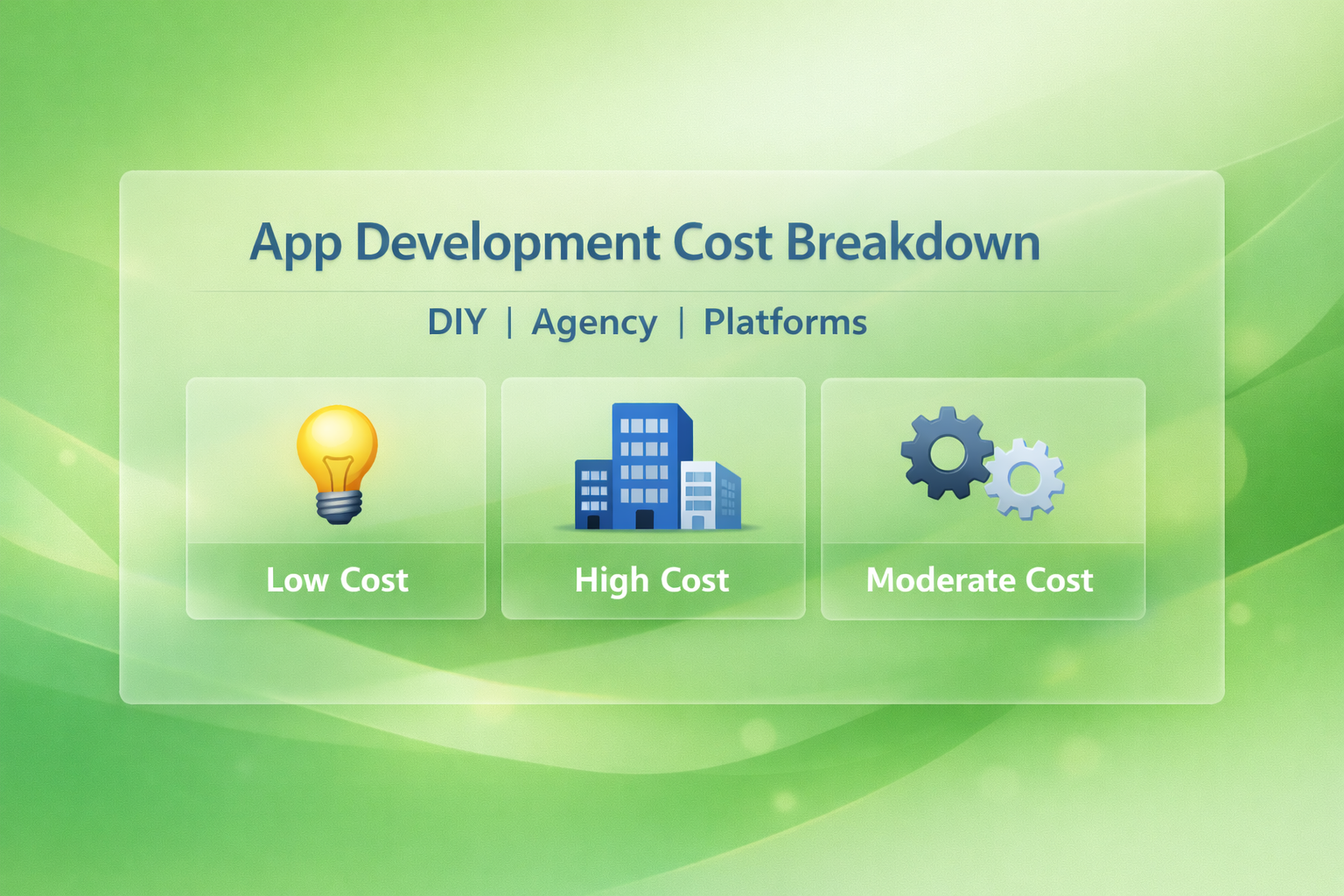
In this article, we’ll break down the costs of app development across three main approaches: DIY, agencies, and platforms, and explore the pros, cons, and hidden expenses associated with each.
By the end, you’ll have a clear roadmap for choosing the right approach based on your skills, budget, and goals.
Let’s dig deeper.
Key Factors That Influence App Development Costs
App development costs can vary dramatically depending on your vision, technical requirements, and long-term goals.
Understanding what truly drives those costs helps you plan smarter, avoid surprises, and allocate your budget strategically.
1. App complexity and core features
The more complex your app idea, the higher the development cost. A simple MVP with login, profile creation, and basic functionality costs far less than a feature-rich platform with real-time chat, AI recommendations, or advanced dashboards.
Every additional feature increases design time, development hours, testing scope, and maintenance requirements.
For example, adding payment systems, GPS tracking, booking engines, or live streaming significantly increases backend logic and security implementation, directly impacting your total budget.
2. Platform choice (iOS, Android, or Cross-Platform)
Choosing between native development and cross-platform frameworks plays a major role in cost.
Building separate apps for both iOS and Android means two codebases, which doubles development effort.
Native apps generally deliver better performance but come with higher costs.
Cross-platform solutions using frameworks like Flutter or React Native reduce duplication and can lower costs, especially for startups testing the market.
However, complex features may still require platform-specific customization.
3. UI/UX design requirements
Design is not just about visuals, but it impacts user engagement and retention.
Custom animations, micro-interactions, advanced transitions, and branded design systems require more design hours and front-end effort.
A minimal, template-based interface costs significantly less than a fully customized UI with interactive elements and dynamic transitions.
High-end UX strategy and usability testing also add to the overall cost.
4. Backend infrastructure and i ntegrations
Apps that rely on real-time data, cloud storage, or third-party APIs require strong backend architecture.
The cost depends on whether you’re building a custom backend or using platforms like Firebase or AWS.
Integrations such as payment gateways, CRM systems, maps, social logins, or analytics tools increase development time.
The more integrations your app requires, the more testing and optimization it needs.
5. Development team location and expertise
Rates vary significantly based on geography. Developers in North America or Western Europe typically charge more than teams in South Asia or Eastern Europe.
However, experience level, portfolio quality, and technical expertise also influence pricing.
Hiring a freelance developer may cost less initially, but agencies often provide structured processes, project management, QA testing, and long-term support, which can justify higher costs.
6. Maintenance, updates, and scalability
App development doesn’t end at launch. Ongoing maintenance, server costs, performance optimization, bug fixes, and OS updates require continuous investment.
If your app is expected to scale to thousands or millions of users, you’ll need scalable infrastructure and performance optimization from the start, which increases upfront costs but reduces long-term technical debt.
7. Security and compliance requirements
Apps handling sensitive user data, financial transactions, or healthcare information require advanced security protocols.
Encryption, secure authentication, GDPR compliance, and data protection standards add complexity and cost.
Industries like fintech and healthcare typically face higher development costs due to strict regulatory requirements and security implementation standards.
i. DIY App Development (Do-It-Yourself)
What DIY Development Means
DIY app development involves building the app yourself or with a small in-house team.
This approach often appeals to students, hobbyists, and early-stage startups with tight budgets.
You might write the code manually using programming languages like Swift for iOS or Kotlin/Java for Android, or combine it with open-source frameworks like React Native or Flutter for cross-platform development.
Typical Costs of DIY
- Learning Resources: Courses, tutorials, and books can cost anywhere from $50 to $500 depending on the platform.
- Development Tools: Free tools exist, but premium IDEs, plugins, and libraries can cost $100–$500 per year.
- Hosting & Infrastructure: Servers, cloud storage, and backend services can range from $20–$200/month.
- Your Time: While free in monetary terms, your personal time is valuable. A DIY app often takes months or even years to complete.
Pros of DIY
- Low upfront cost: You don’t pay for developers or agencies.
- Full control: You can experiment and pivot freely.
- Skill development: Learning coding and app-building skills can be a long-term asset.
Cons of DIY
- Steep learning curve: Developing a functional app requires technical skills.
- Higher risk of errors: Without experience, bugs, crashes, or poor design are common.
- Limited scalability: DIY apps may struggle to handle growth without professional intervention.
Best For
- Hobby projects
- Student portfolios
- Small, experimental MVPs (minimum viable products)
Example: A college student creating a simple habit tracker app might spend under $500 using free tutorials, open-source libraries, and a basic backend.
ii. Agency-Based App Development
What Agencies Provide
Agencies offer professional app development services with teams of designers, developers, testers, and project managers.
They can handle everything from ideation and prototyping to development, deployment, and ongoing support.
Typical Costs of Hiring an Agency
- Simple apps: $10,000–$30,000
- Mid-level apps: $30,000–$80,000
- Complex apps: $80,000–$250,000+
- Ongoing maintenance: 10–20% of development costs annually
The costs vary based on location (agencies in North America or Europe typically charge more than those in Asia), experience, and app complexity.
Pros of Using an Agency
- High-quality output: Experienced teams deliver polished apps with fewer bugs.
- Faster development: Agencies have the resources to meet tight deadlines.
- Expert guidance: Agencies advise on technology, design, and scalability.
- Scalability: Agencies build apps that can grow as your user base grows.
Cons of Using an Agency
- High cost: Agencies are the most expensive option upfront.
- Less direct control: You may not be able to influence every detail.
- Potential communication issues: Misalignment between your vision and the agency’s execution is possible.
Best For
- Businesses and startups seeking a high-quality, market-ready product
- Apps requiring complex features, integrations, and scalable architecture
- Projects with a higher budget and faster timeline
Example: A startup wanting a full-featured social networking app with chat, video, and in-app payments might invest $100,000 with a professional agency to ensure a polished launch.
iii. No-Code/Low-Code Platforms
What Platforms Offer
No-code and low-code platforms allow users to build apps through drag-and-drop interfaces without writing extensive code.
Platforms like App Natively let you create apps visually, often with pre-built templates and integrations.
Typical Costs of Platforms
- Subscription plans: $20–$200/month depending on features and user base
- Add-ons: Payment gateways, analytics, and premium integrations can/can’t cost extra
- Hosting & storage: Often included in platform plans.
Pros of Using Platforms
- Fastest time to market: You can launch a functional app in weeks.
- Lower cost than agencies: Monthly fees are predictable and manageable.
- No technical skills required: Ideal for entrepreneurs and small teams.
Cons of Using Platforms
- Limited customization: Complex or unique features may not be possible.
- Platform dependency: Your app’s functionality and pricing depend on the platform.
Best For
- MVPs and prototypes
- Internal business tools
- Small business apps that need basic functionality quickly
Example: A small business owner could launch an online booking app using a no-code platform for $50/month instead of spending tens of thousands on custom development.
Cost Comparison Table
| Factor | DIY | Agency | Platform / No-Code |
|---|---|---|---|
| Upfront Cost | Low ($0–$1,000) | High ($10k–$250k+) | Medium ($50–$500/month) |
| Time to Launch | Long (months–years) | Medium (3–6 months) | Short (weeks) |
| Skill Required | High (coding skills) | Low (managed by team) | Low (drag-and-drop) |
| Flexibility/Control | High | Medium | Medium |
| Scalability | Limited | High | Medium |
| Ongoing Costs | Low–Medium | Medium | Low |
Hidden & Ongoing Costs to Consider
Regardless of the approach, there are additional costs often overlooked:
- Maintenance & Updates
- OS updates, bug fixes, and security patches are ongoing expenses.
- Security & Compliance
- Apps storing user data must comply with GDPR, CCPA, or HIPAA, adding costs for encryption, audits, or certifications.
- Hosting & Server Costs
- Cloud servers, databases, and content delivery networks can cost $20–$500/month depending on traffic.
- Third-Party Integrations
- APIs for payments, analytics, maps, and notifications often charge usage fees.
- Marketing & User Acquisition
- Building the app is just the first step. Advertising, app store optimization, and campaigns require separate budgets.
How to Choose the Right Option
Choosing between building your app yourself, hiring an agency, or using no-code platforms isn’t just a financial decision rather it’s a strategic one.
The “best” option depends entirely on your goals, resources, timeline, and the complexity of the product you want to build.
Instead of asking which method is cheapest, it’s smarter to ask which method gives me the best return for my situation.
Think of it like building a house. You could construct it yourself, hire professional builders, or use a modular prefab system.
Each works but not for the same needs or budgets. App development follows the same logic.
Let’s walk through the key decision factors that will help you choose wisely.
Start with your budget reality
Your available budget is usually the biggest constraint, so begin here.
If you have very limited funds, spending tens of thousands on an agency simply isn’t practical.
In that case, DIY or no-code tools make more sense. Learning to code or using platforms like App Natively allows you to launch without a large upfront investment.
On the other hand, if you’ve secured funding or have a business budget, investing in professional development can save time, reduce risk, and produce a higher-quality product that’s easier to scale.
A simple rule of thumb:
- Under $1,000 → DIY or no-code
- $1,000–$15,000 → advanced no-code or small freelance team
- $15,000+ → agency or professional development
Evaluate your technical skills honestly
Be realistic about your abilities.
DIY development sounds affordable, but it requires real technical knowledge.
If you’re comfortable with programming, debugging, and learning new tools, building yourself might be empowering and cost-effective.
But if you’ve never written code, DIY often becomes frustrating and slow. What looks like a “free” option can turn into months of stalled progress.
In that case, no-code platforms or agencies are better choices. They remove the technical barrier so you can focus on business strategy instead of syntax errors.
Ask yourself:
- Can I build and maintain this app alone?
- Do I want to spend months learning development?
- Or would my time be better spent on marketing and growth?
Your time has value — don’t ignore that cost.
Consider your timeline
Speed matters more than many founders expect.
If you need to launch quickly to validate an idea or beat competitors to market, DIY development might be too slow.
Agencies and platforms can deliver much faster.
- Platforms: days or weeks
- Agencies: 2–6 months
- DIY: months to a year (or longer)
For MVPs and testing ideas, speed usually wins. A basic app launched quickly is often more valuable than a perfect app launched late.
If rapid validation is your goal, start with no-code. You can always rebuild later.
Match the method to App aomplexity
Complexity dramatically changes what’s realistic.
Simple apps like booking systems, task managers, or basic marketplaces can be built with platforms or DIY tools.
But once you need:
- real-time messaging
- advanced databases
- AI features
- heavy integrations
- thousands of users
- high security
you’ll likely outgrow DIY.
Complex products often require professional architecture, which agencies specialize in.
Trying to force a complicated idea into a simple platform can create technical debt and headaches later.
If your app idea sounds similar to popular large-scale apps, an agency is usually the safer route.
Think long-term, not just launch day
Many people only focus on getting the app built. That’s a mistake.
The real costs come after launch:
- updates
- bug fixes
- scaling servers
- adding features
- security patches
DIY apps may become difficult to maintain. No-code apps might hit platform limits. Agencies often provide long-term support and scalability planning.
So ask:
- Where do I want this app in 2–3 years?
- Will this solution still work when I have 10,000 users?
Choosing the cheapest option today may cost more later if you need to rebuild everything.
Assess your risk tolerance
Every approach carries risk:
DIY risk → mistakes, delays, poor quality
Platform risk → limitations and vendor lock-in
Agency risk → high financial investment
If losing $50/month isn’t a big deal, platforms are low risk.
If spending $50,000 feels risky, avoid agencies until validated.
Match the approach to how much uncertainty you’re comfortable with.
Start small, validate, then scale up.
A practical decision framework
Here’s a simple way to decide:
Choose DIY if:
- You enjoy coding
- Budget is extremely tight
- Timeline is flexible
- App is simple
- You want to learn
Choose Platforms if:
- You want fast results
- You don’t code
- You’re building an MVP or small tool
- You need low to medium cost
- Features are standard
Choose an Agency if:
- You need a polished, professional product
- The app is complex
- You have funding
- Speed and reliability matter
- You plan to scale aggressively
The smart hybrid approach
Here’s something many successful startups do: they don’t pick just one path.
They start with a no-code MVP to test the market cheaply. If users respond well, they reinvest profits or funding into an agency-built custom app.
This hybrid strategy reduces risk while still enabling growth.
Validate first. Invest later.
Conclusion: App Development Cost Breakdown
Building an app is ultimately a balance between ambition, resources, and practicality.
While it is tempting to focus only on development costs, the smarter approach is to evaluate the full picture including time, effort, scalability, and long term maintenance.
A cheaper option today can become expensive tomorrow if it slows growth or requires rebuilding from scratch.
That is why understanding the true trade offs between doing it yourself, hiring professionals, or using simplified tools is essential before making any commitment.
Each path offers distinct advantages. Doing it yourself gives you control and minimizes spending but demands significant time and technical skill.
Professional teams deliver quality, speed, and reliability but require a larger investment.
Simplified platforms help you launch quickly and affordably but may limit customization as your needs grow.
The right choice depends on your goals, budget, and how complex your app needs to be both now and in the future.